



























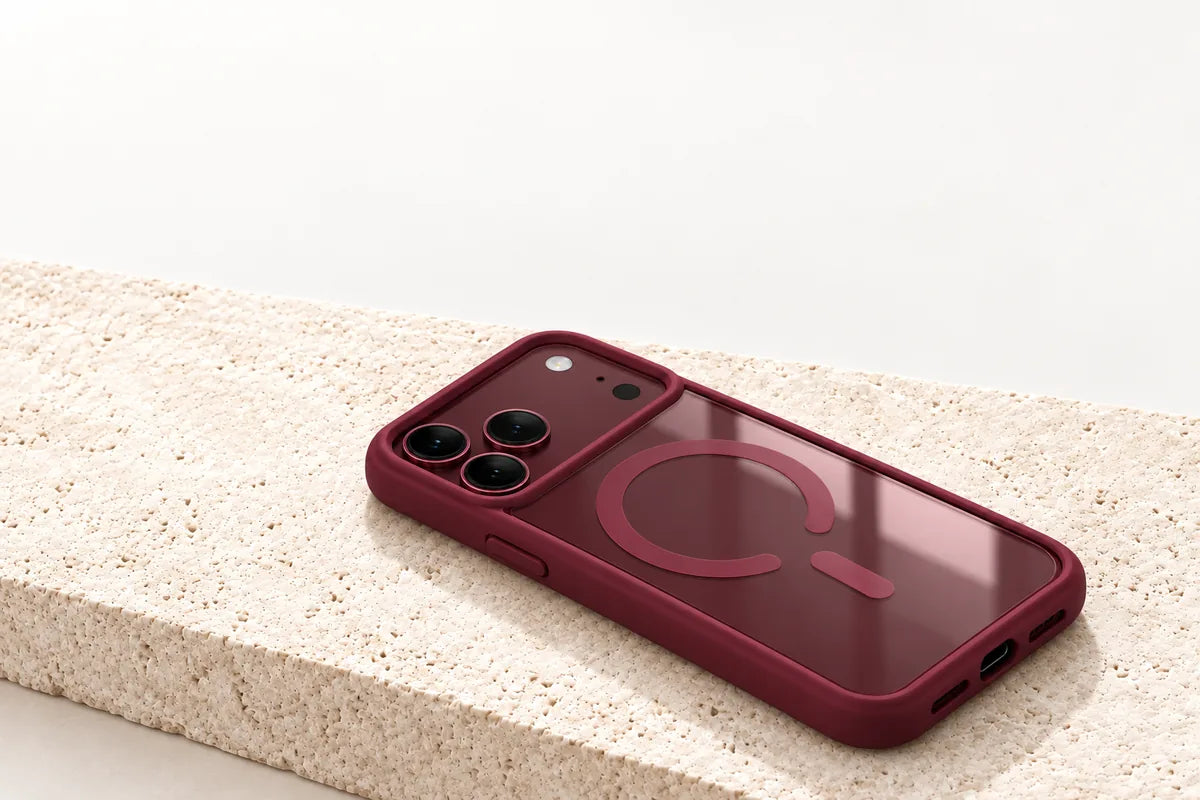
Your finish. In view.
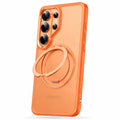
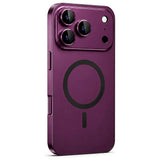
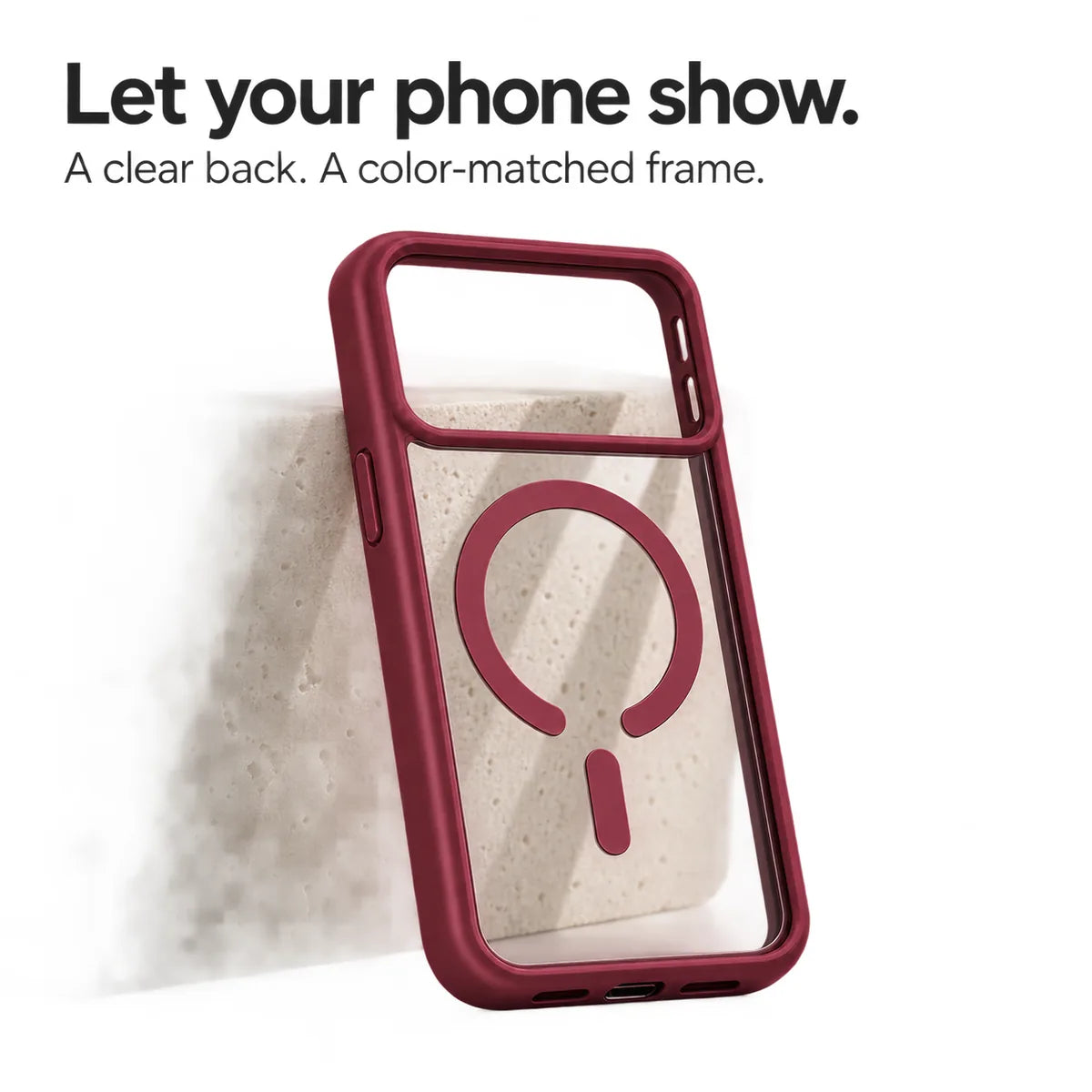
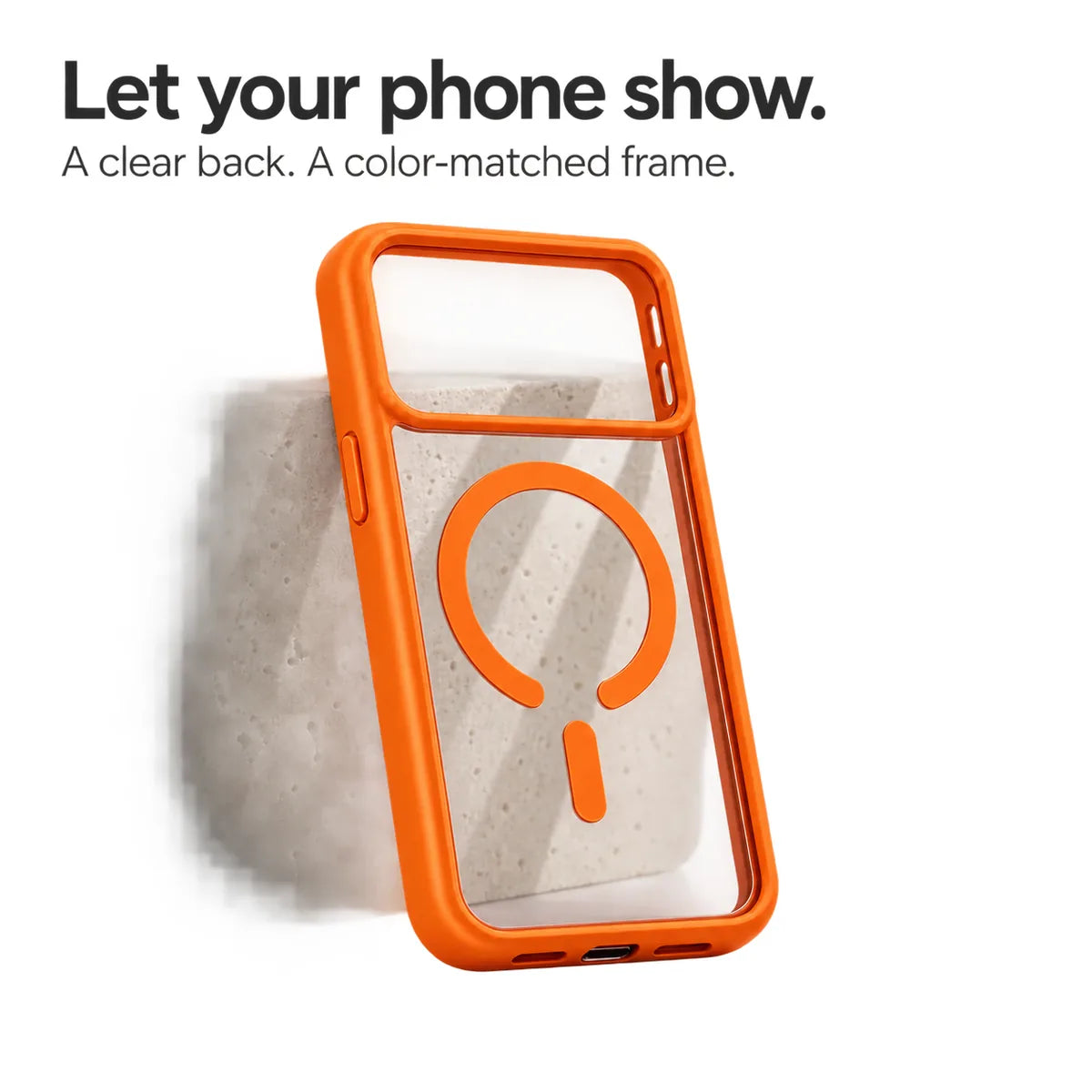
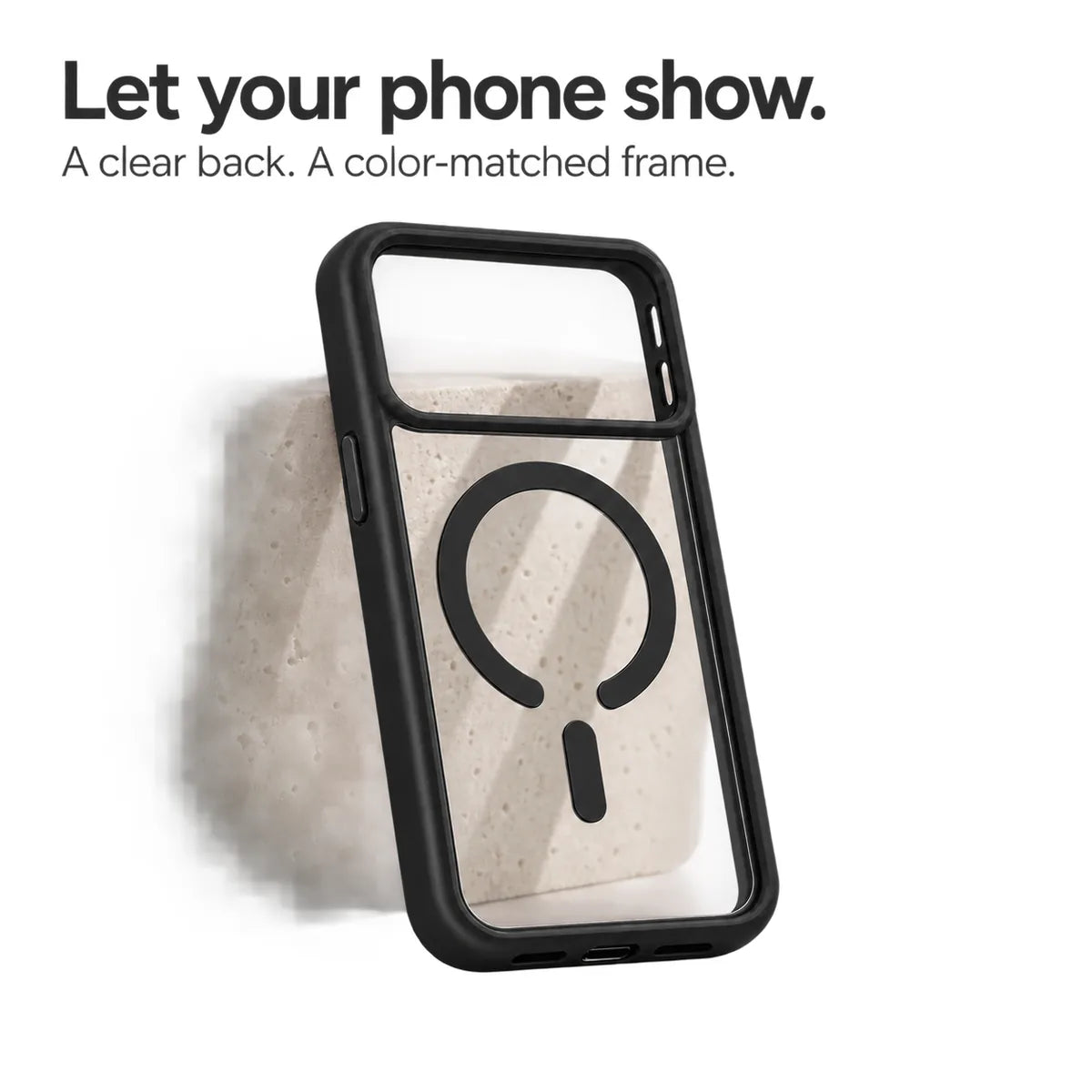
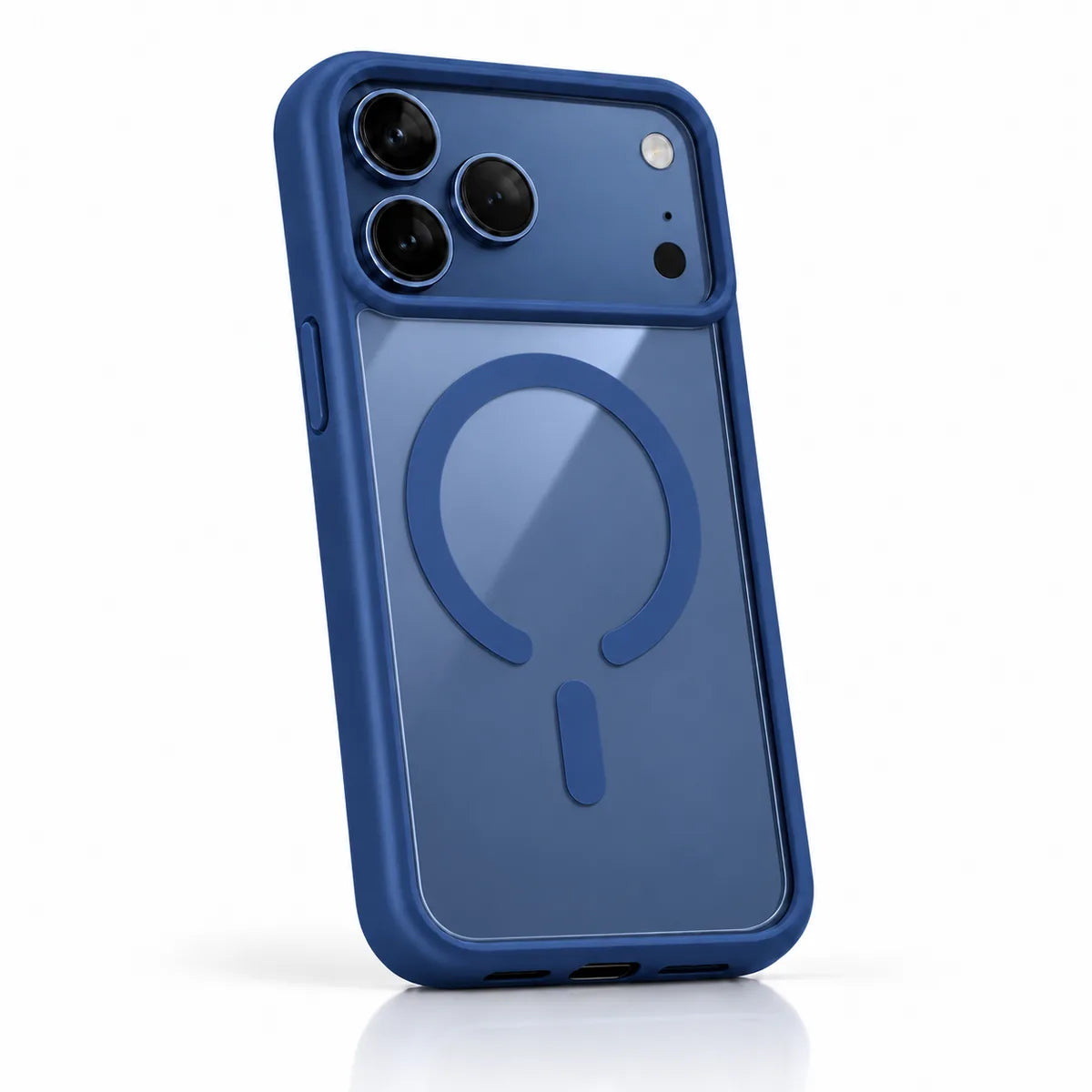
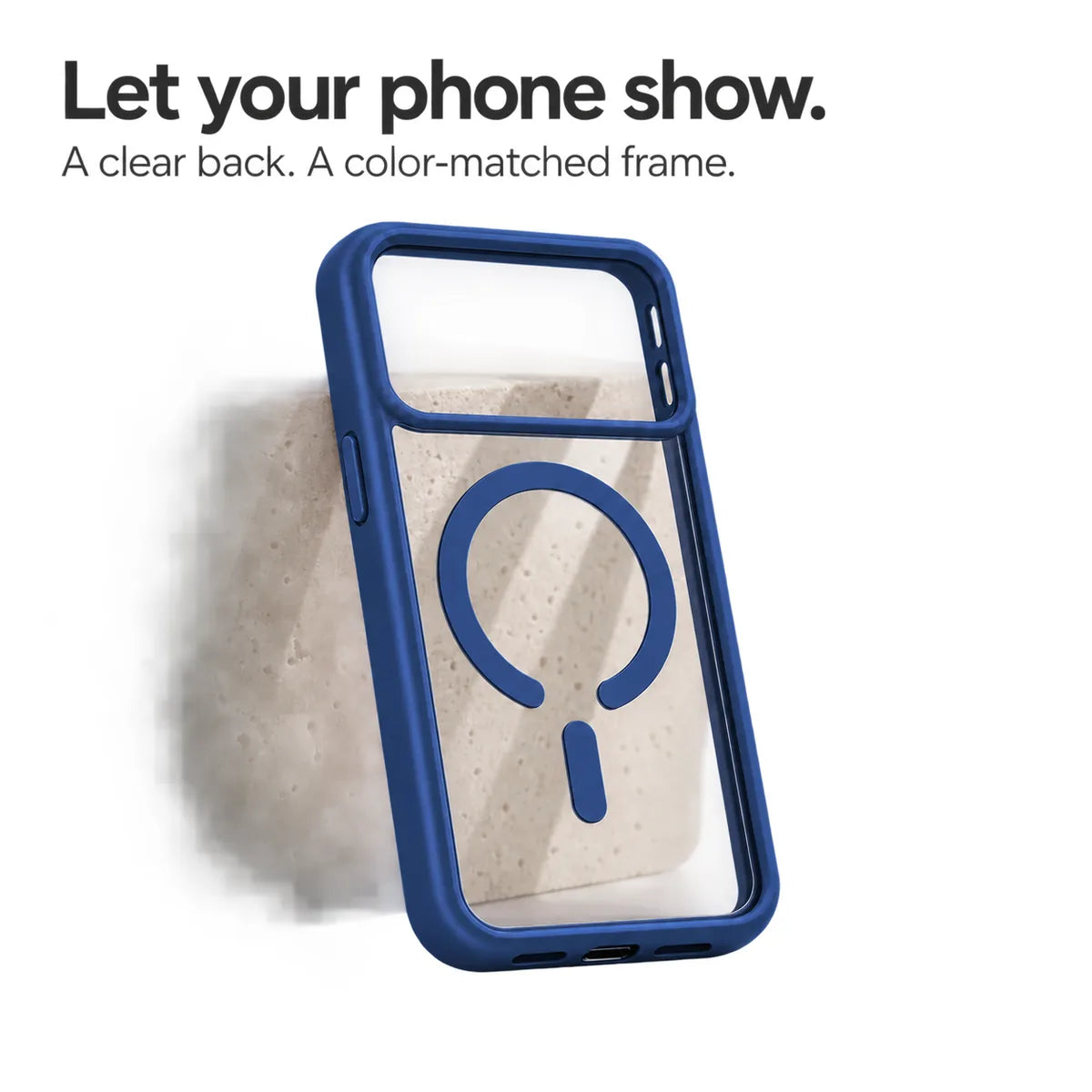
A clear back with a coordinated frame.
 Cases & Bands
Your cart is empty
Less clutter. More freedom. Start with the essentials for your devices.
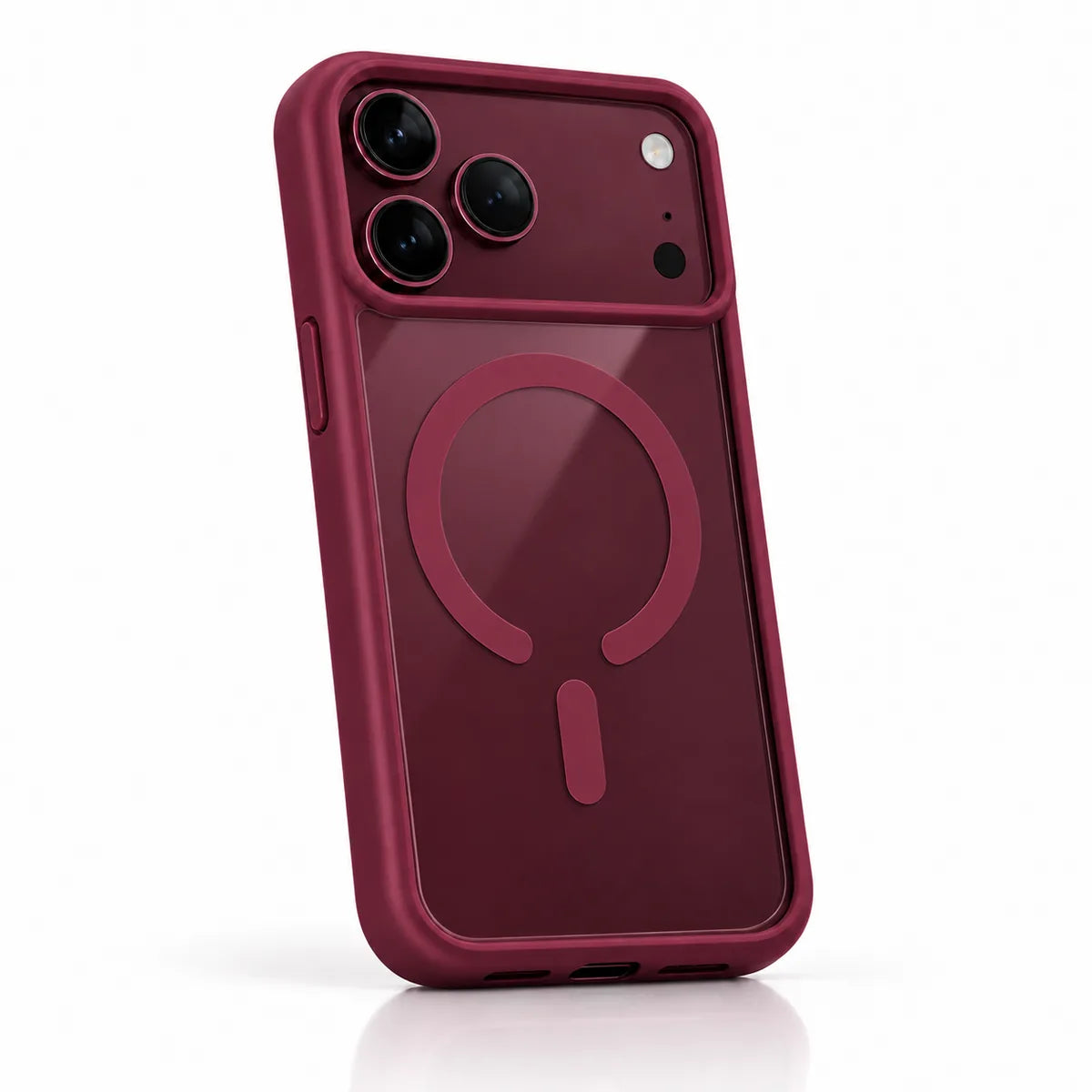
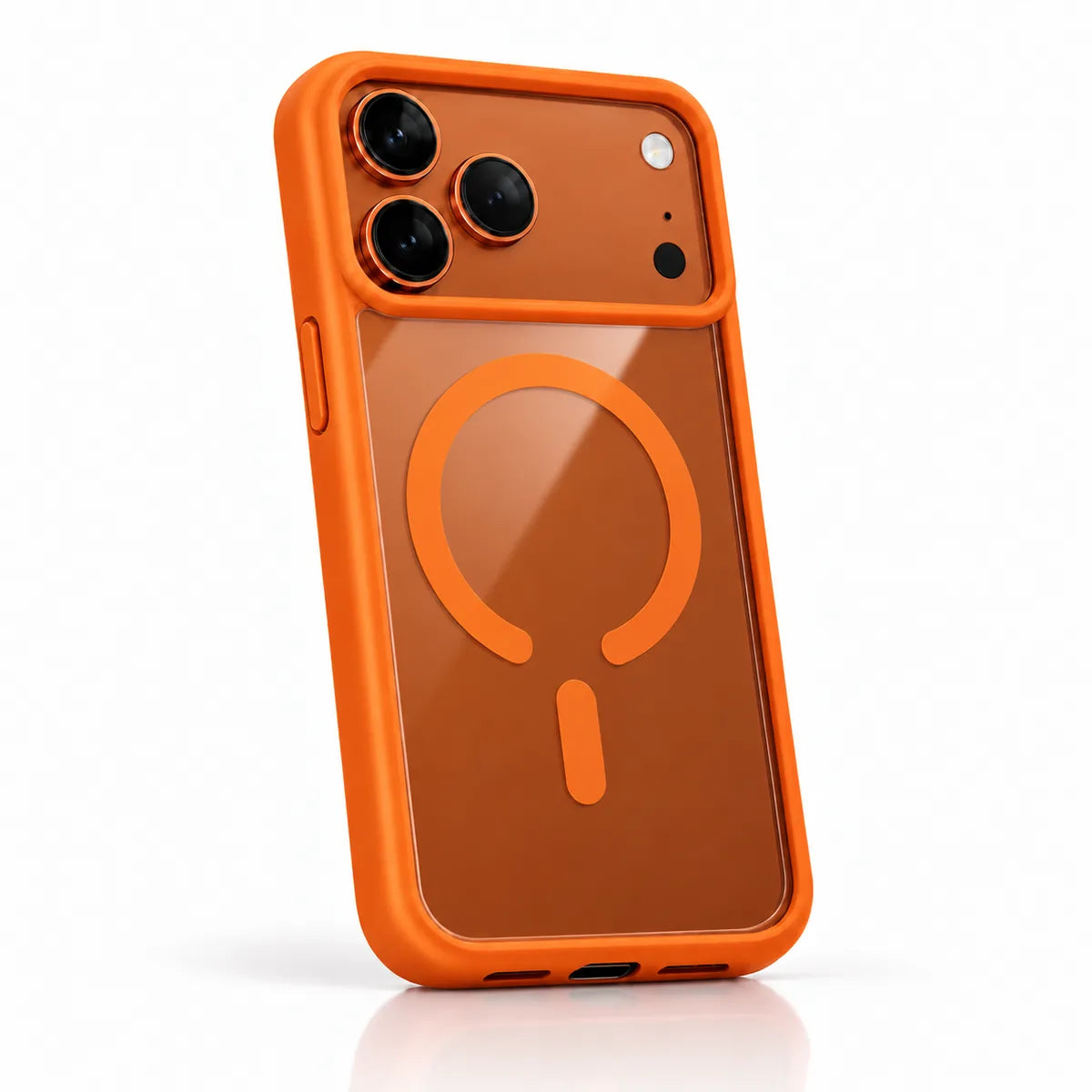
A clear back with a coordinated frame.
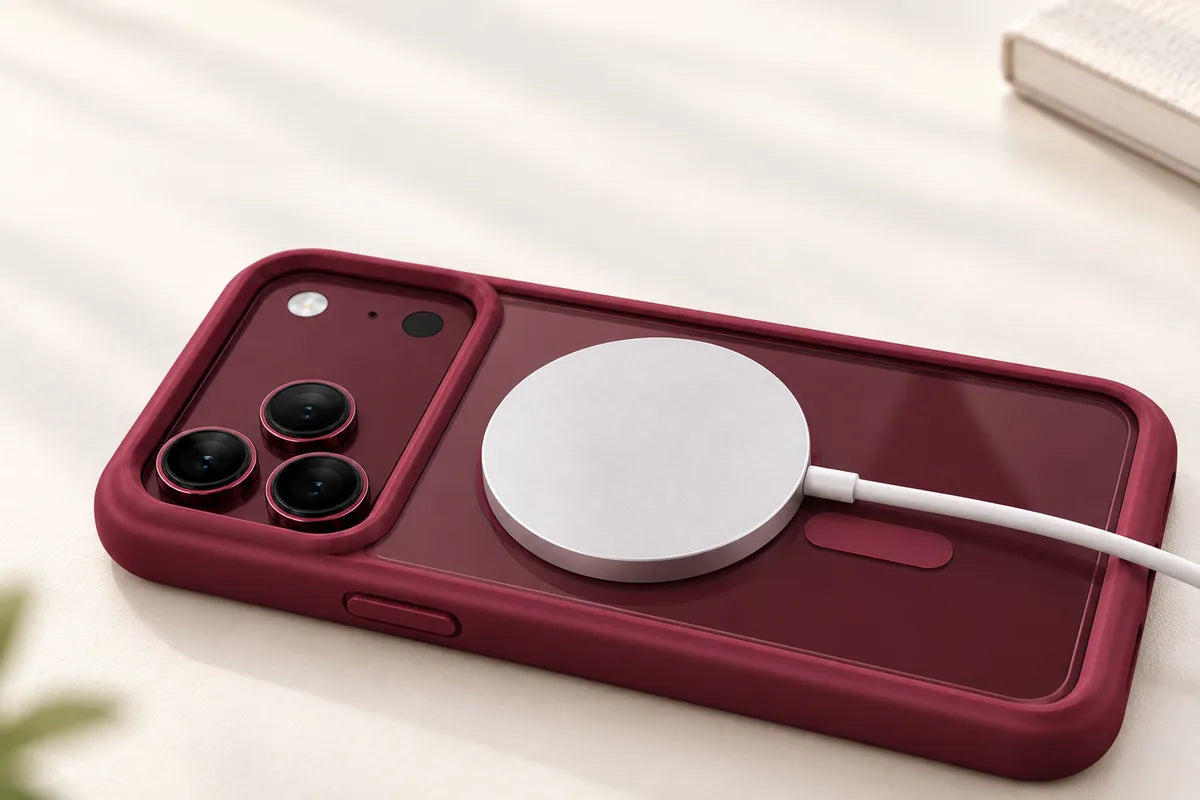
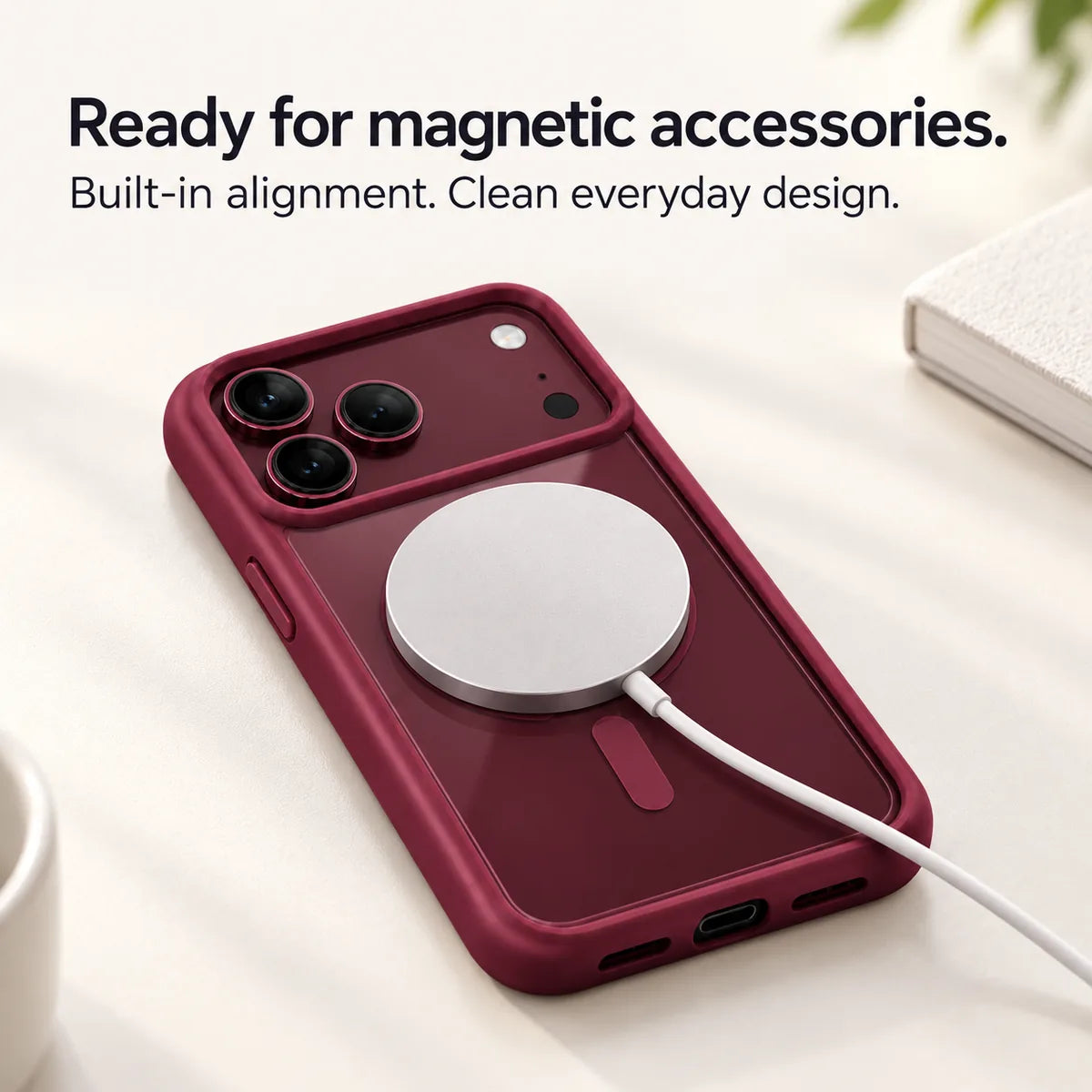
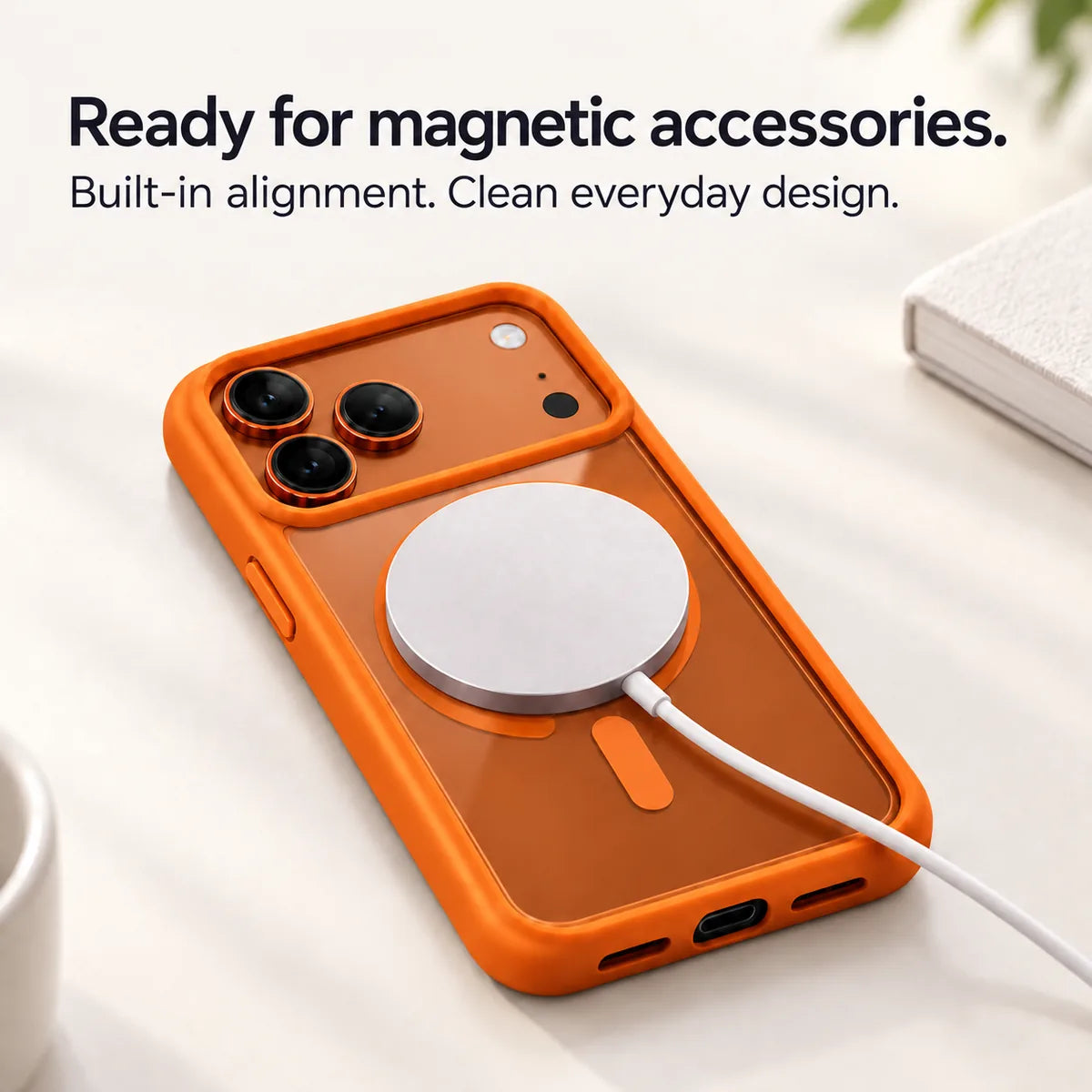
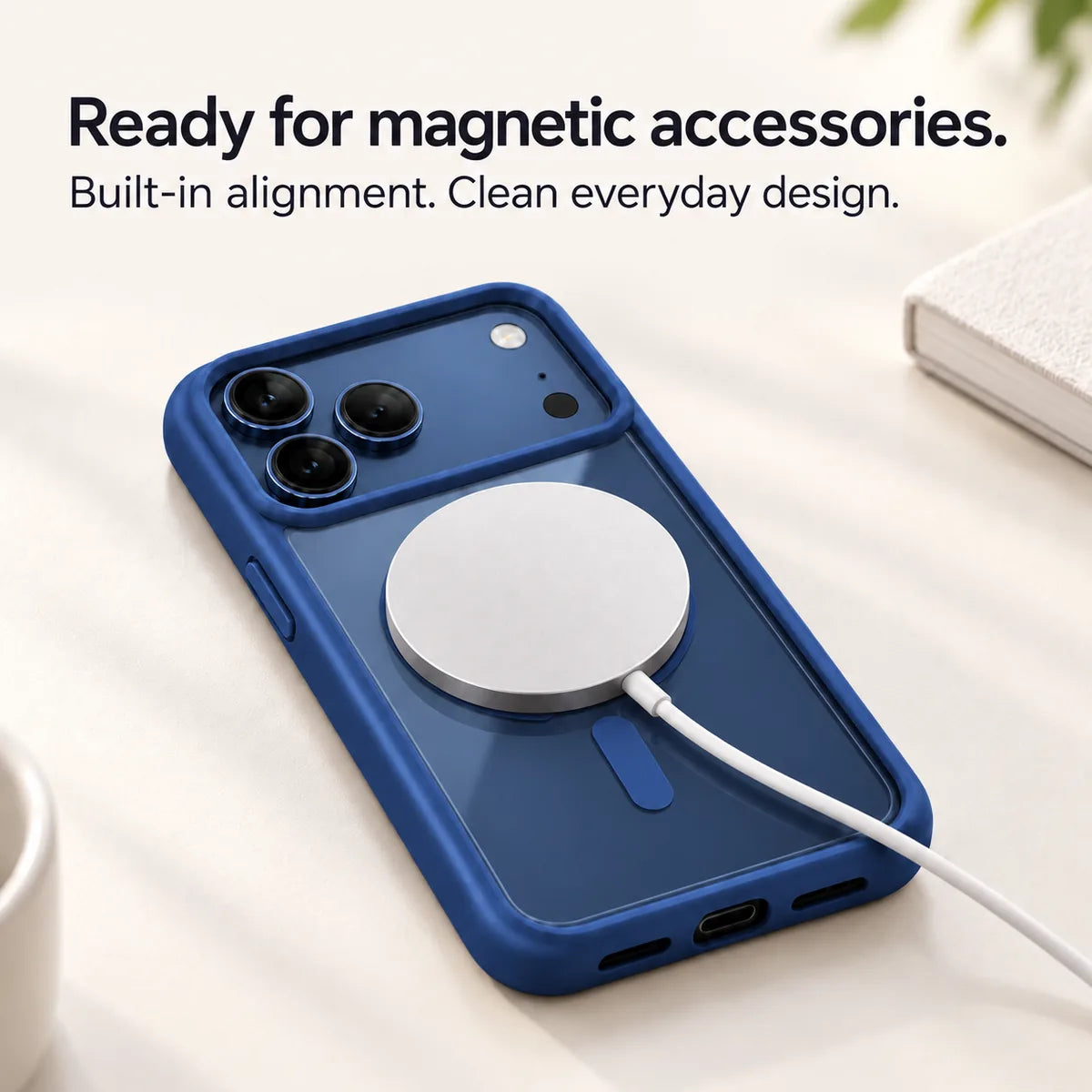
An integrated ring for everyday accessories.
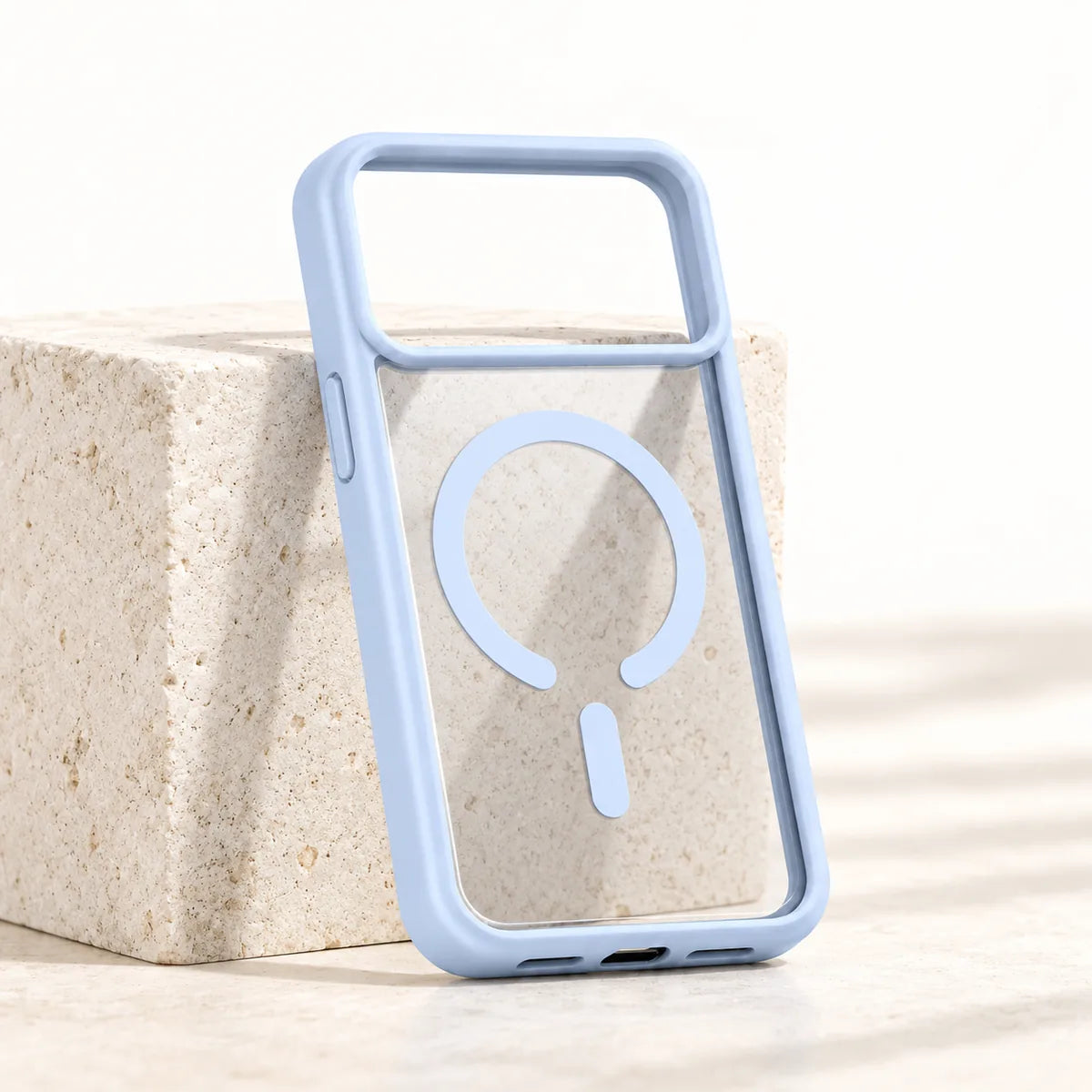
Let the finish underneath show through.
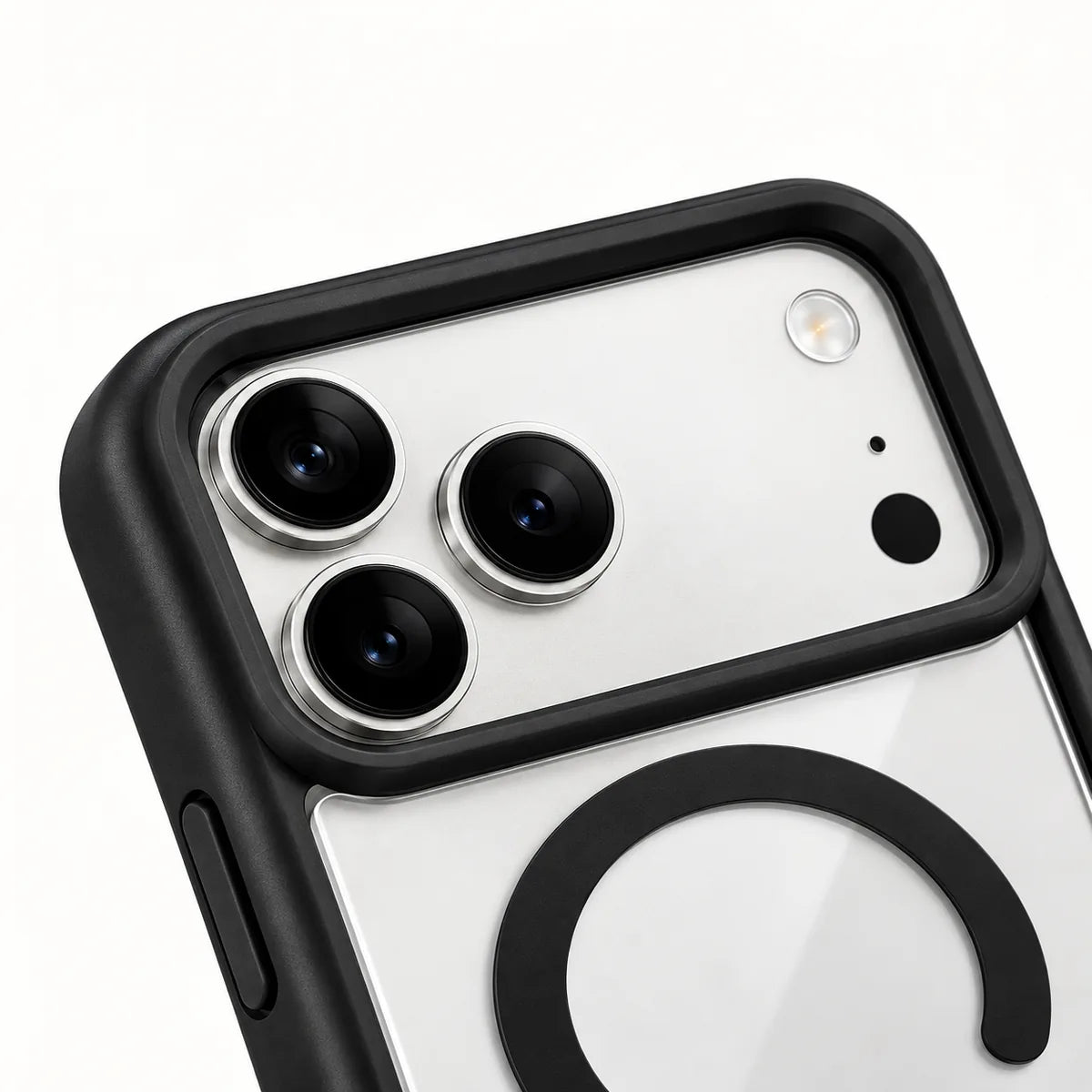
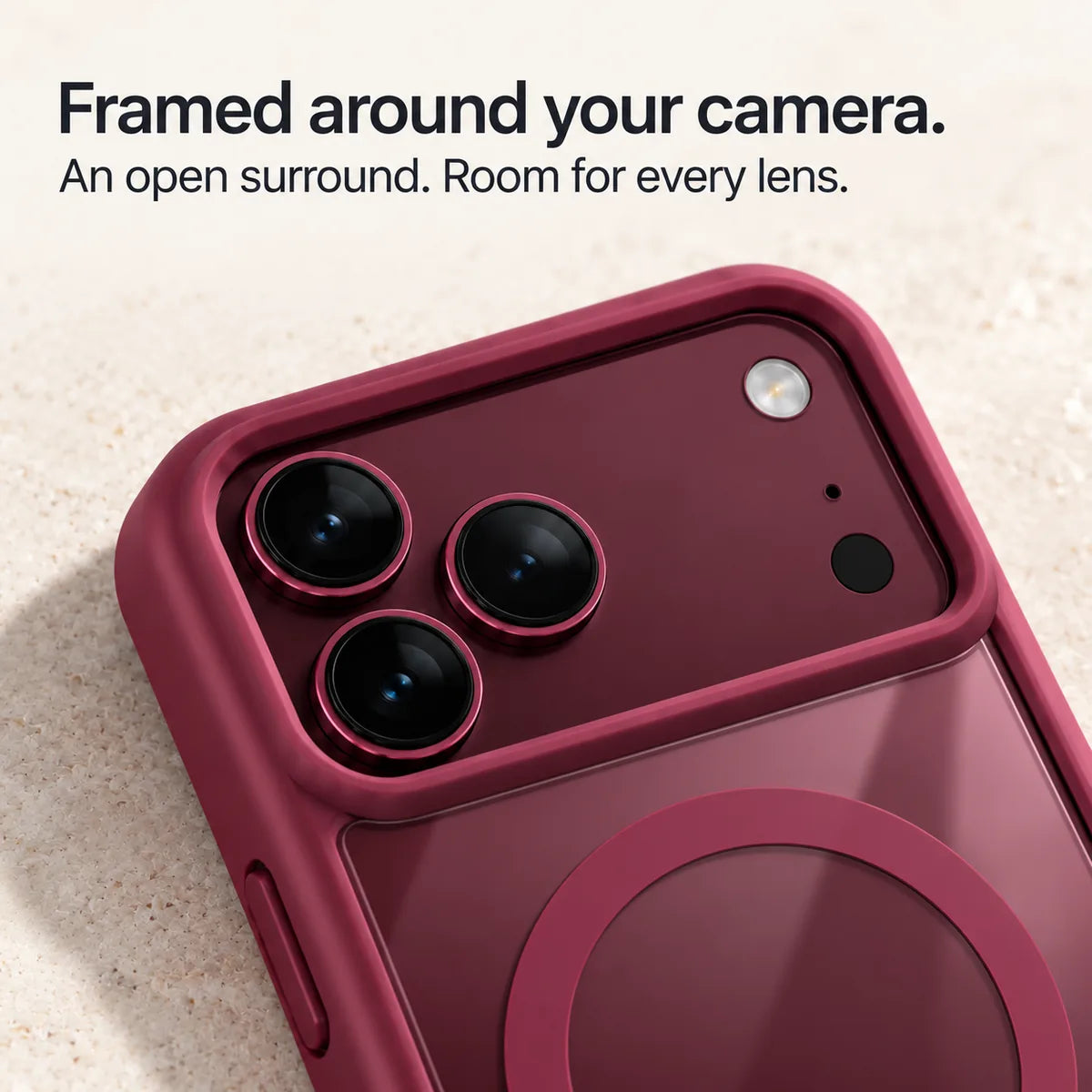
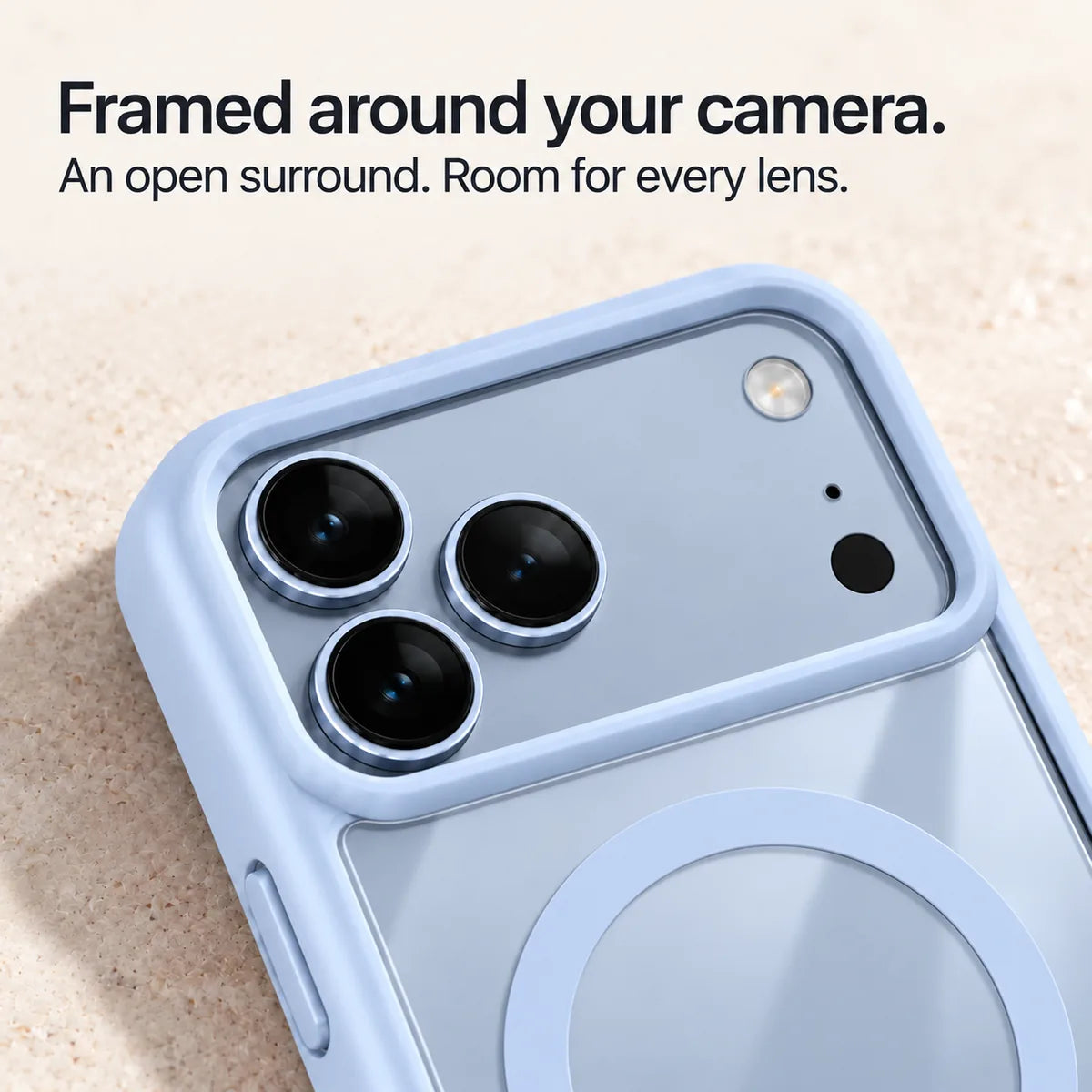
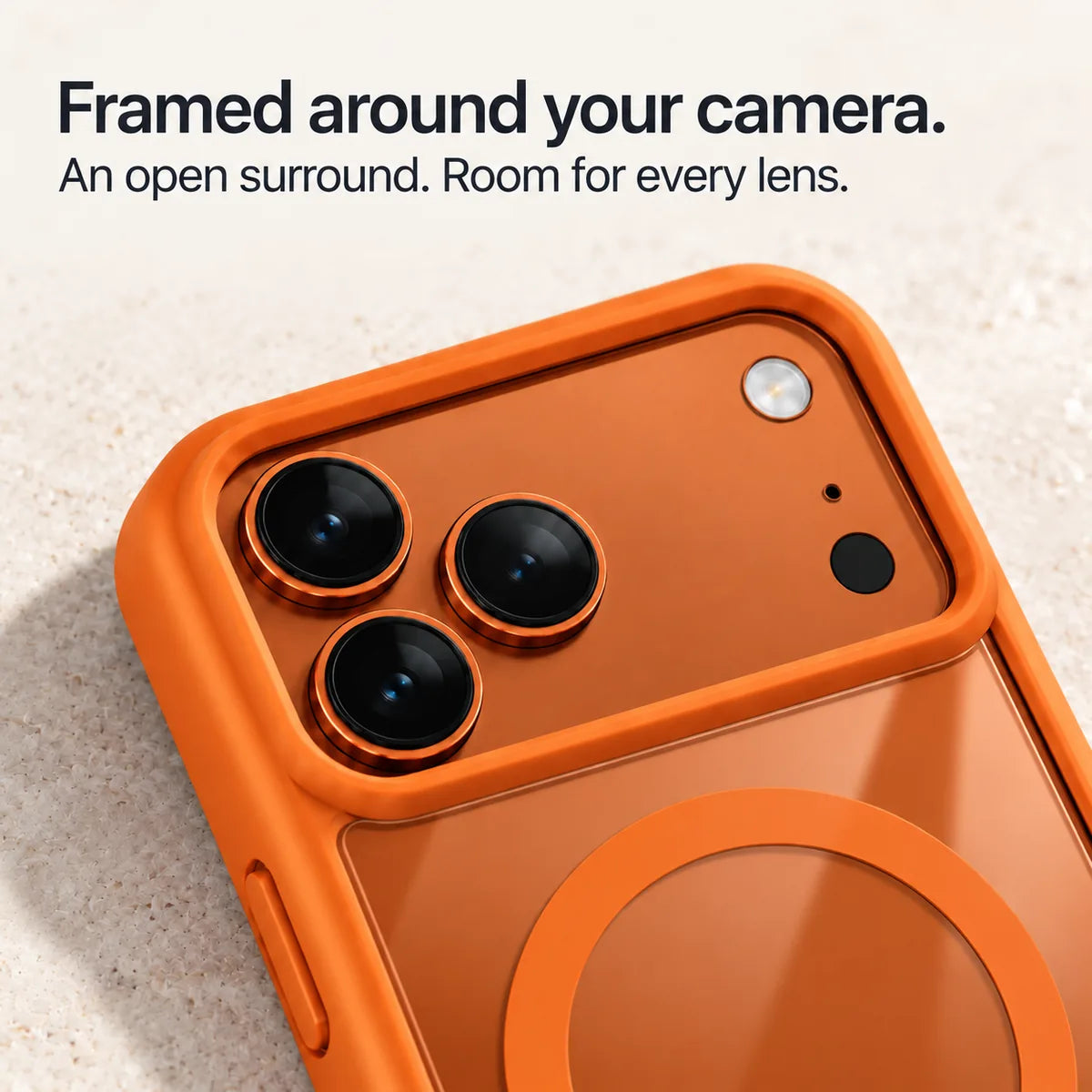
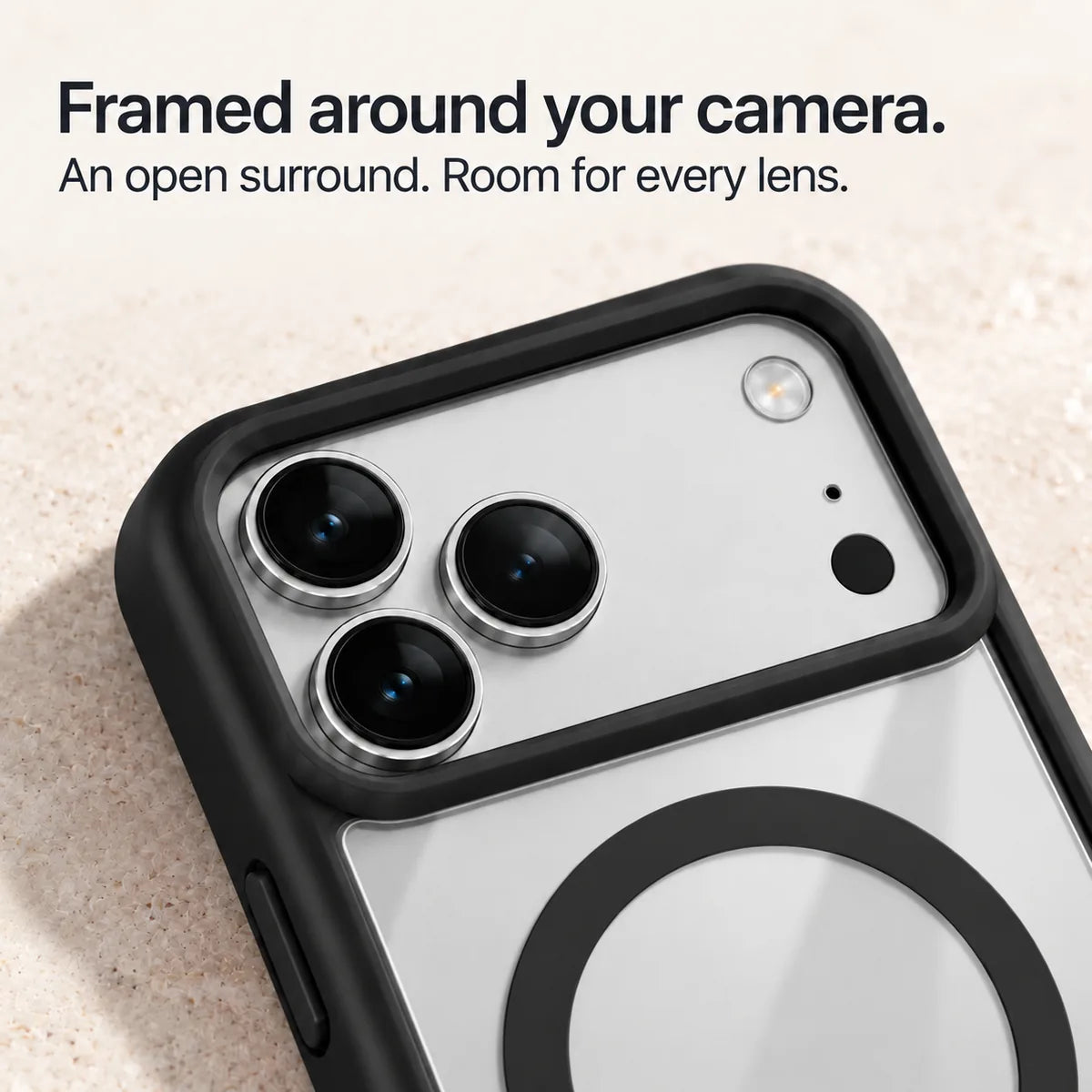
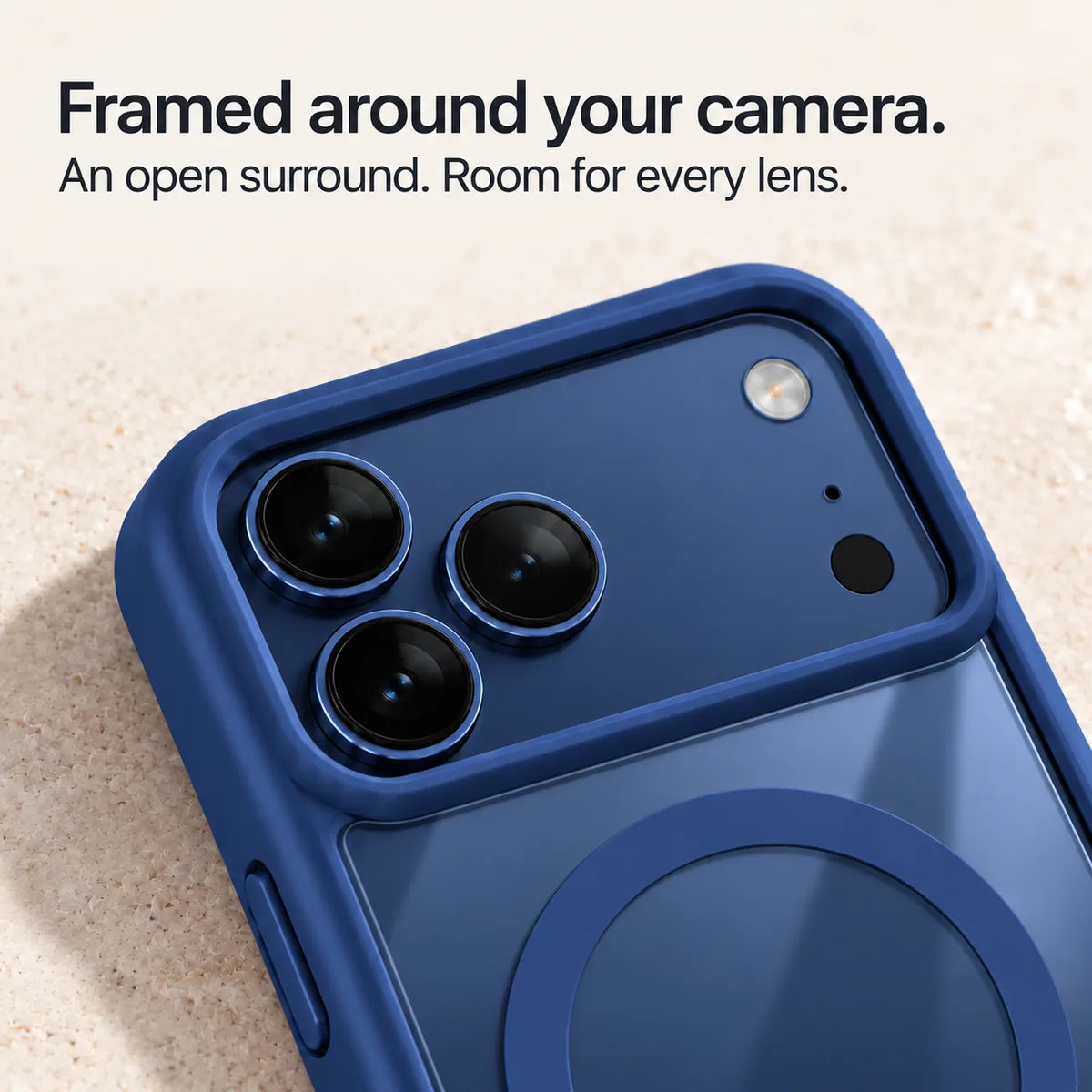
An open surround shaped for your model.
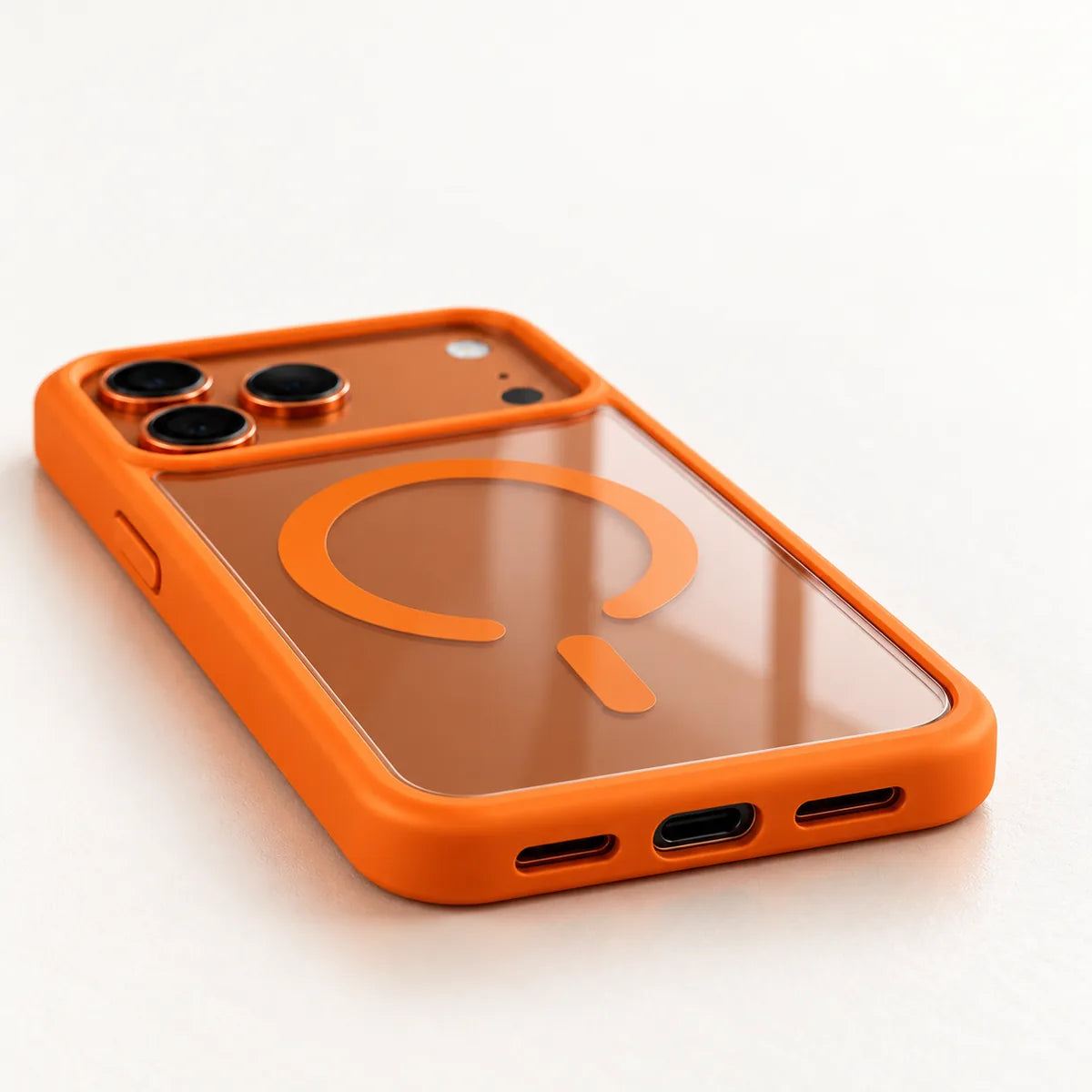
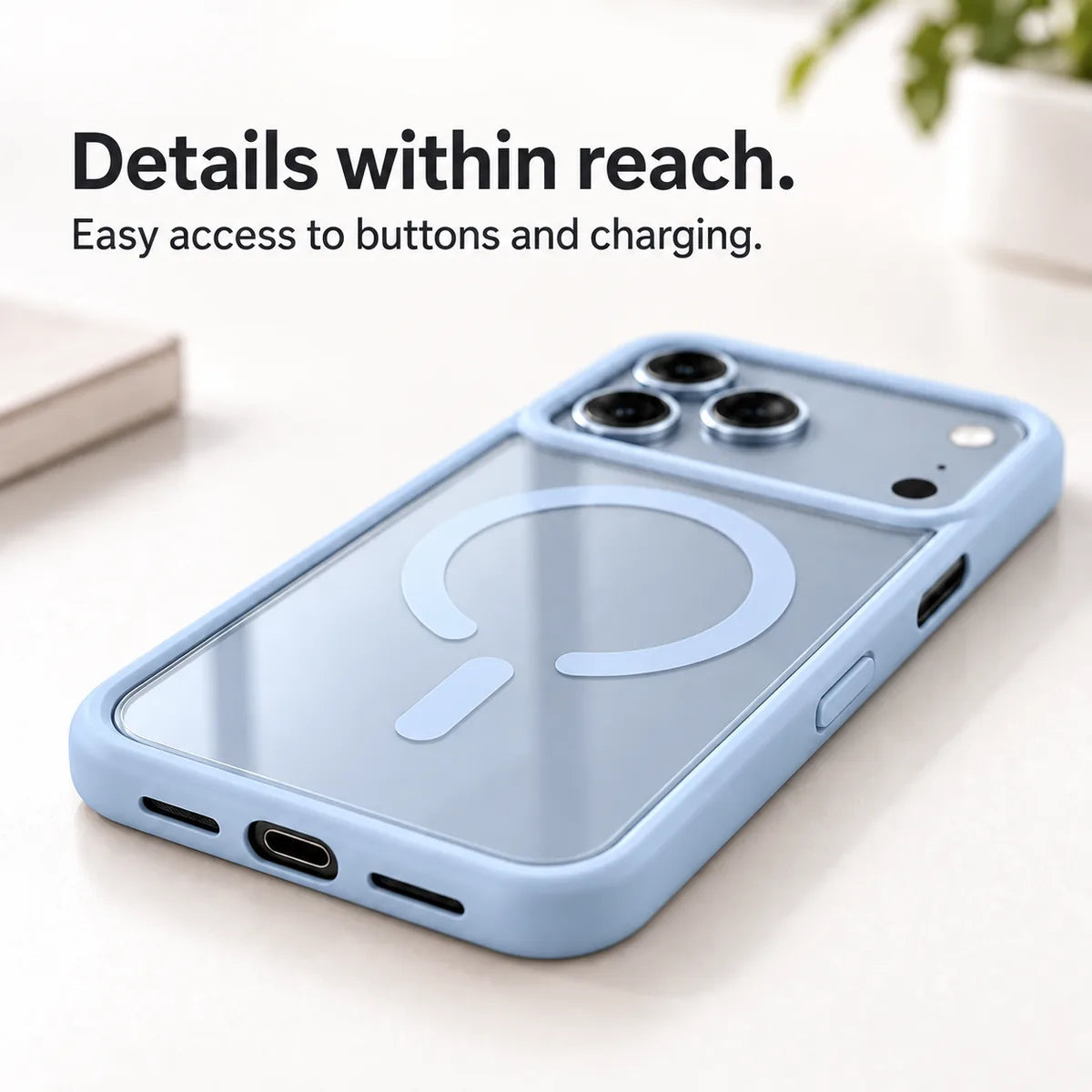
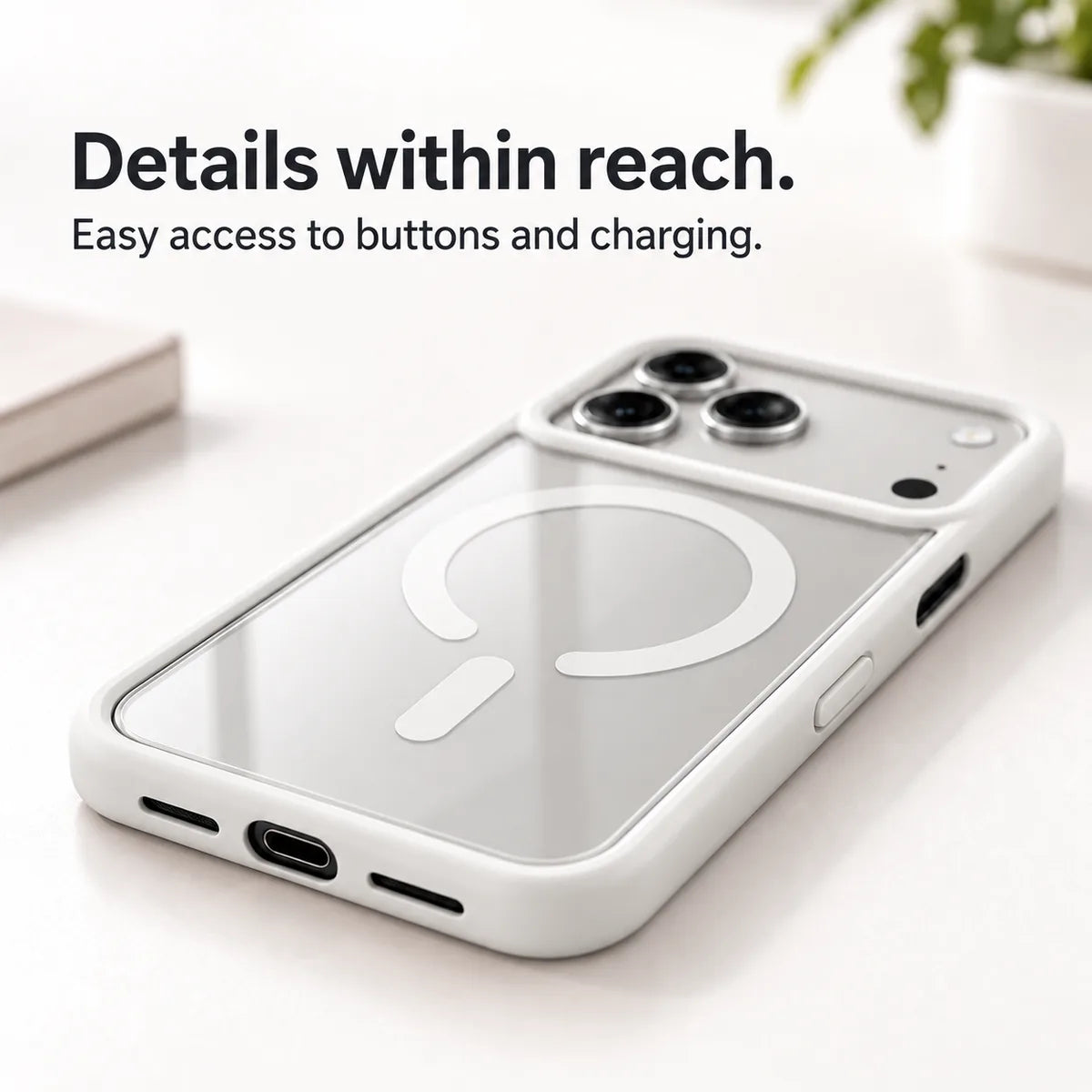
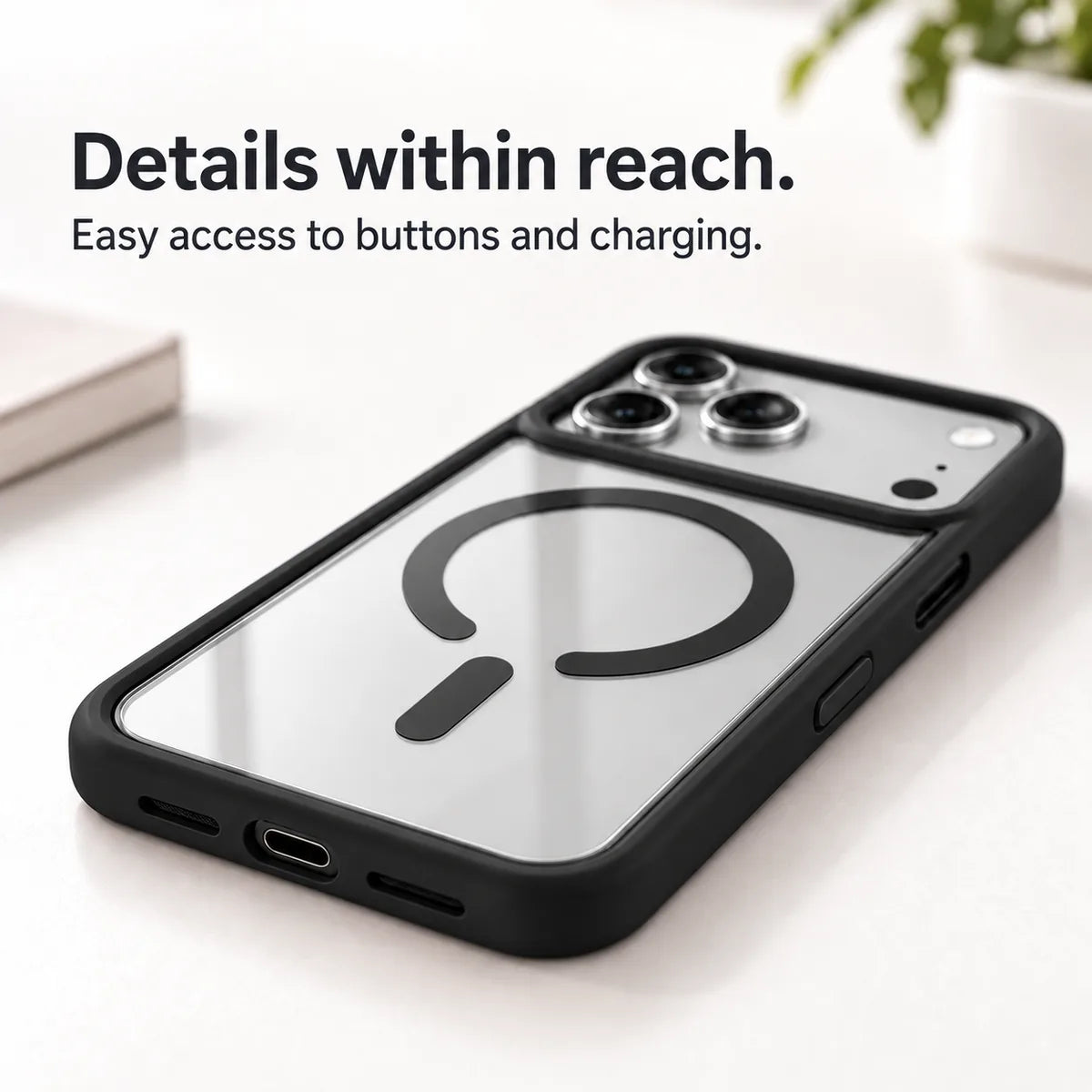
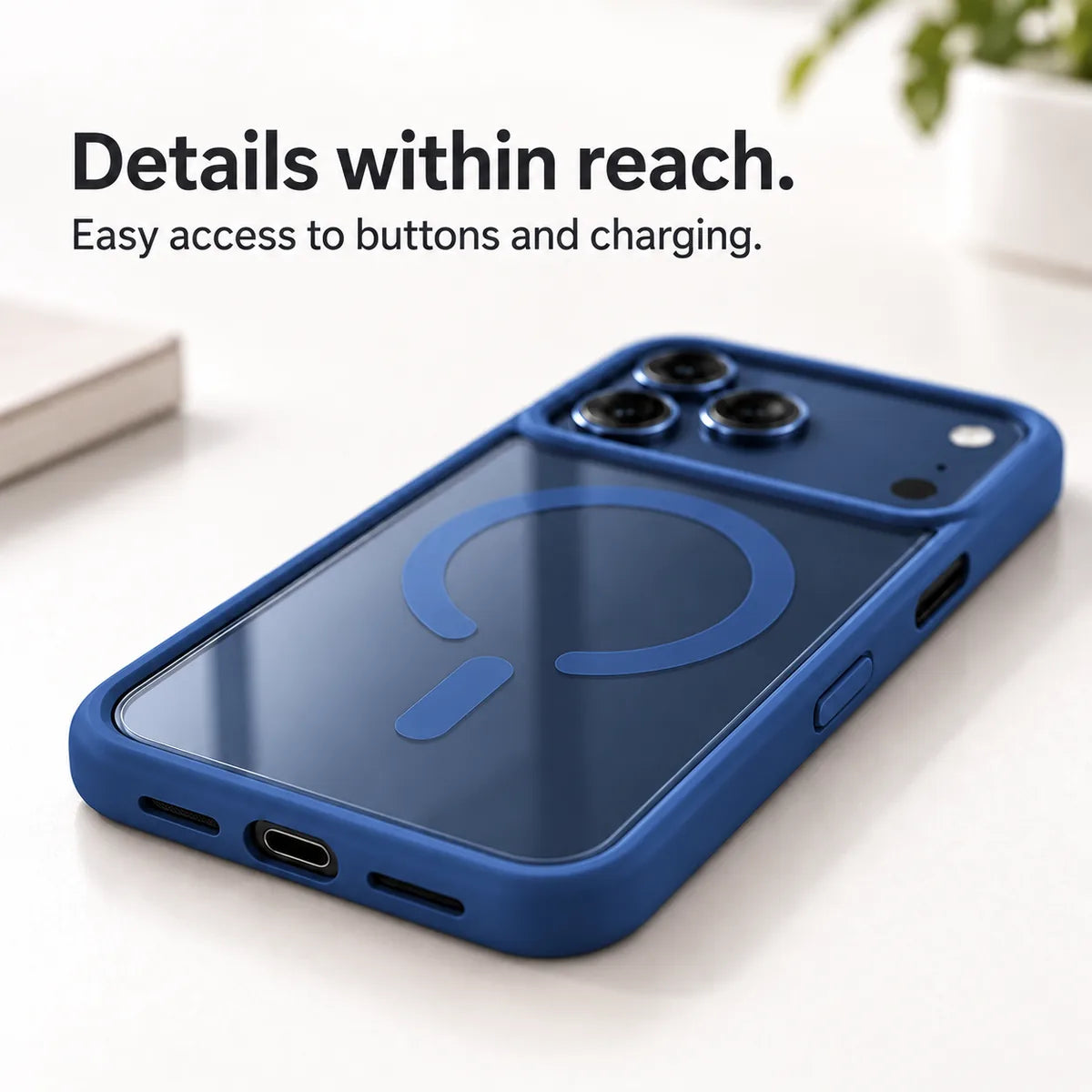
Keep buttons and the charging port accessible.
| Back design | Transparent back with a color-matched perimeter frame. |
|---|---|
| Magnetic ring | Integrated fixed magnetic ring and alignment strip. |
| Camera opening | Open camera surround; shape varies by the selected phone model. |
| Controls & ports | Model-specific button and charging-port access. |
| Factory model | AKL-5 |
Choose your exact iPhone model from the options below. Each version has its own fit, camera opening and control layout.
A magnetic ring does not add wireless charging to a phone that does not support it. Charging performance depends on the phone and accessory.
Check Settings → General → About. Tap Model Number to see the A-number. Match the exact model before ordering.
No matching option is listed for this product. Check your model before ordering.
Select the full model name before adding to cart. Camera openings and buttons vary by model.
Match the full phone or tablet model to the version you ordered before fitting the case.
Inspect the included instructions for any clasp, separate frame or fastener. Do not assume every case clips on the same way.
Clean the device and case, then follow the supplied fitting steps. Stop if openings or parts do not line up.
Check the buttons, camera clearance and ports. Test charging separately with the accessories you normally use.
Use the instructions supplied with your product for its exact assembly and controls.
1 × MagCase Outline in your selected model and color.
Phone, charger, stand and screen protector are not included.
Yes. The clear back lets your phone’s finish show through. Its appearance depends on your phone and chosen case color.
The integrated magnetic ring aligns with magnetic charging accessories. Use accessories designed for your phone; the case does not add wireless charging to a phone that does not support it.
Camera openings and controls vary by model. Product photos show representative versions; select your exact model for the correct fit.
No. The package contains one back case. A screen protector, stand, phone and charger are not included.
Open Settings → General → About on your iPhone and check Model Name. Match that exact model to the selector before ordering.
Remove the case and wipe it gently with a soft, slightly damp cloth. Let it dry completely before putting it back on your phone.