
















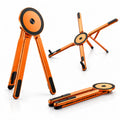


Find your working angle
Set up a comfortable position for everyday tablet use.
 Cases & Bands
Your cart is empty
Less clutter. More freedom. Start with the essentials for your devices.
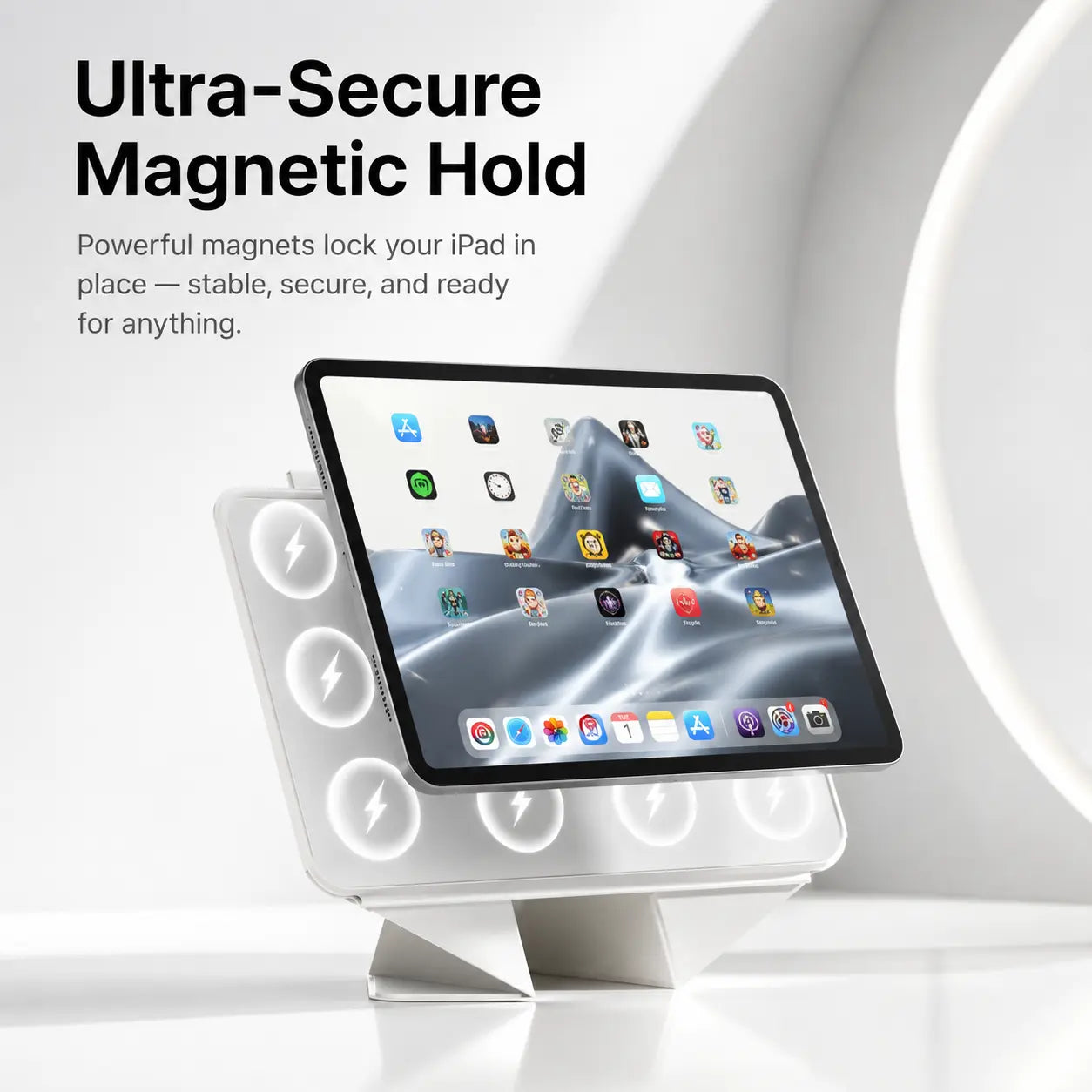

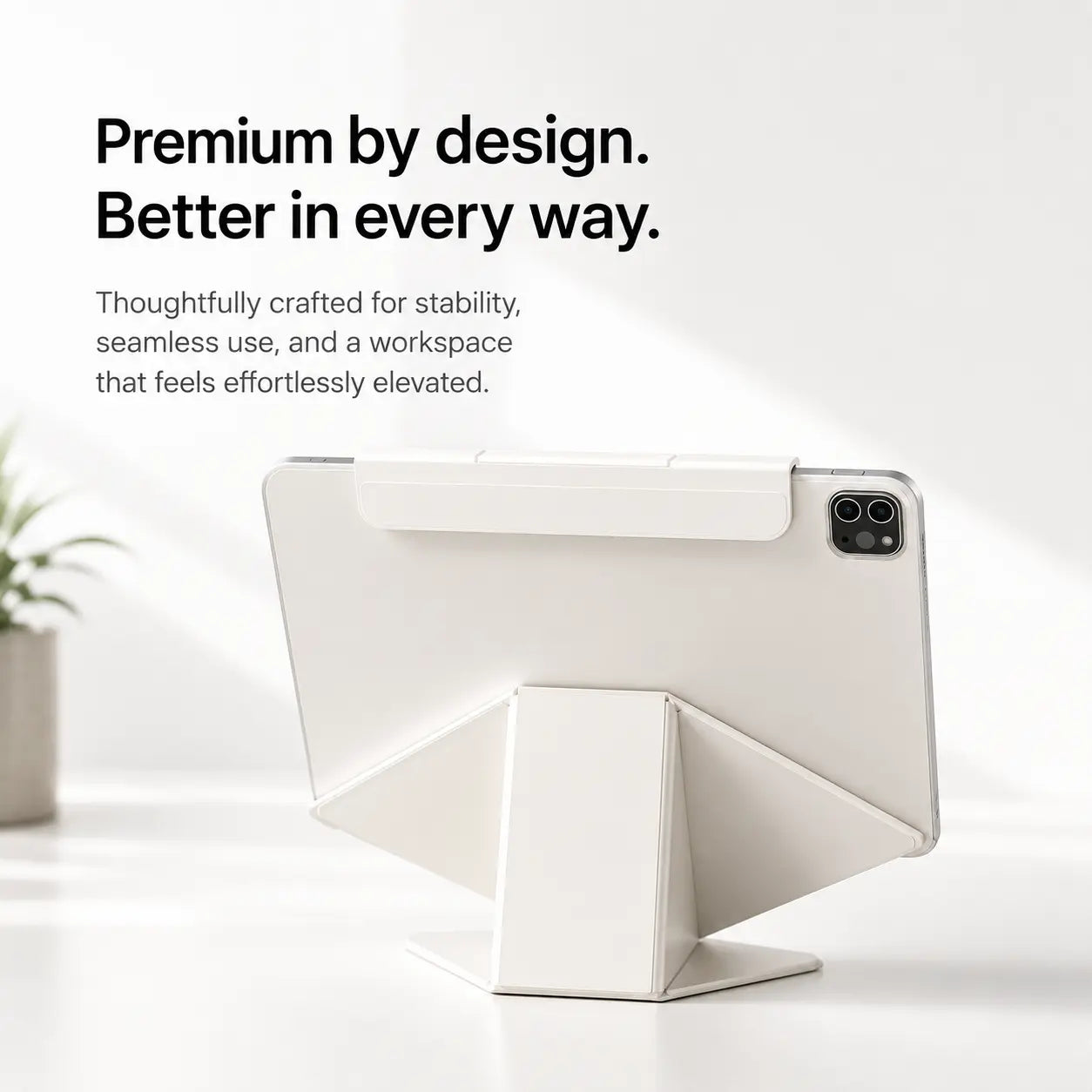
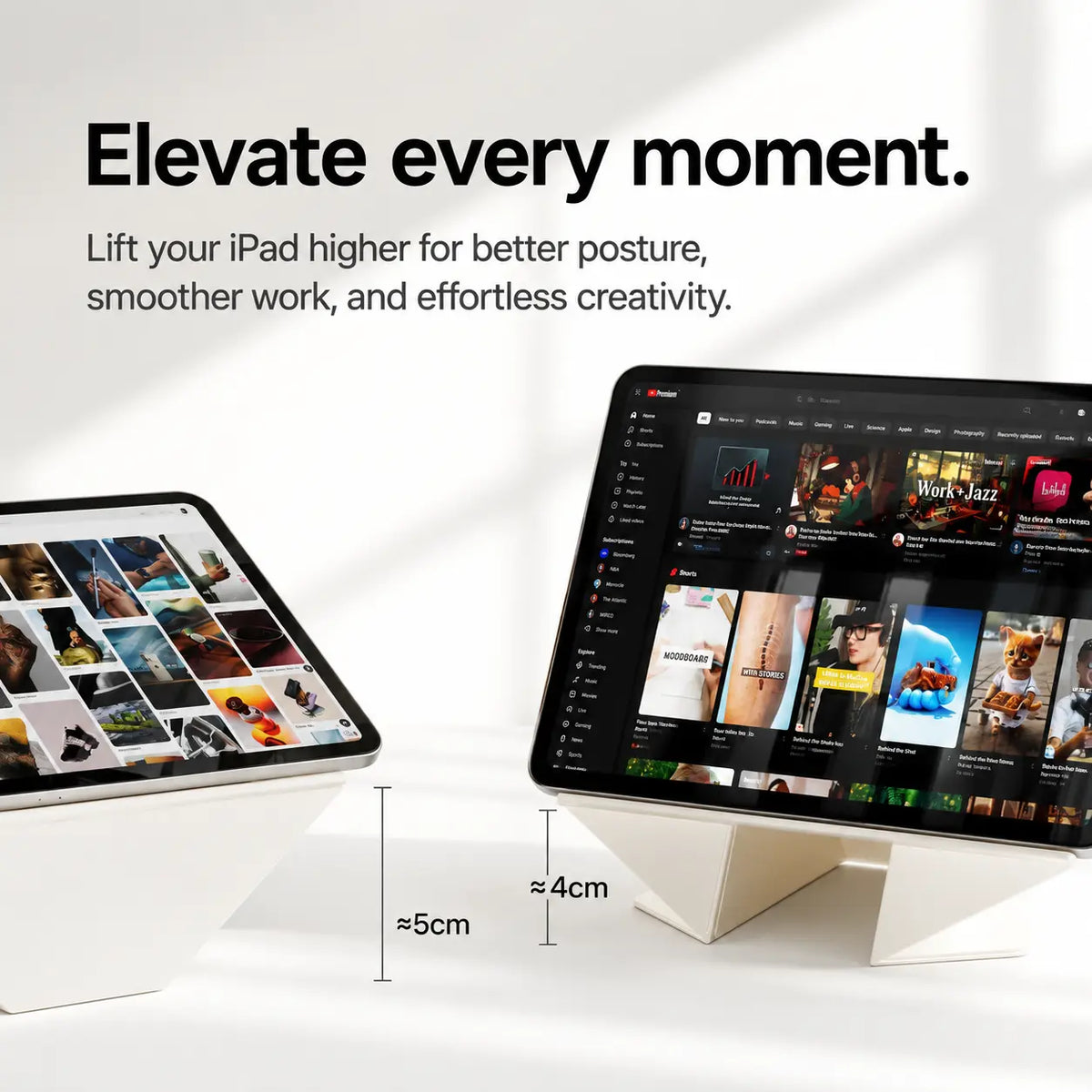
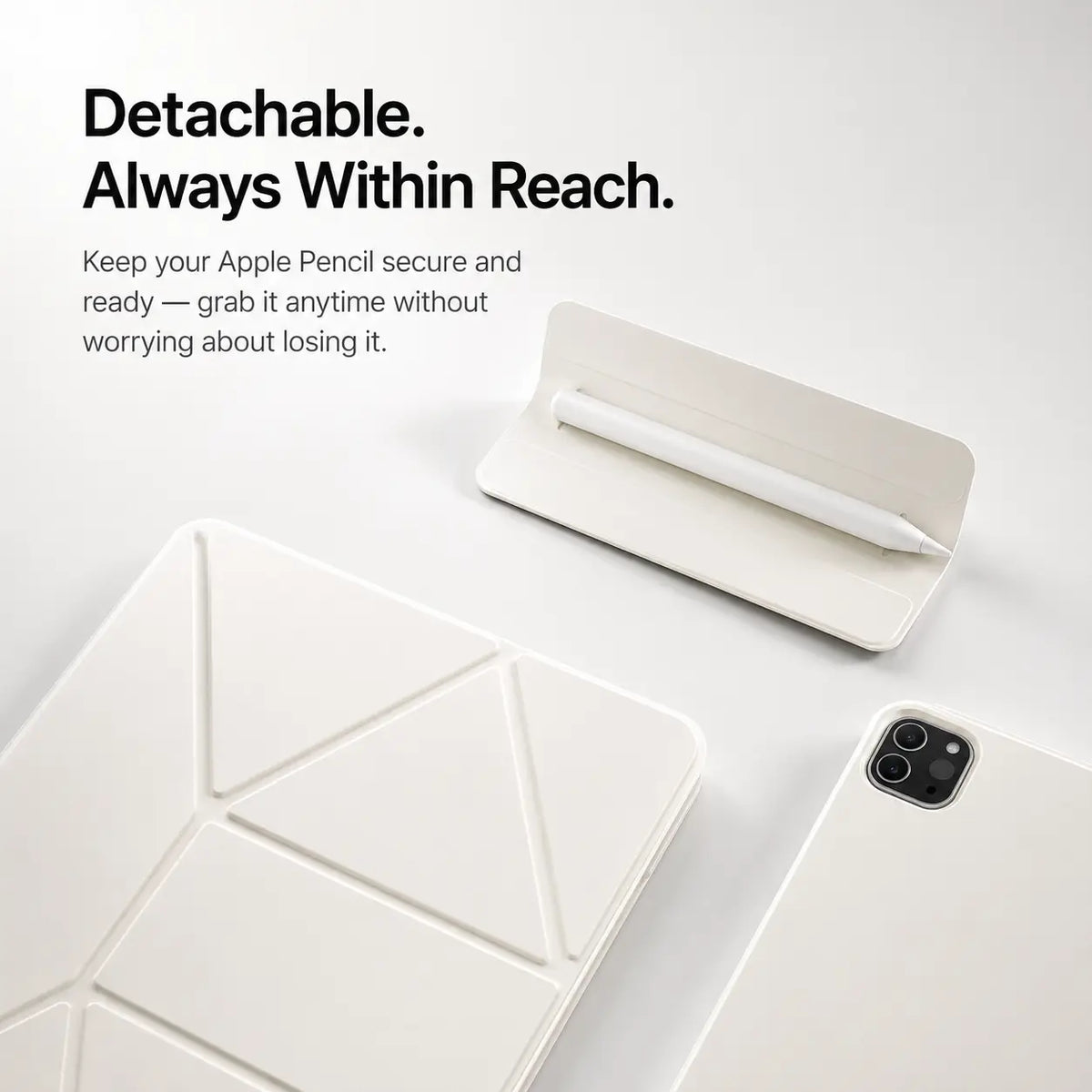

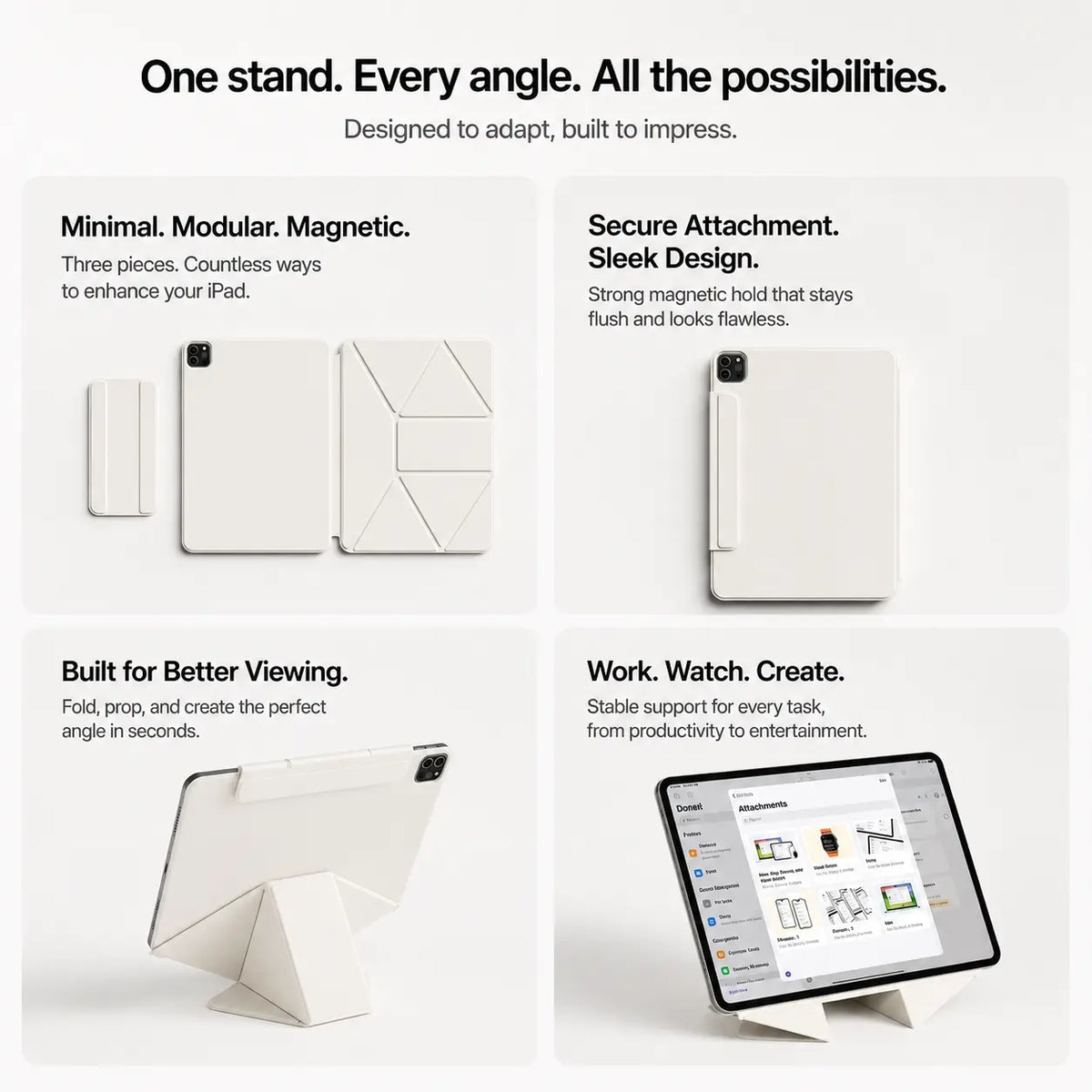
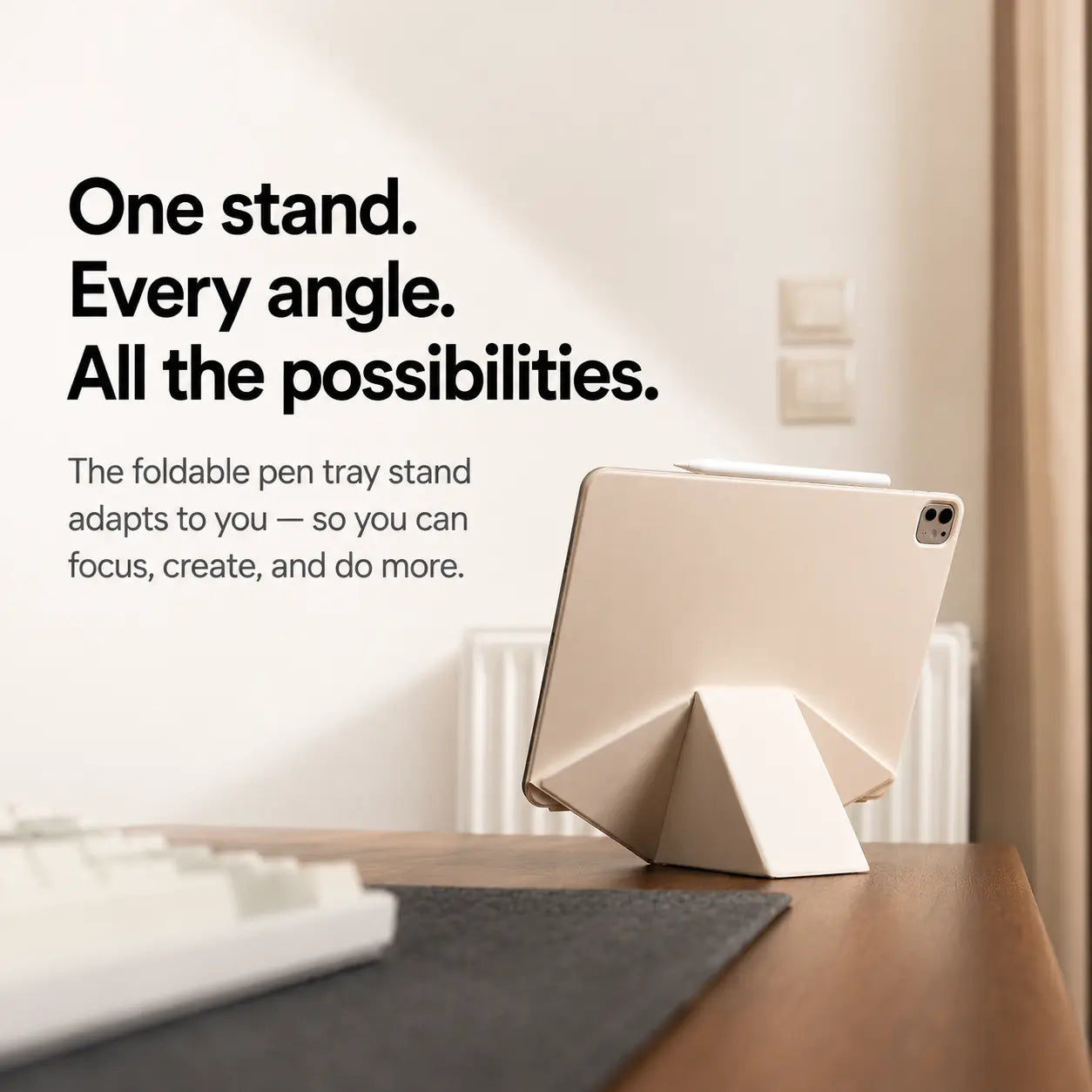
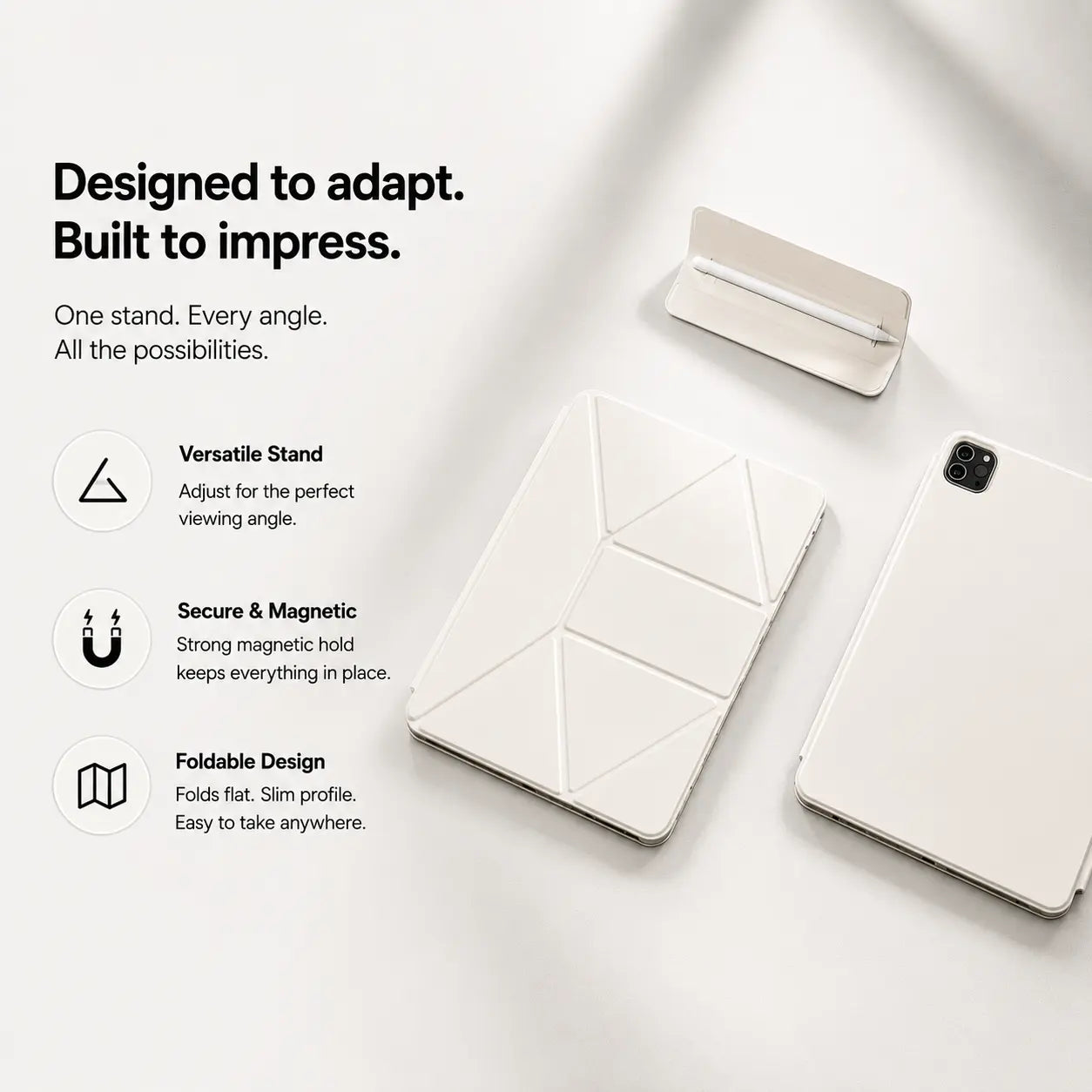

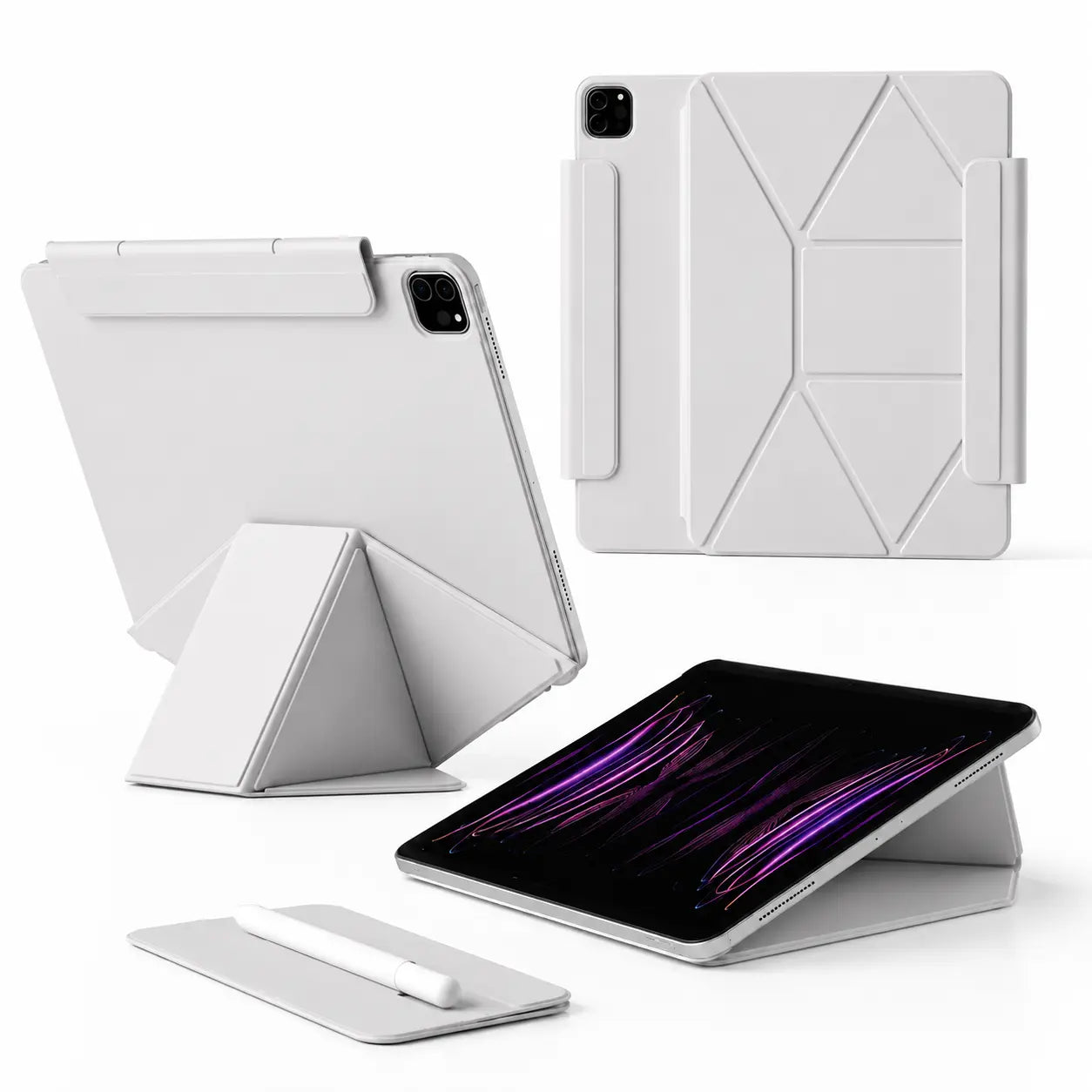
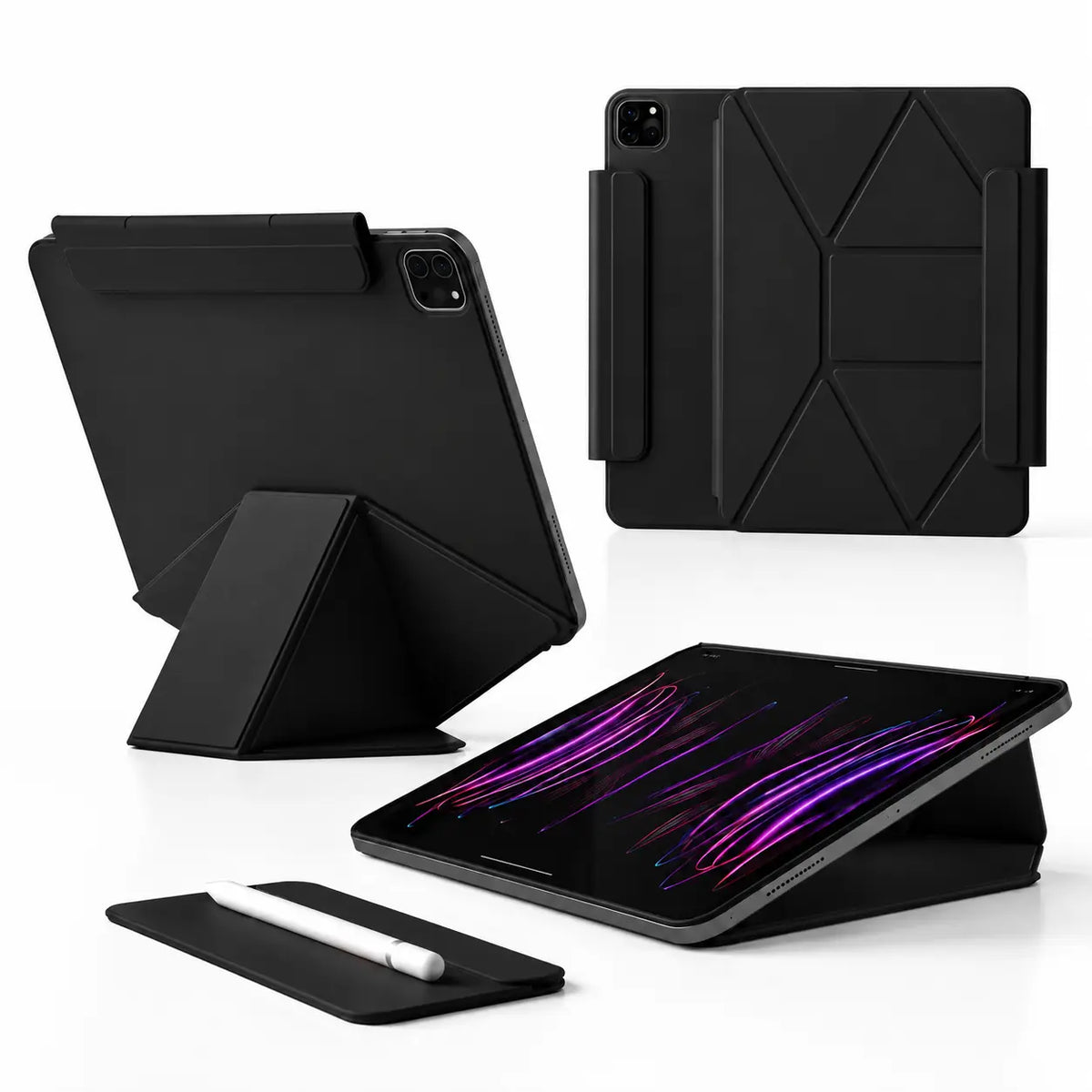
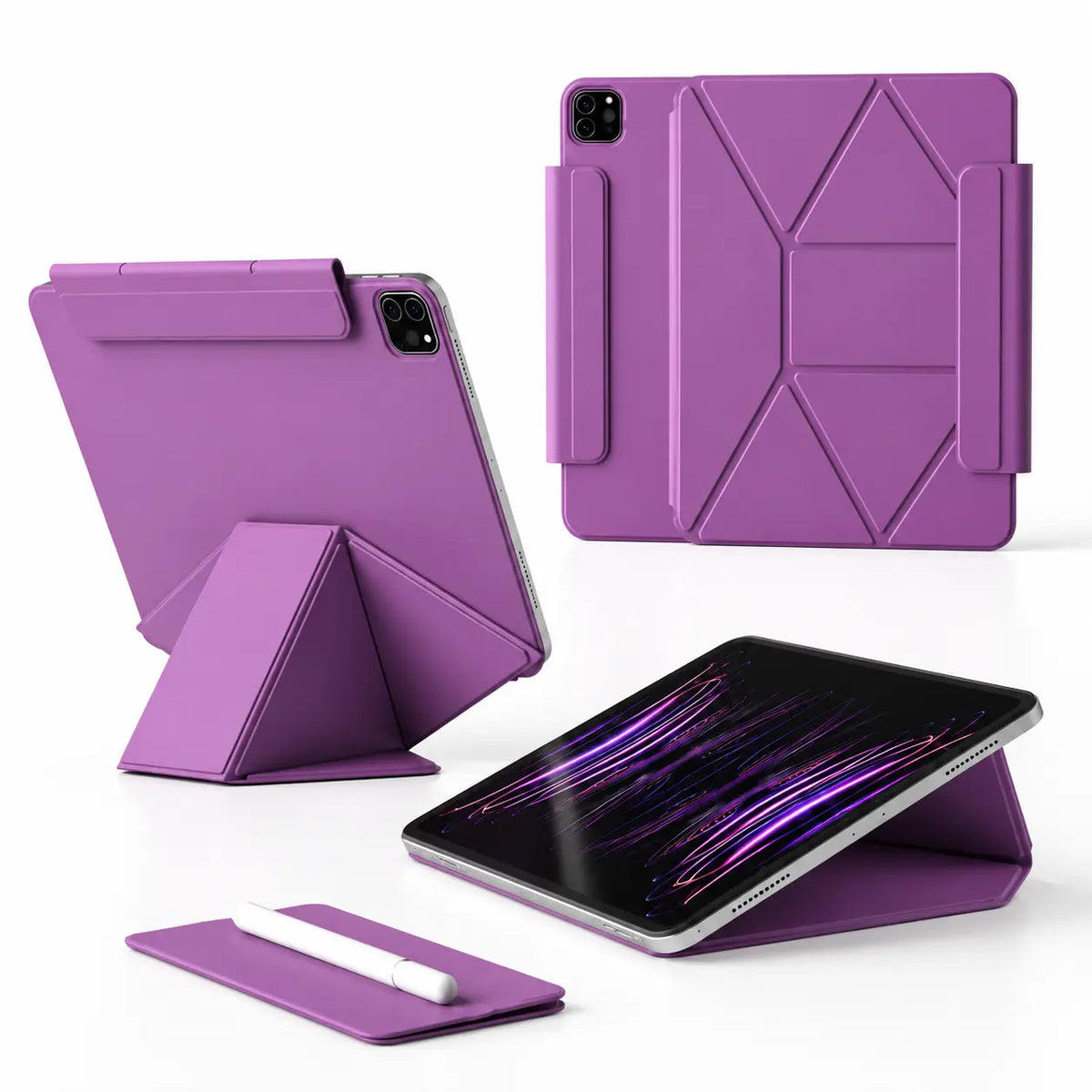

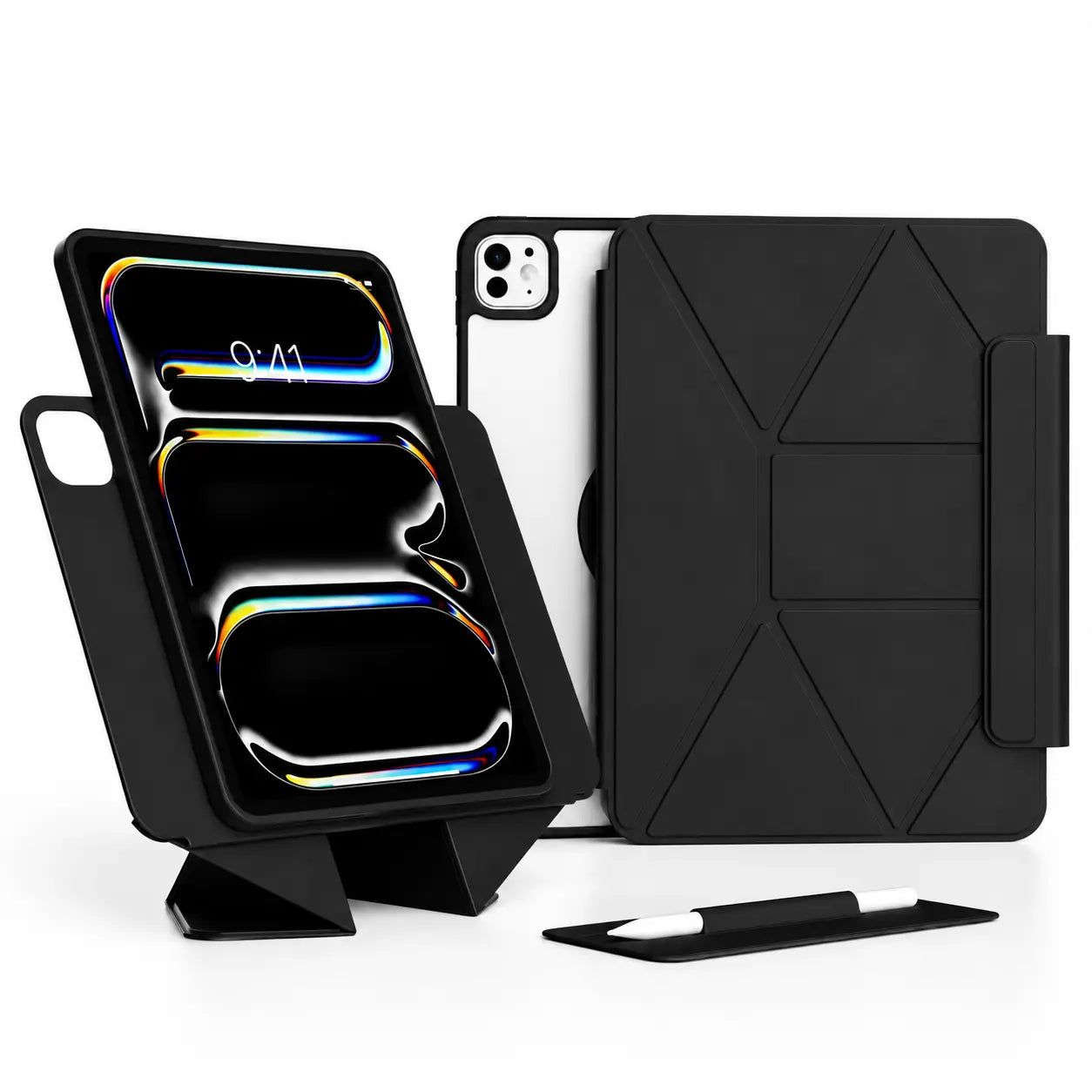
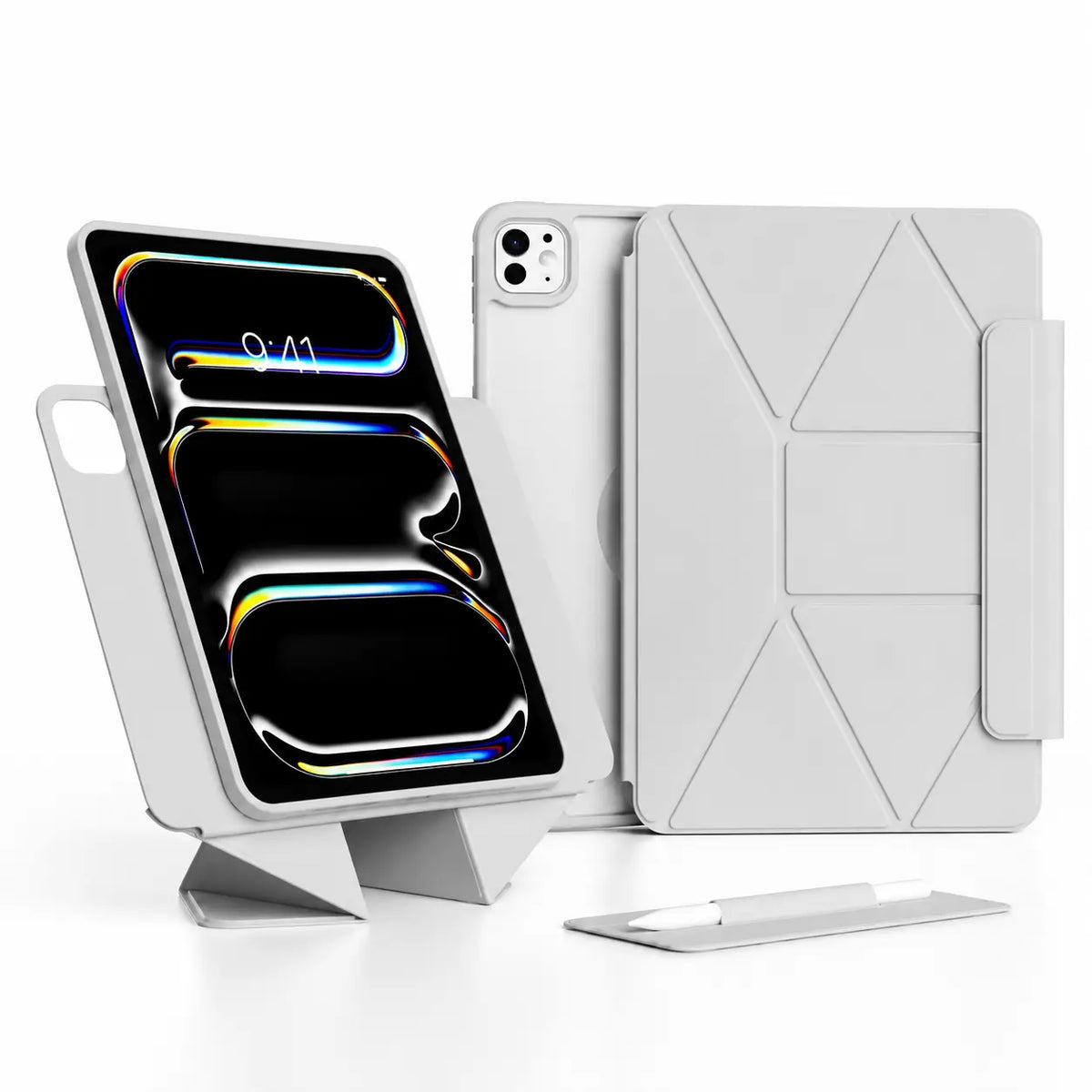
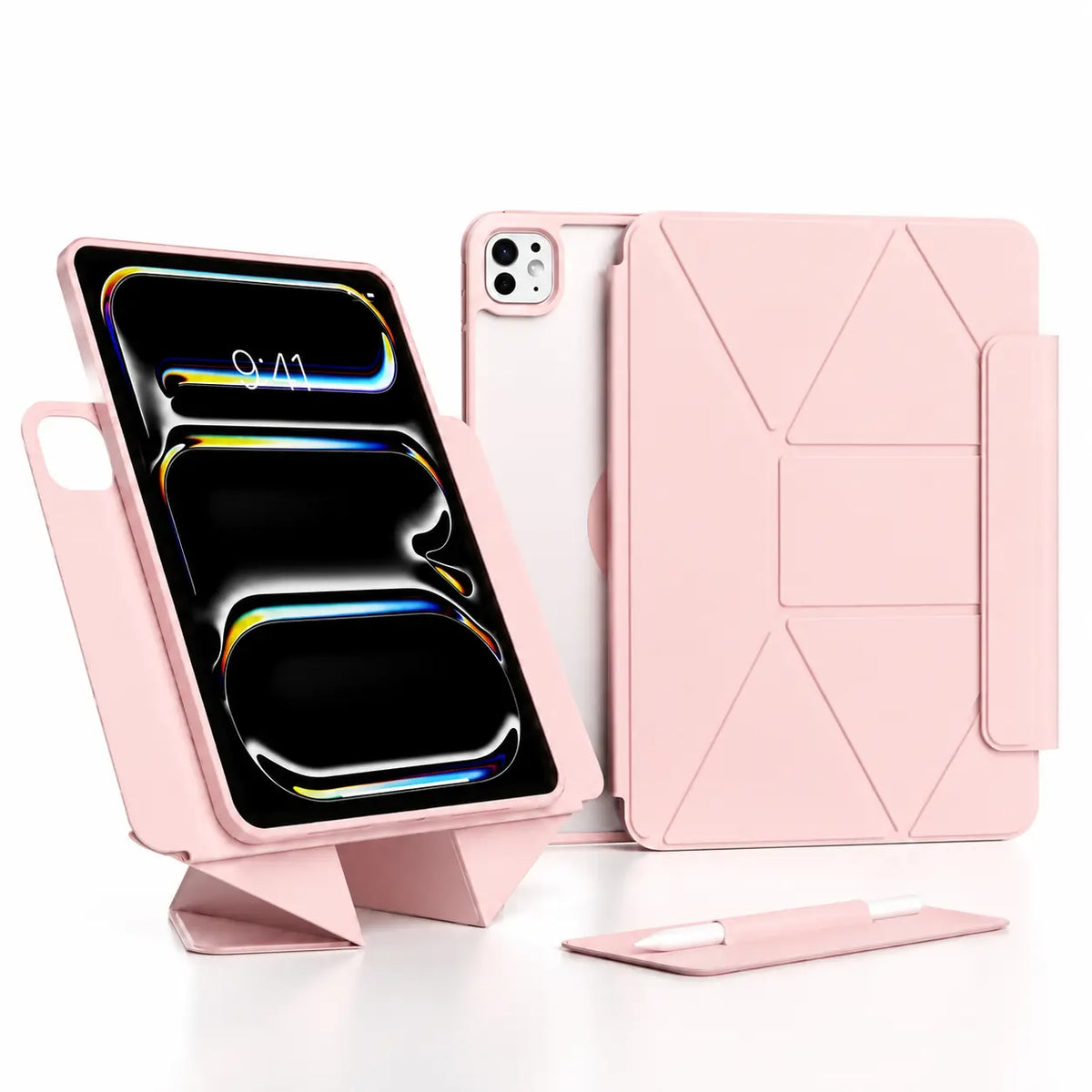
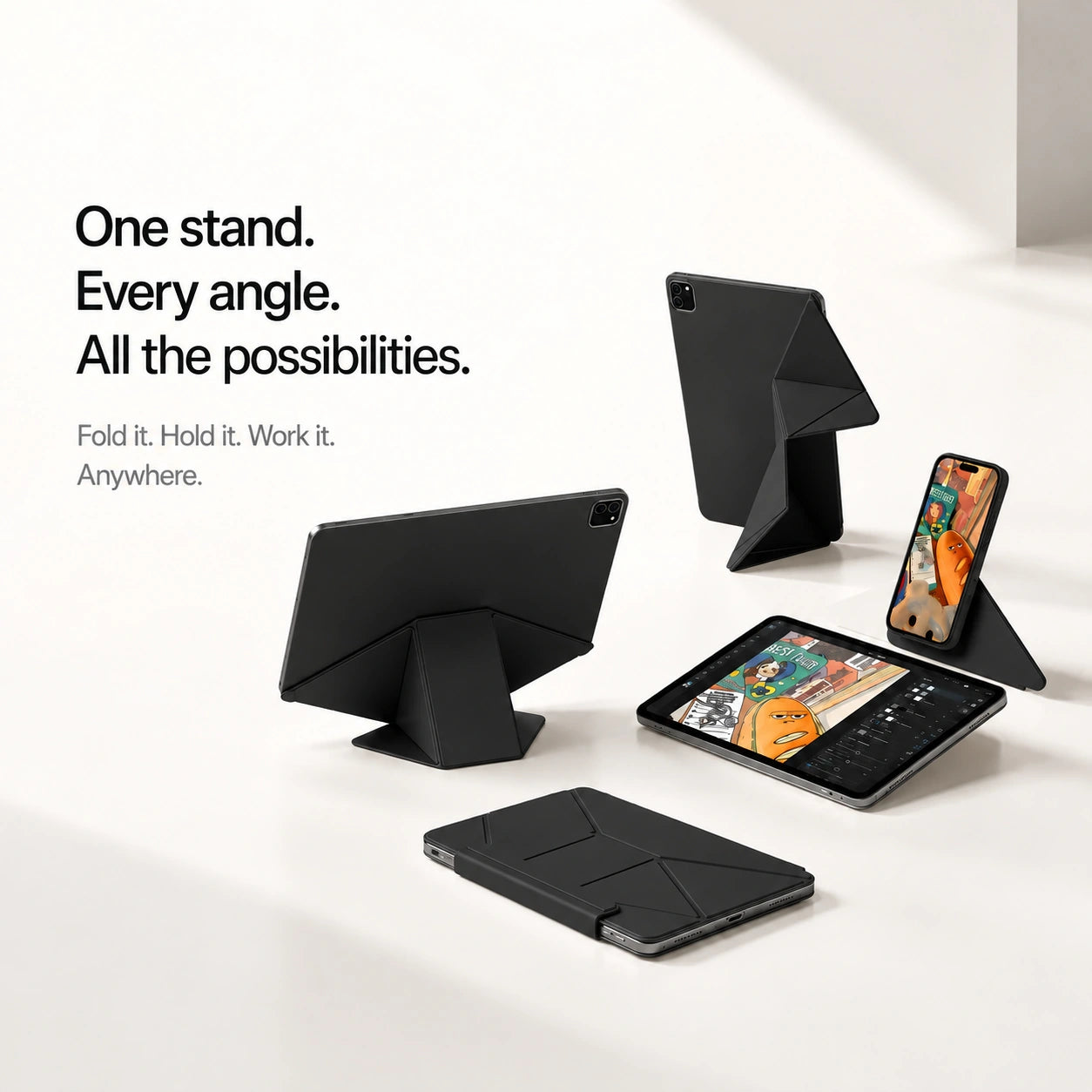
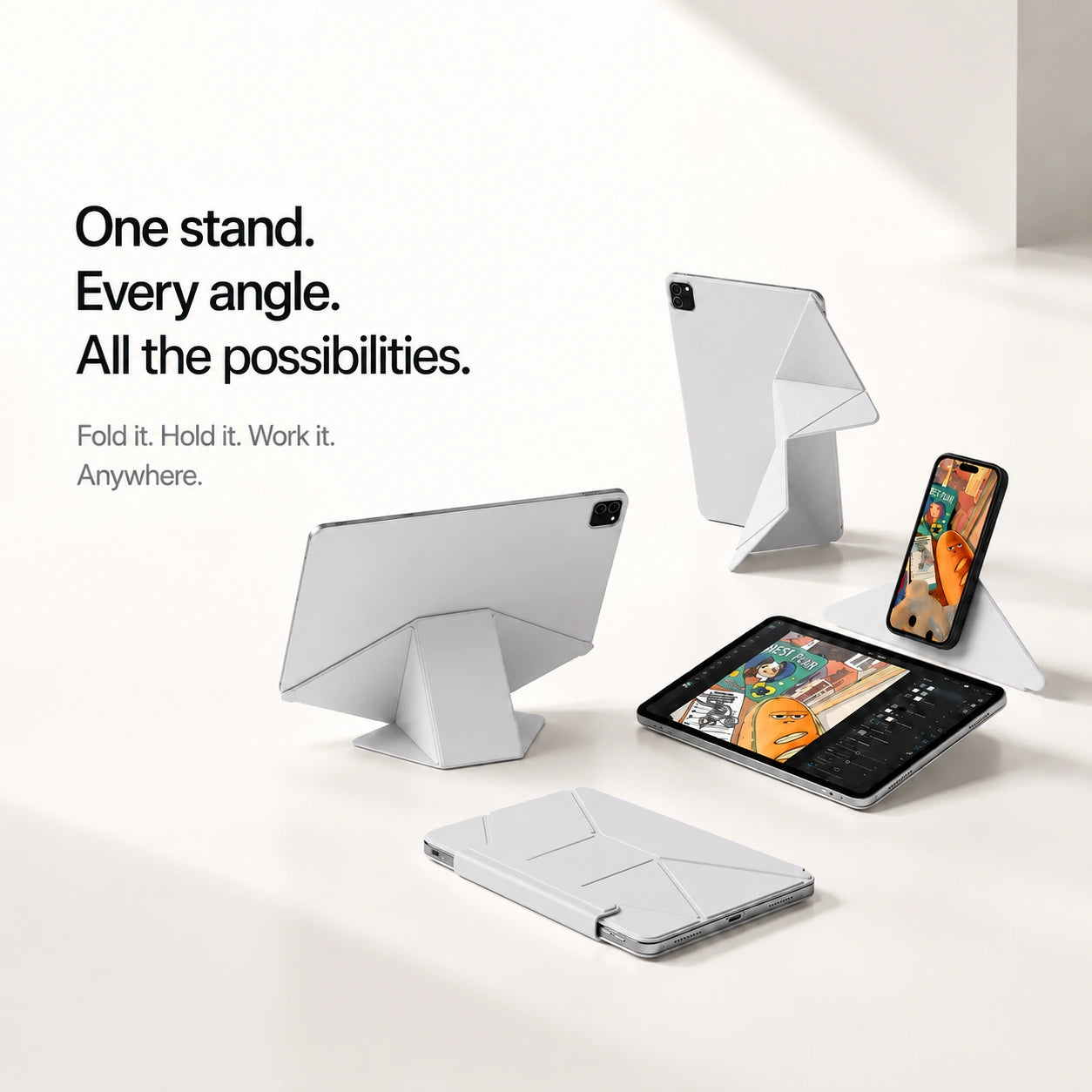
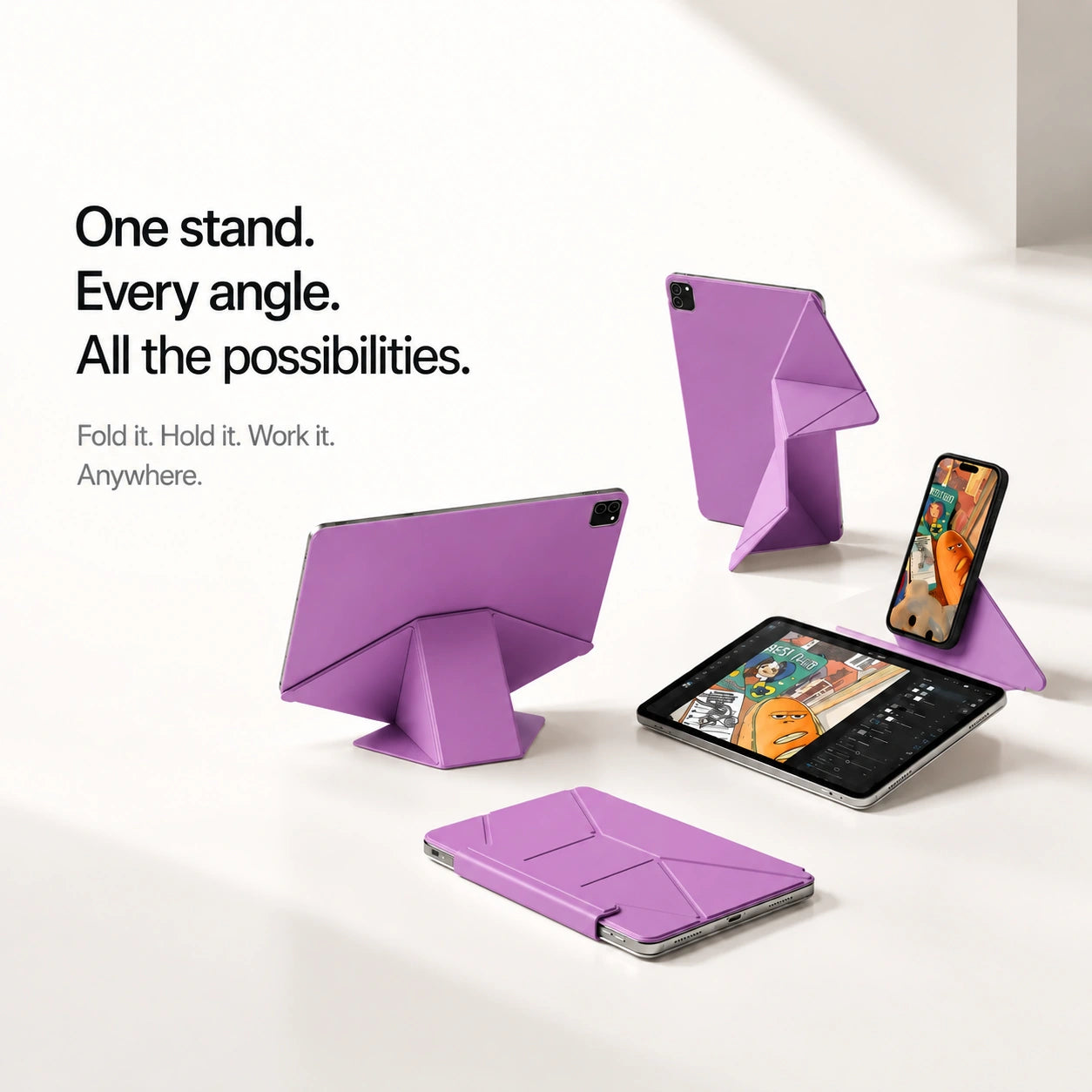
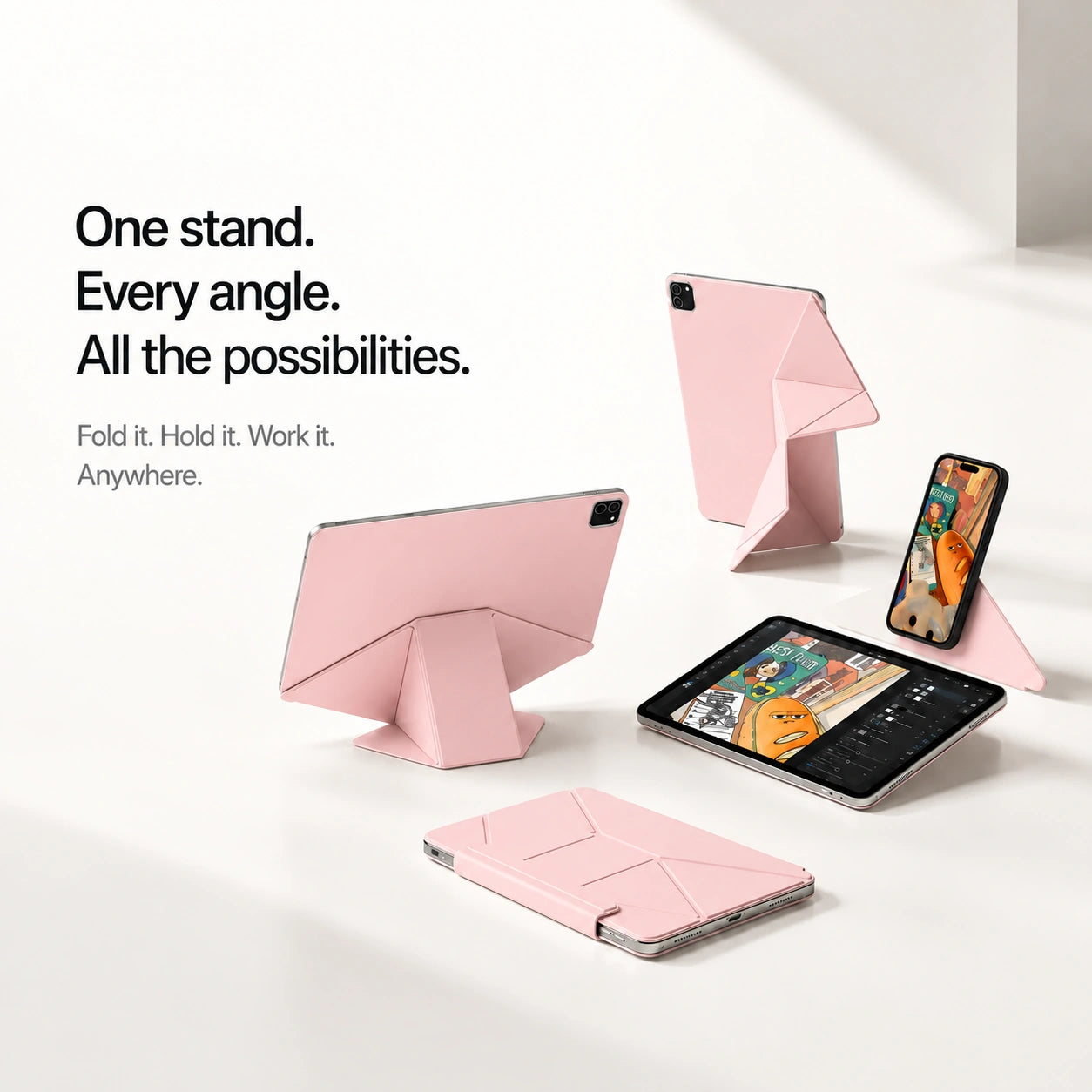
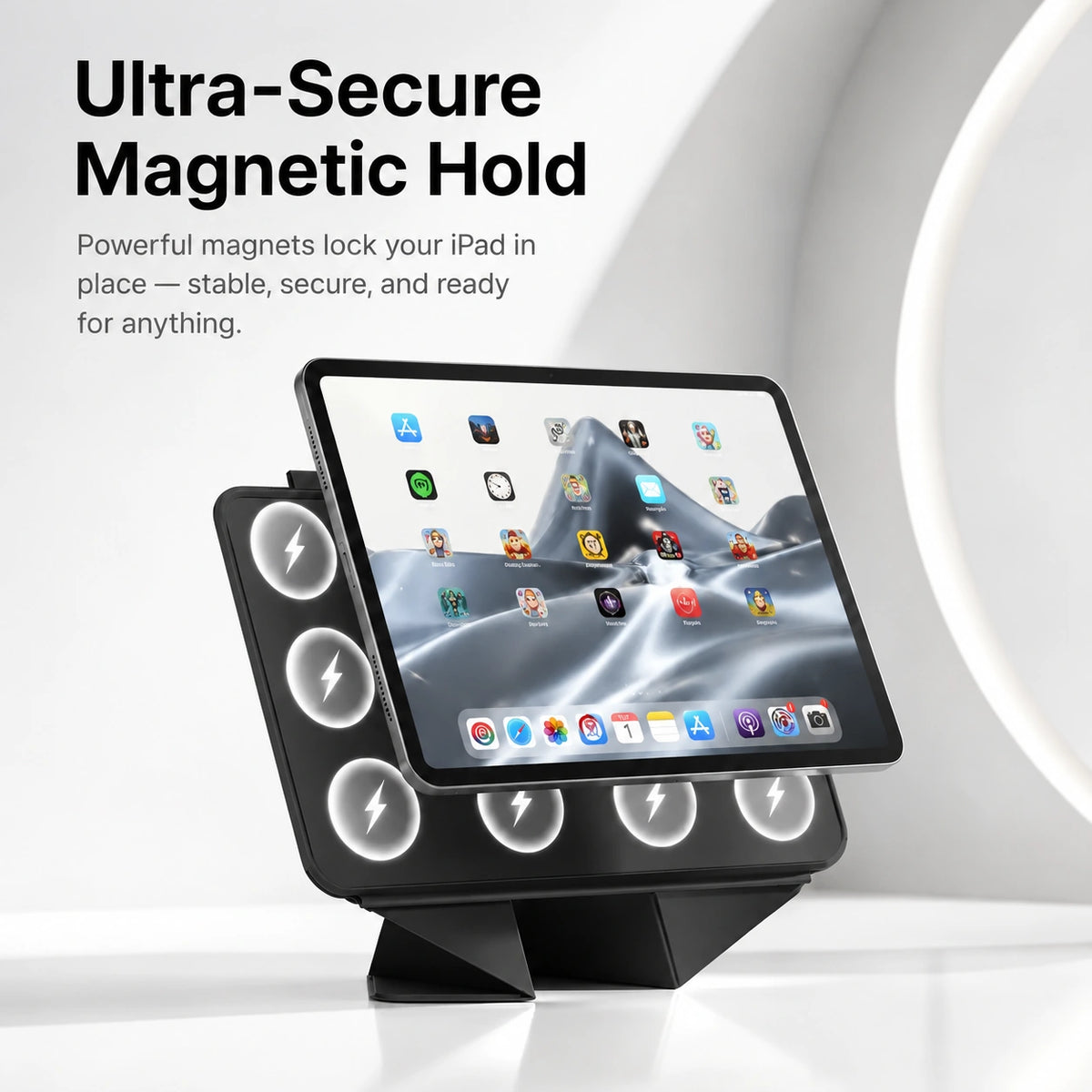
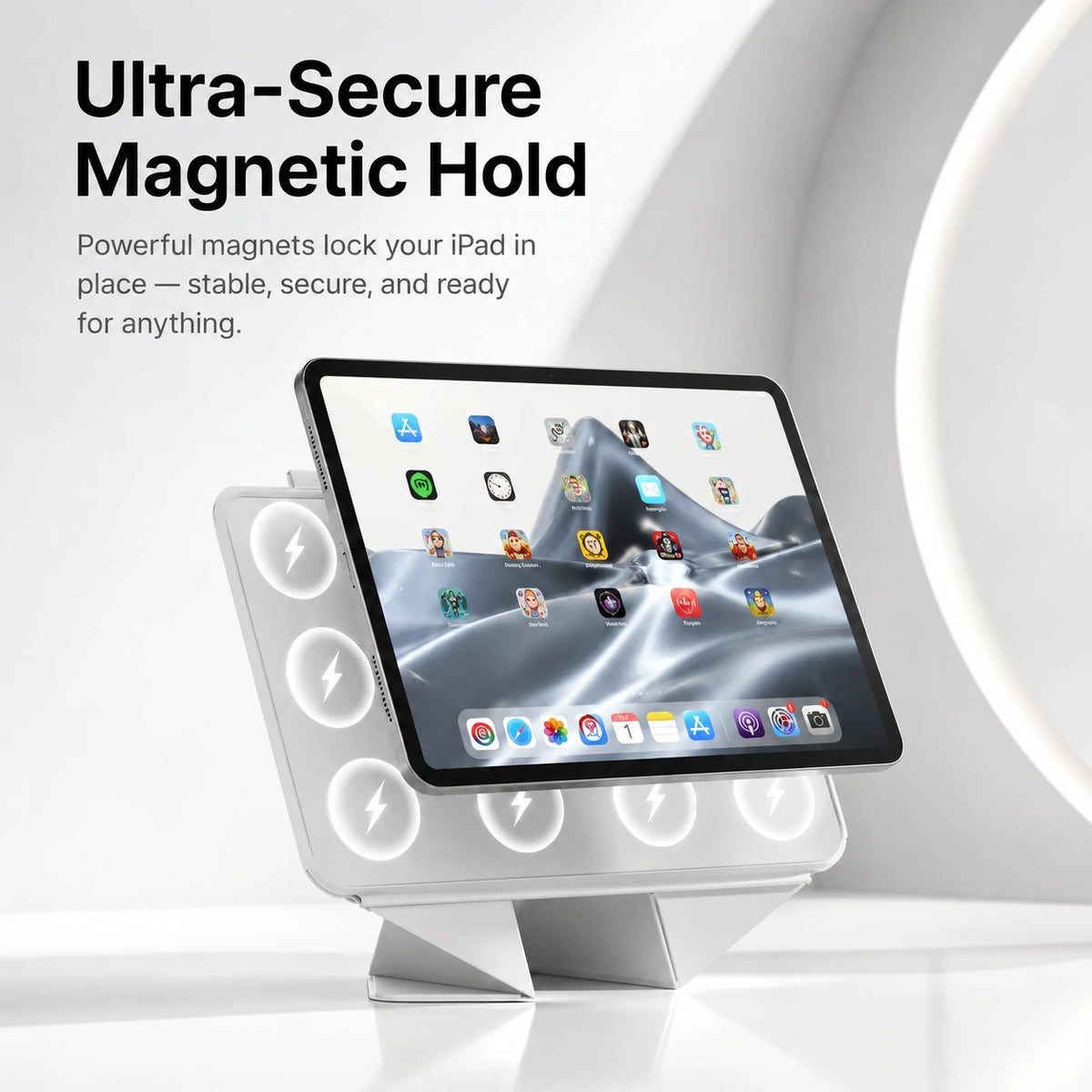
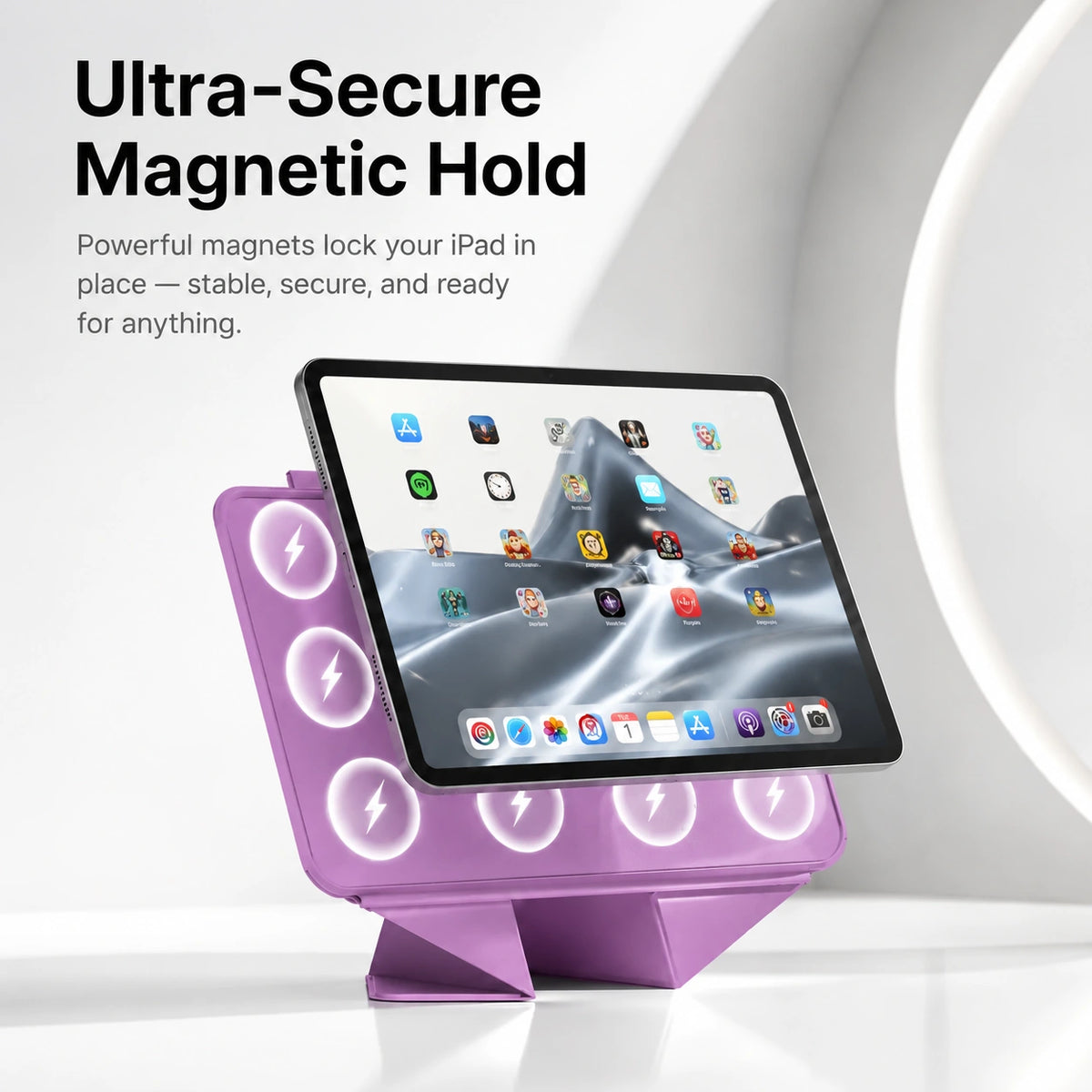
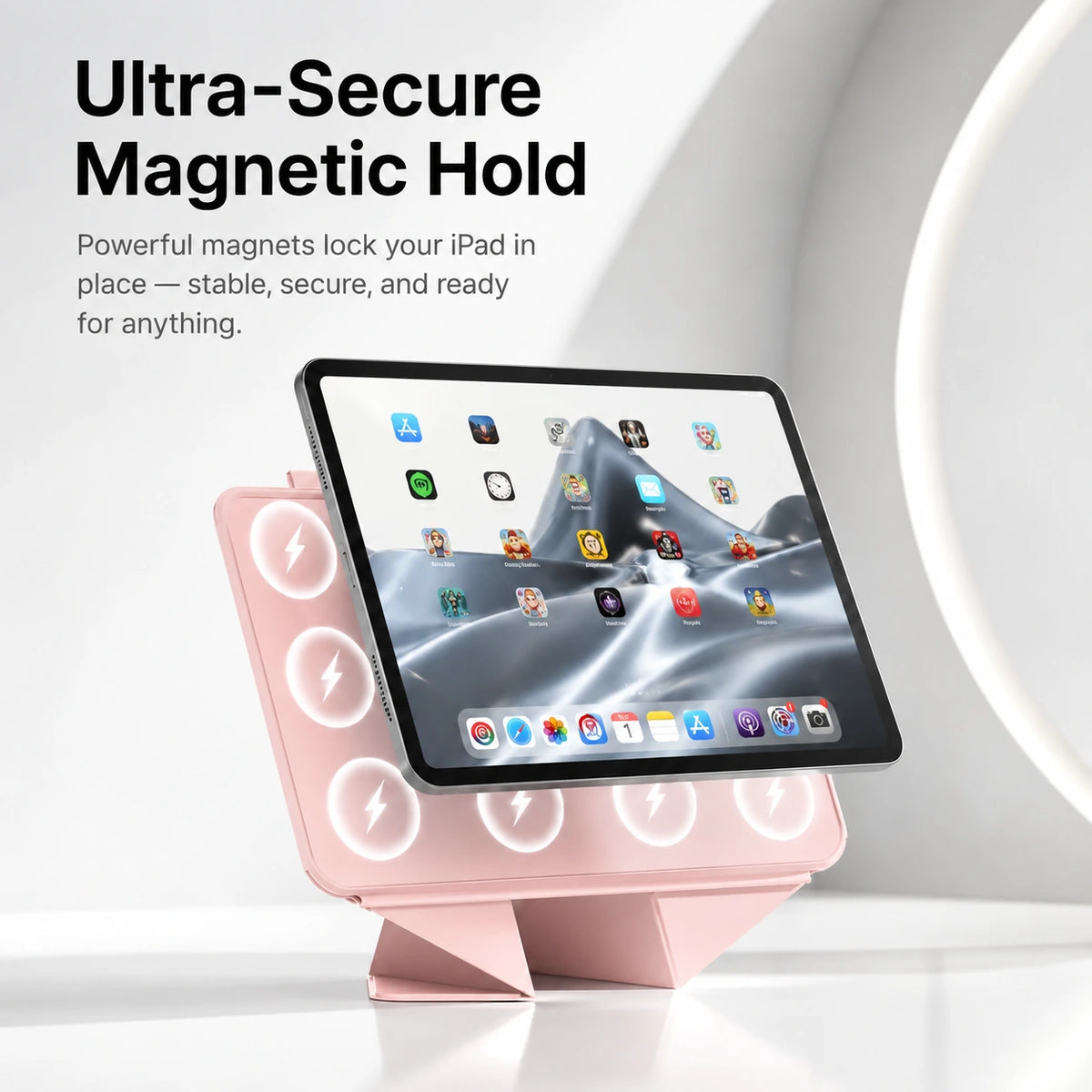




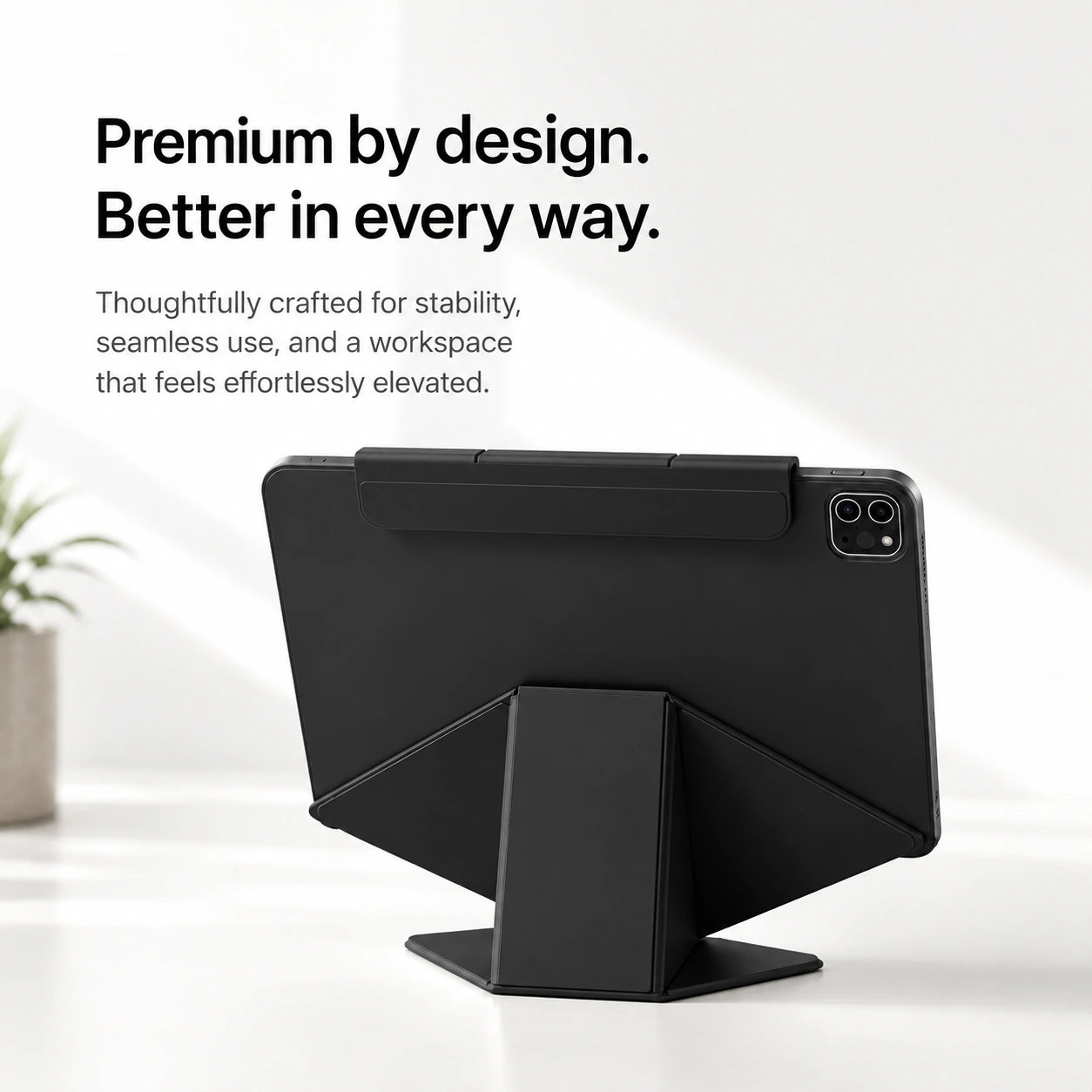
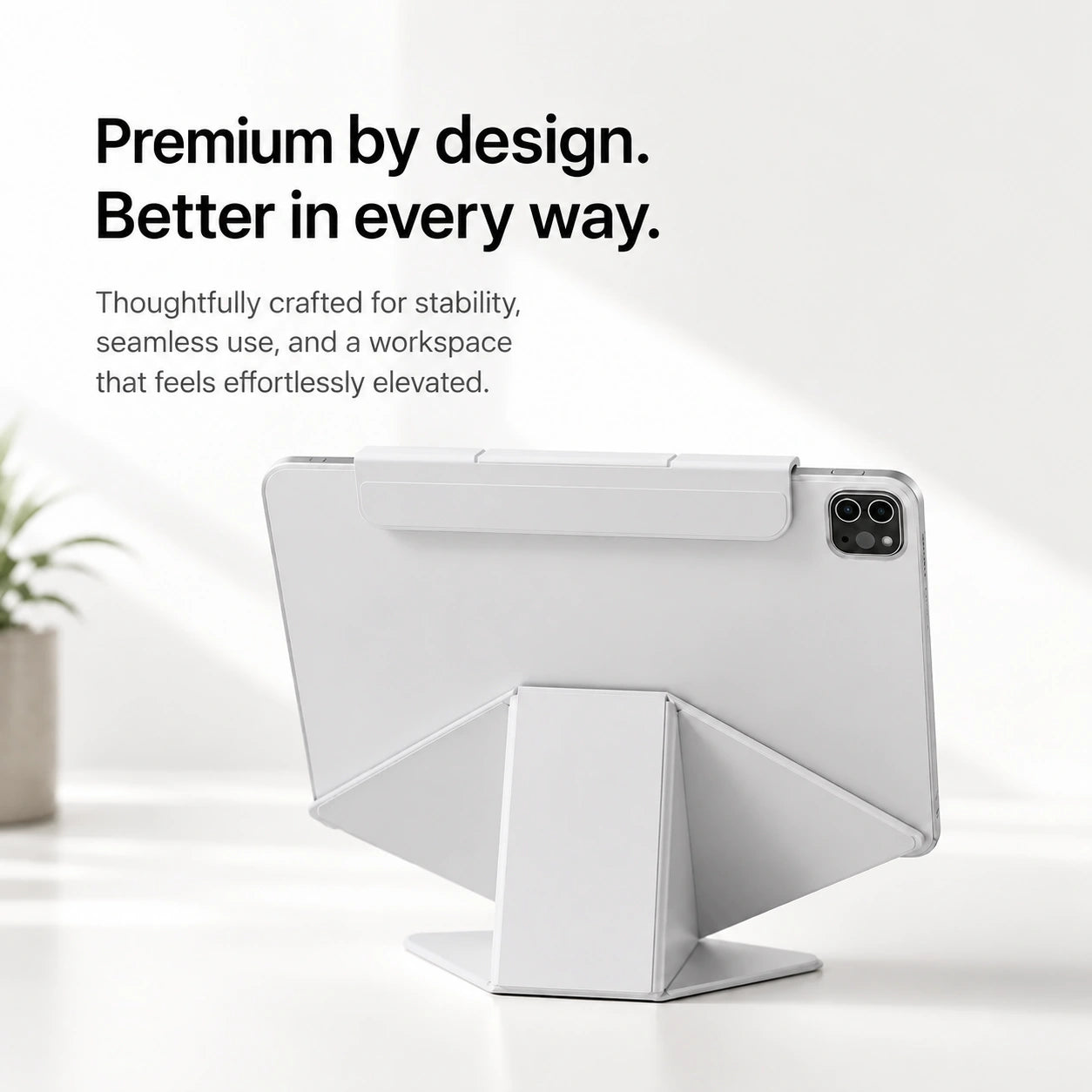
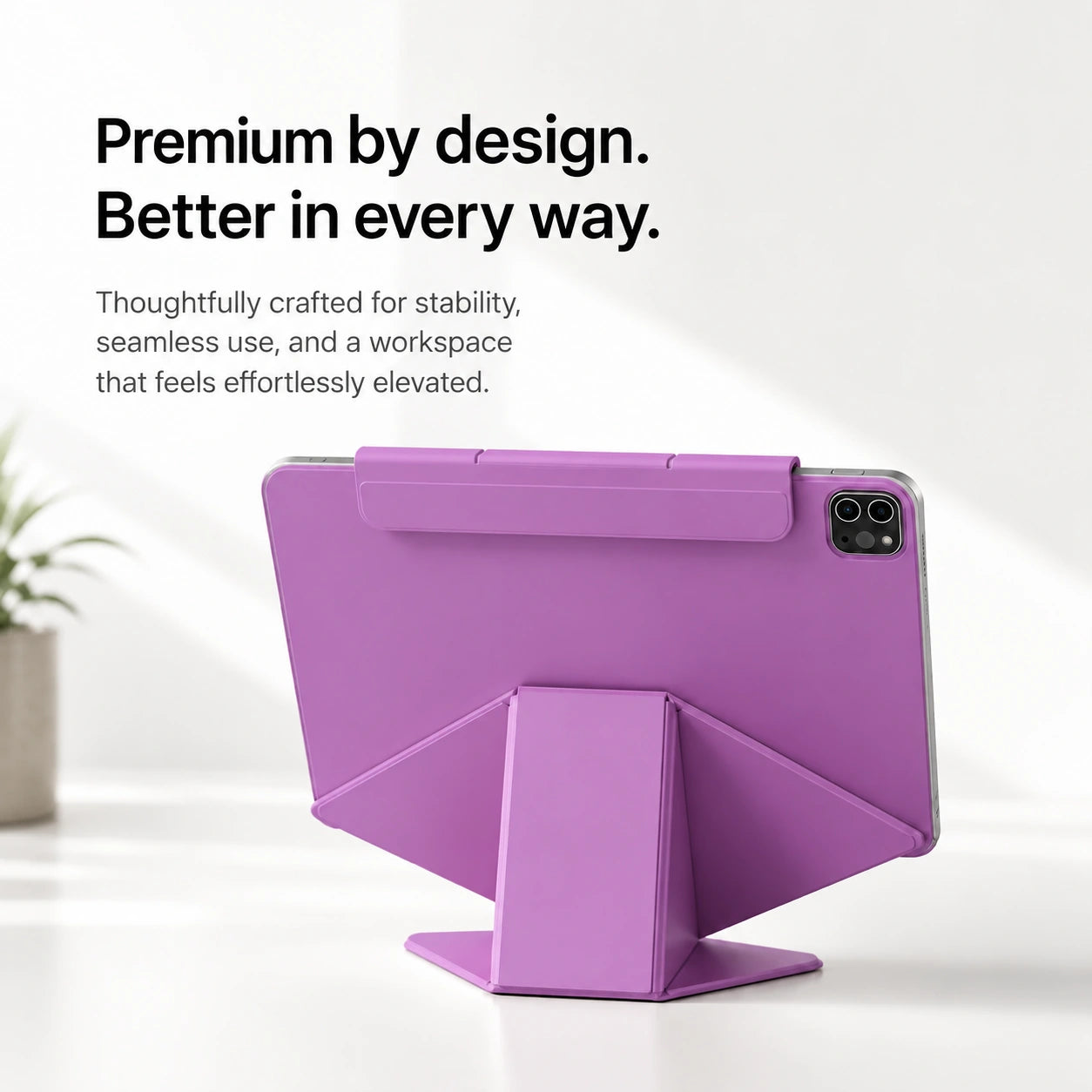
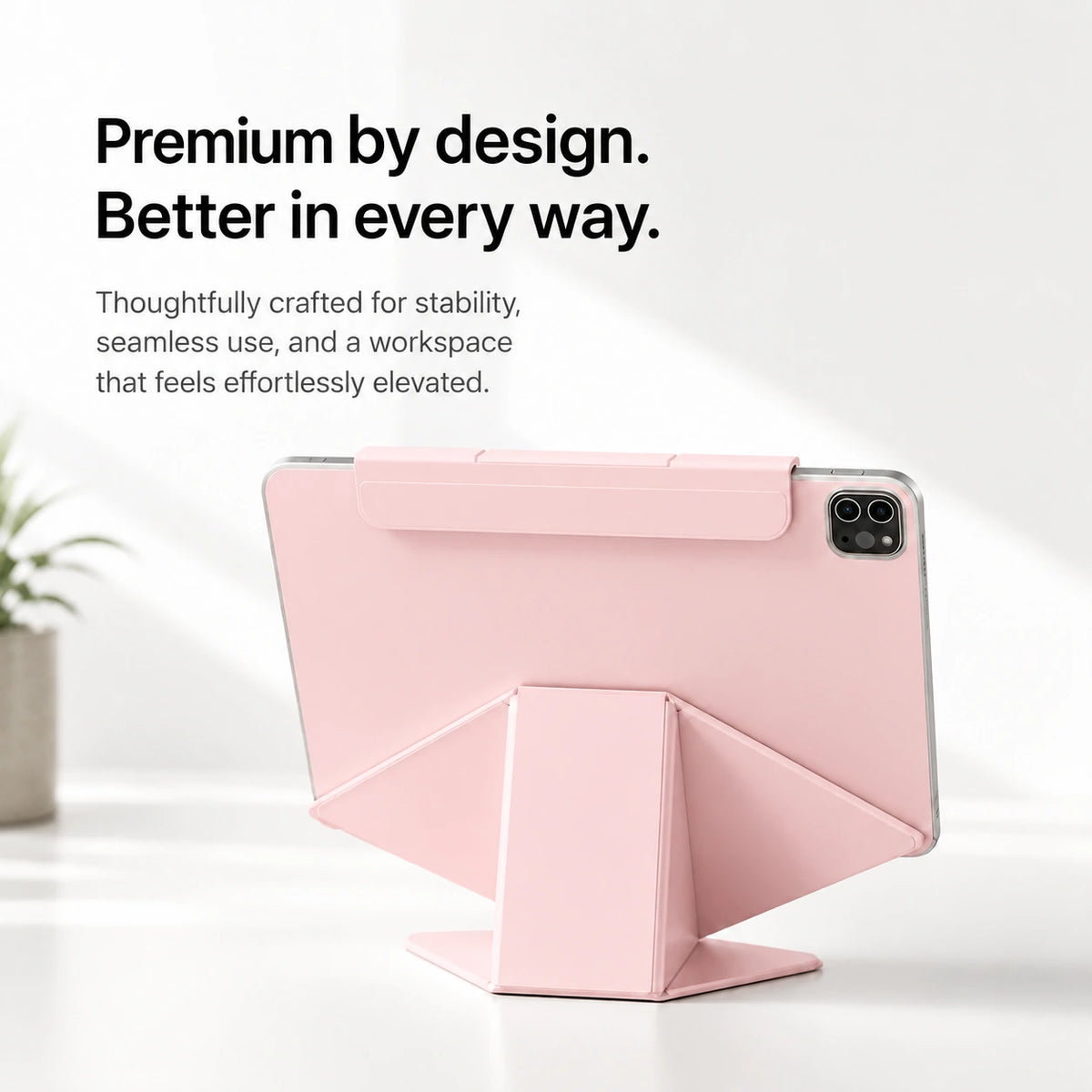
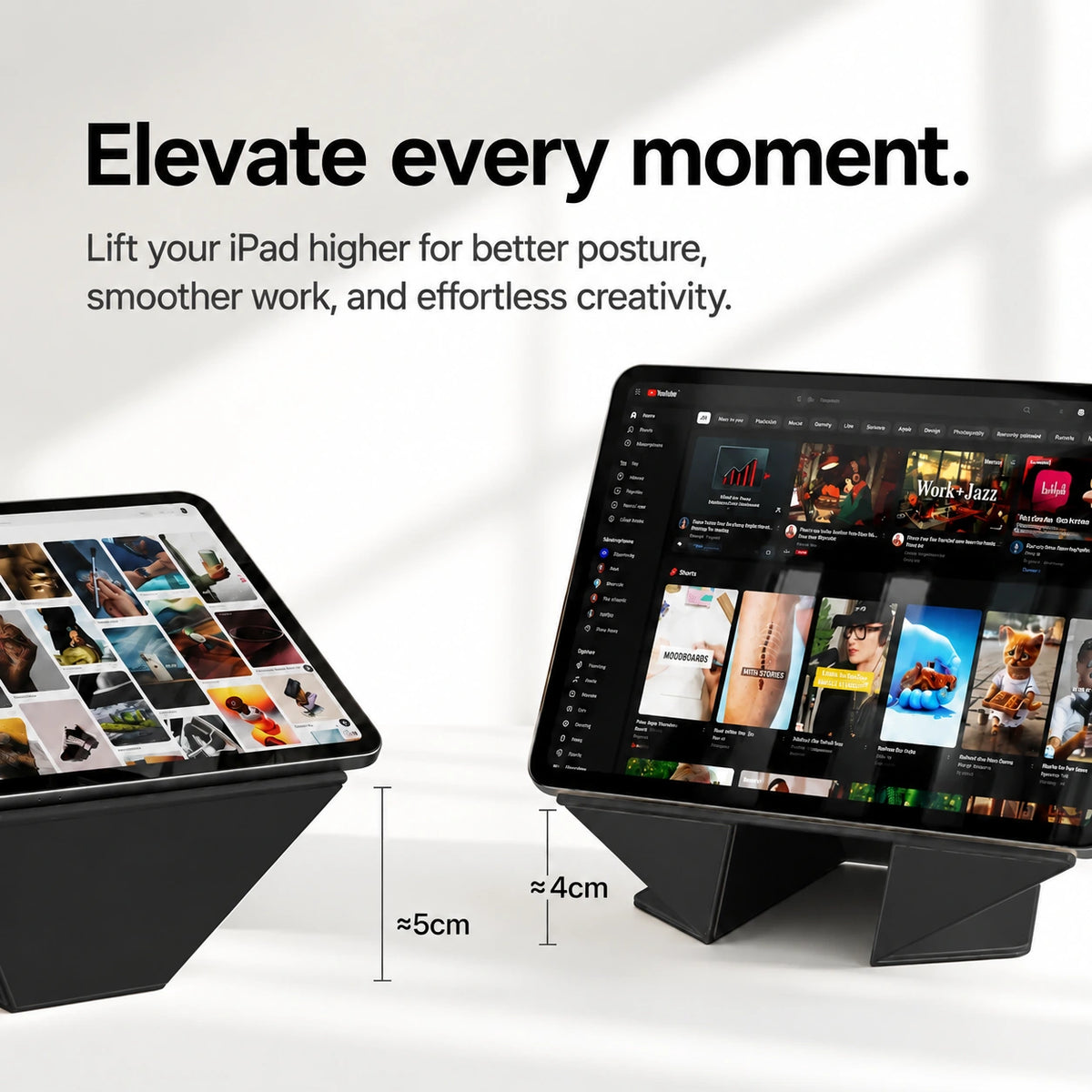
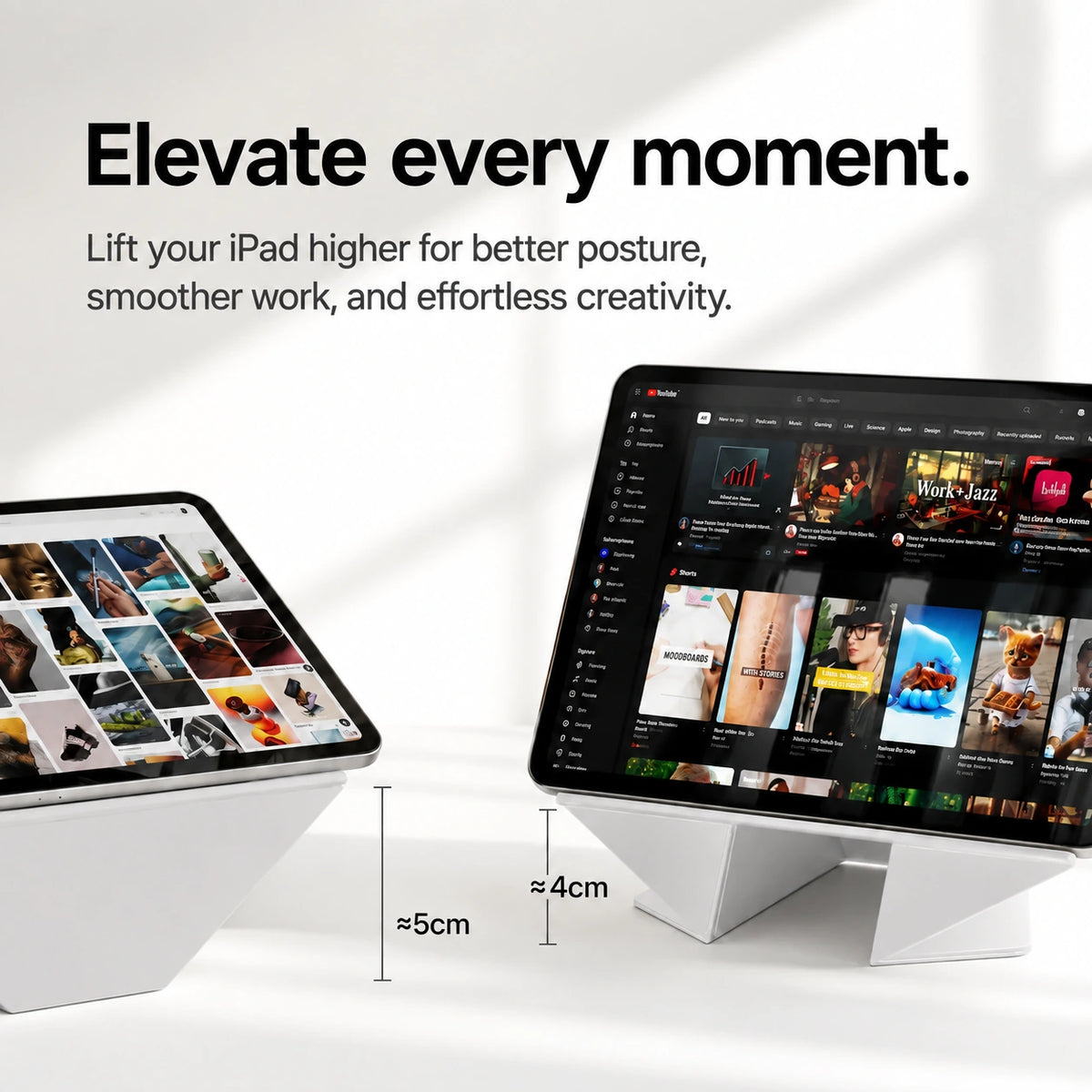
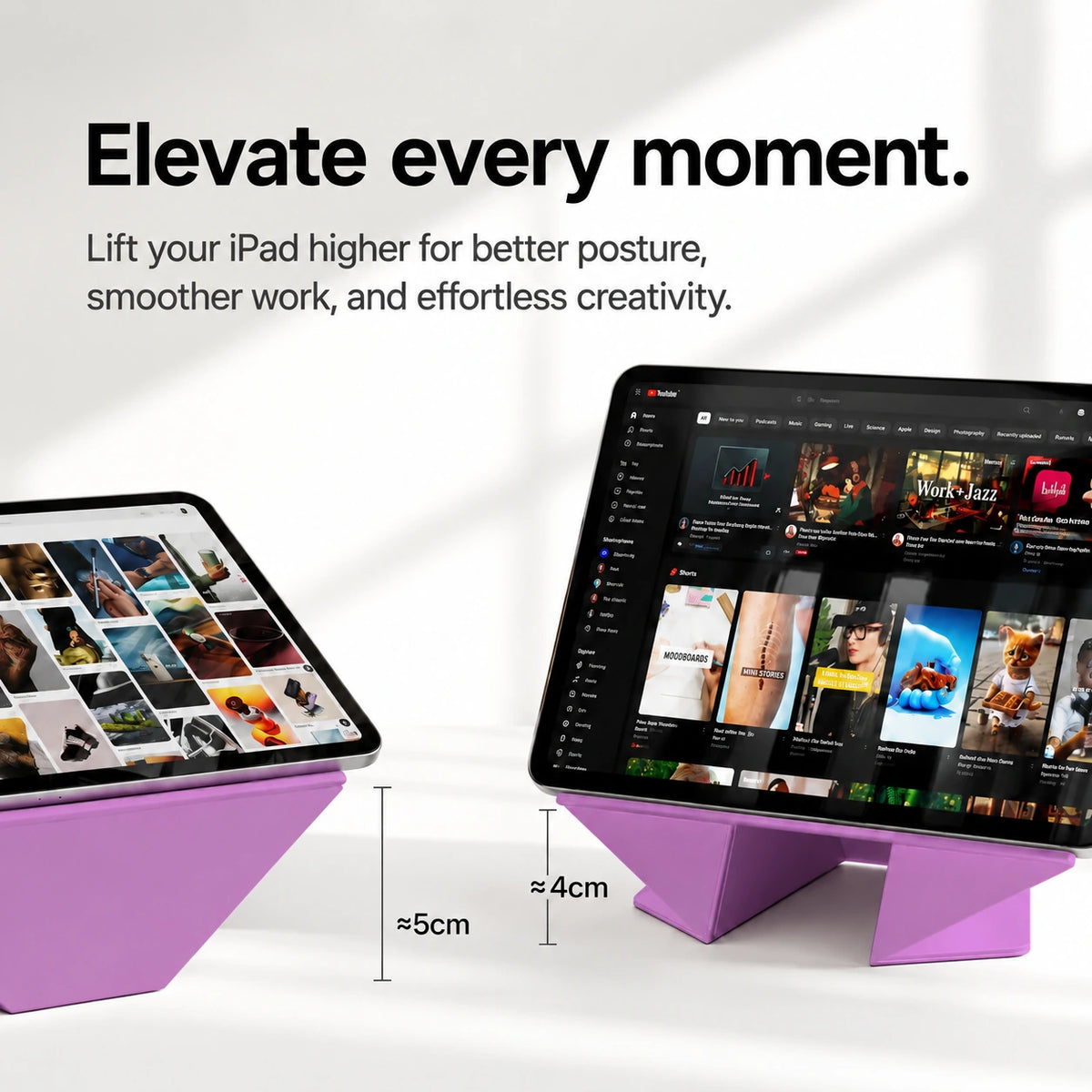
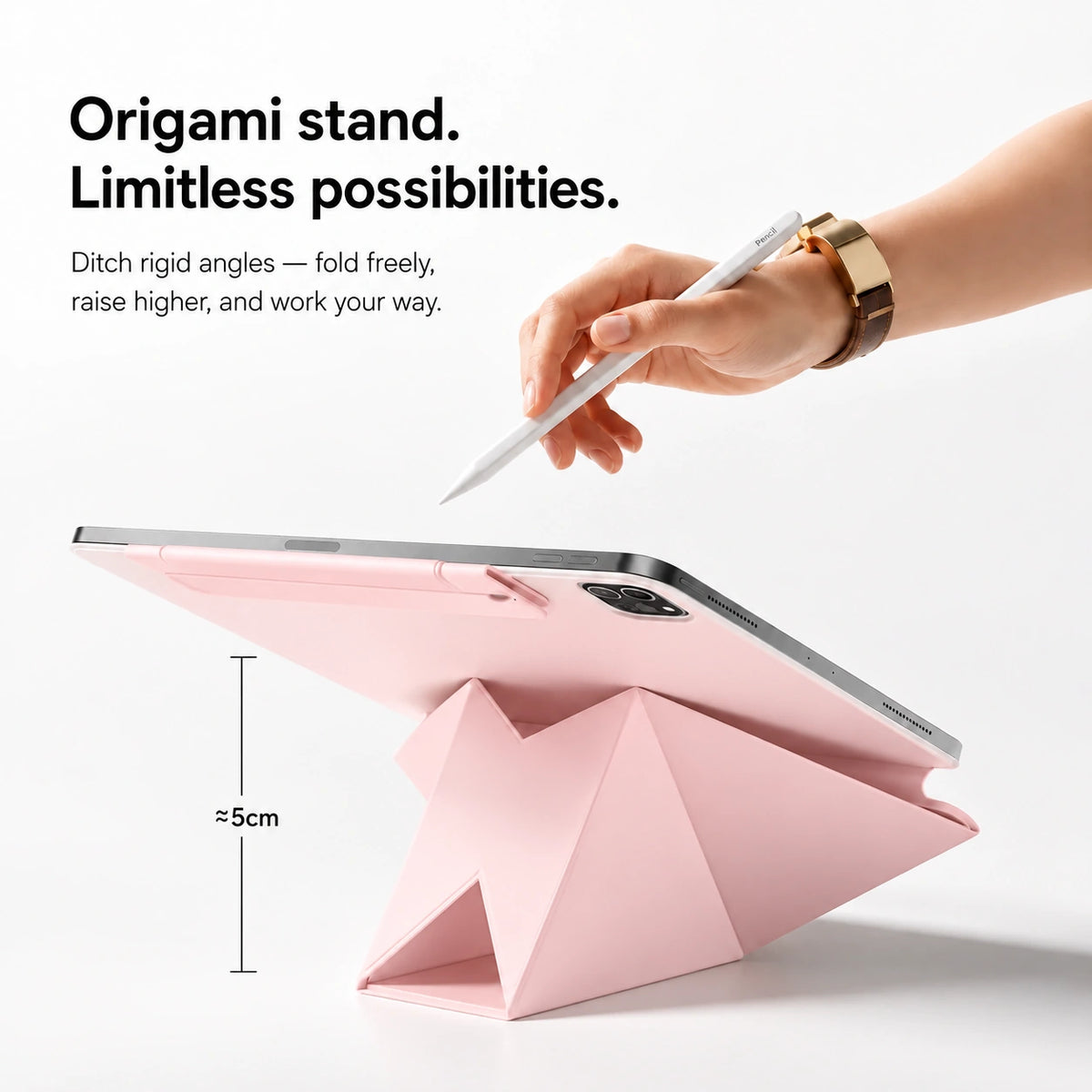
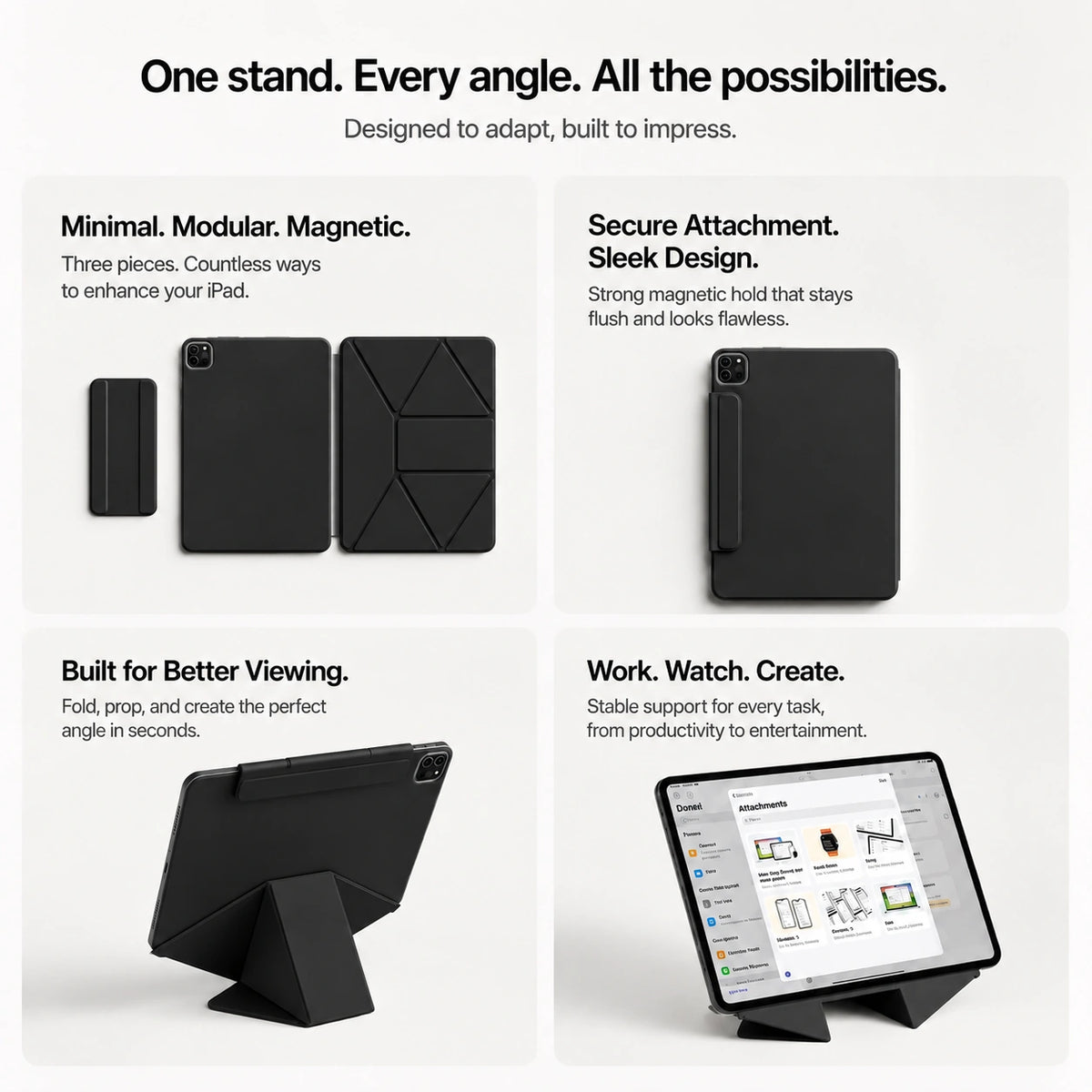
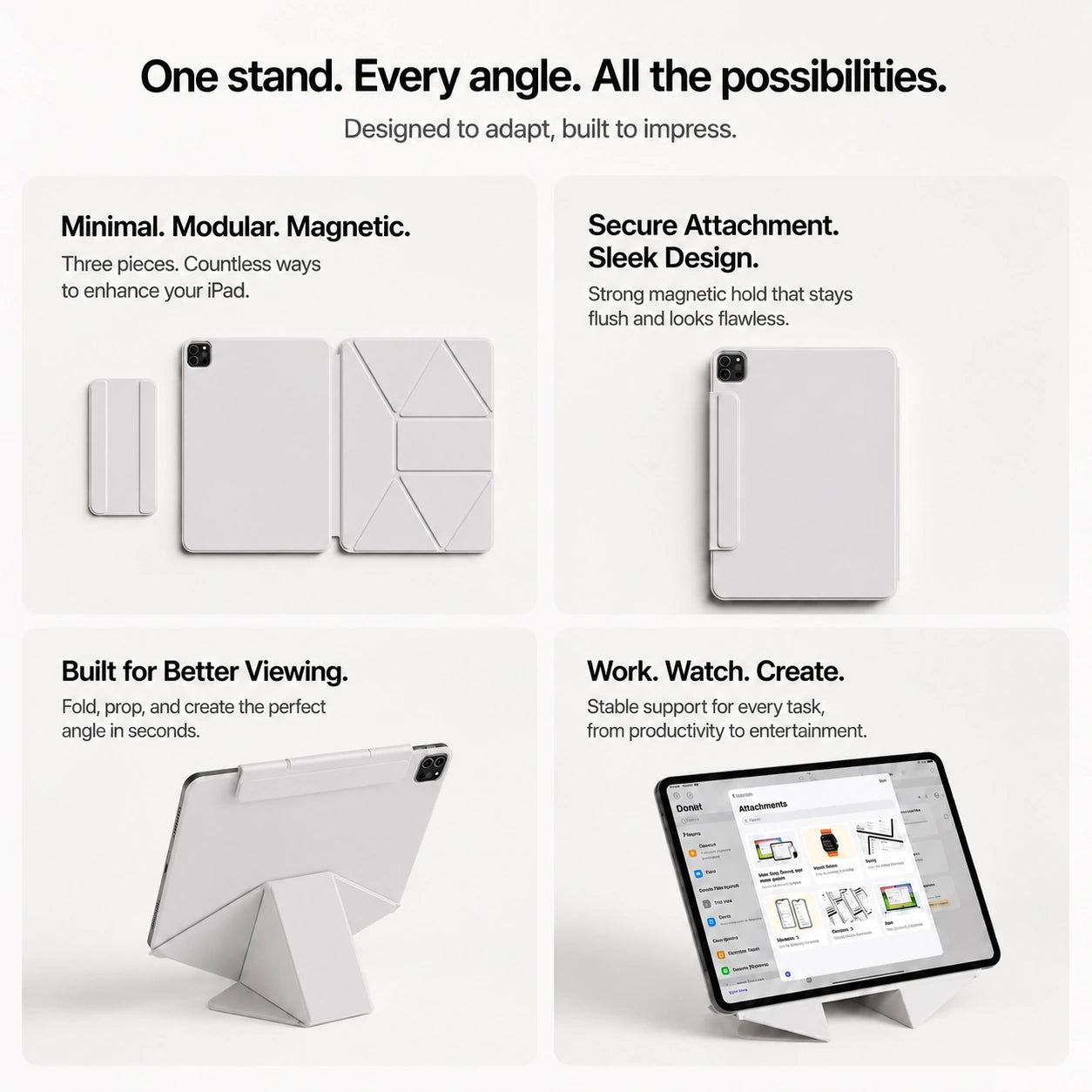
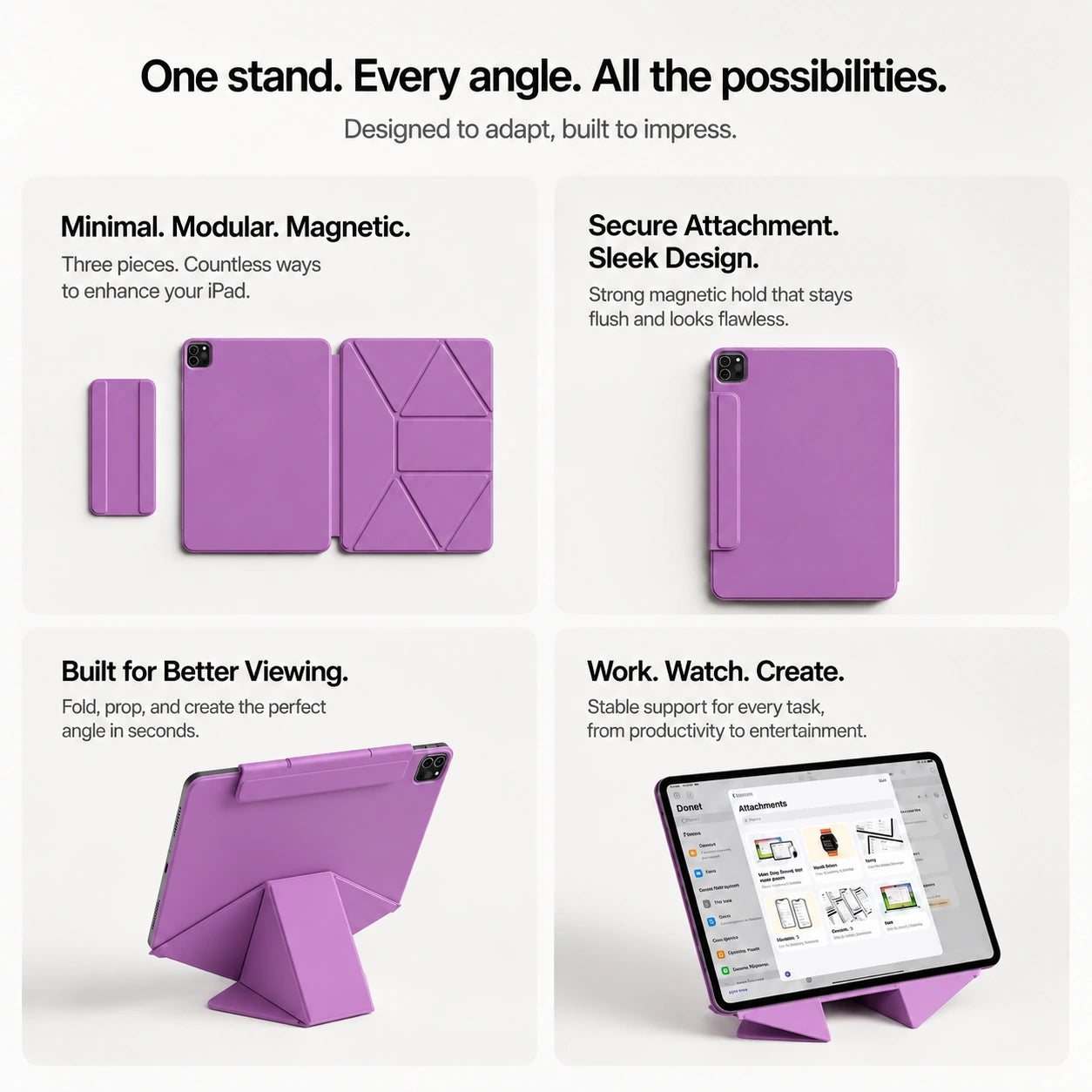
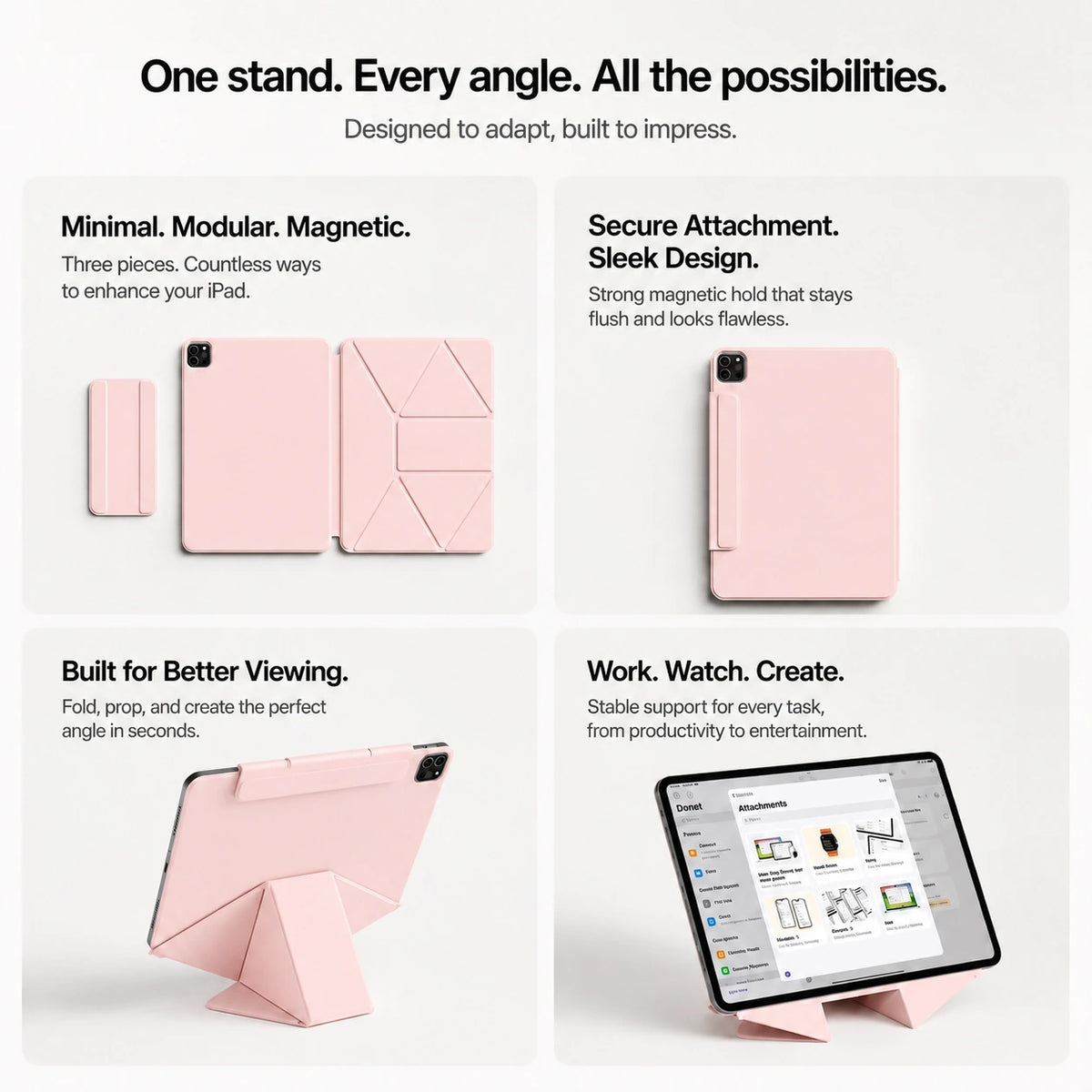
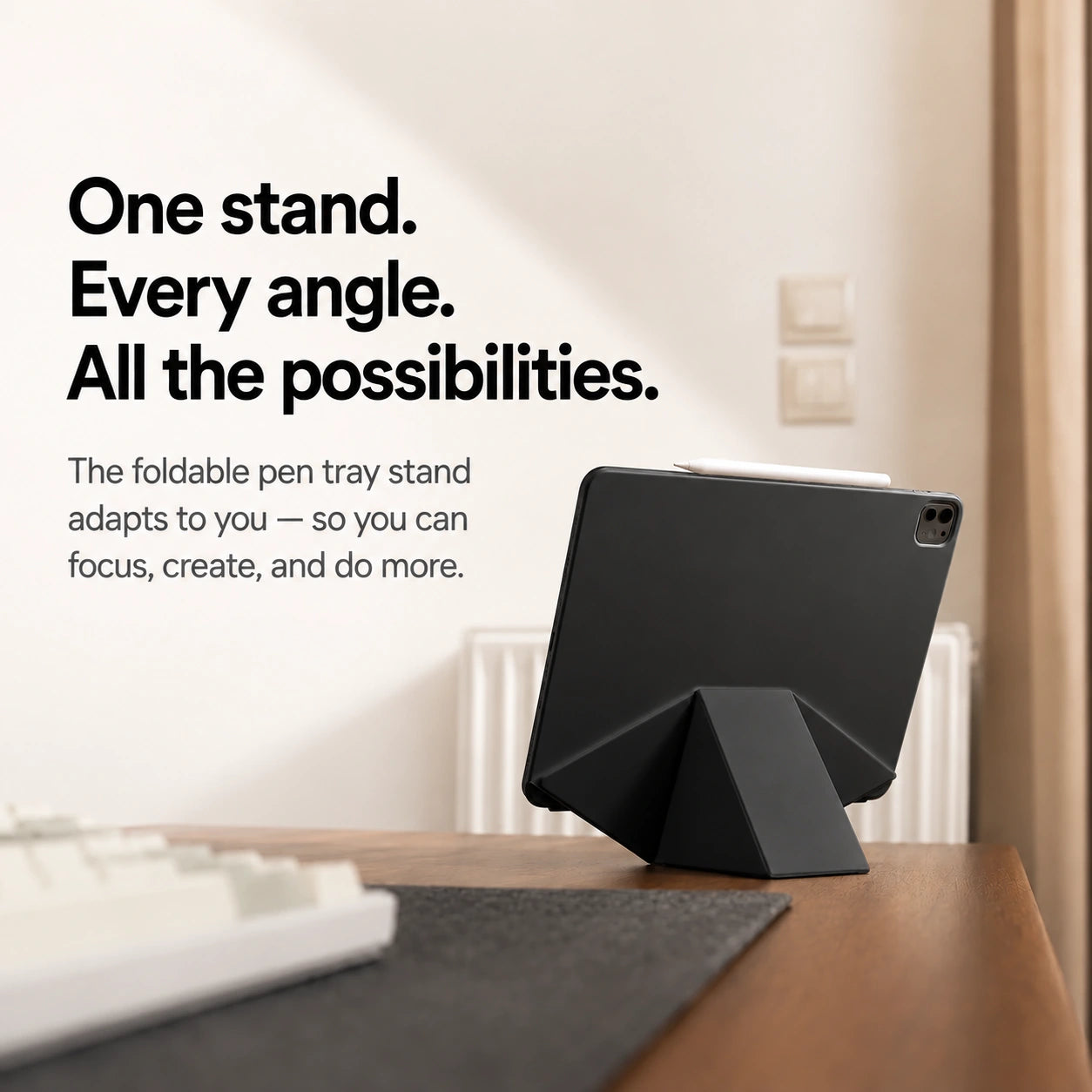
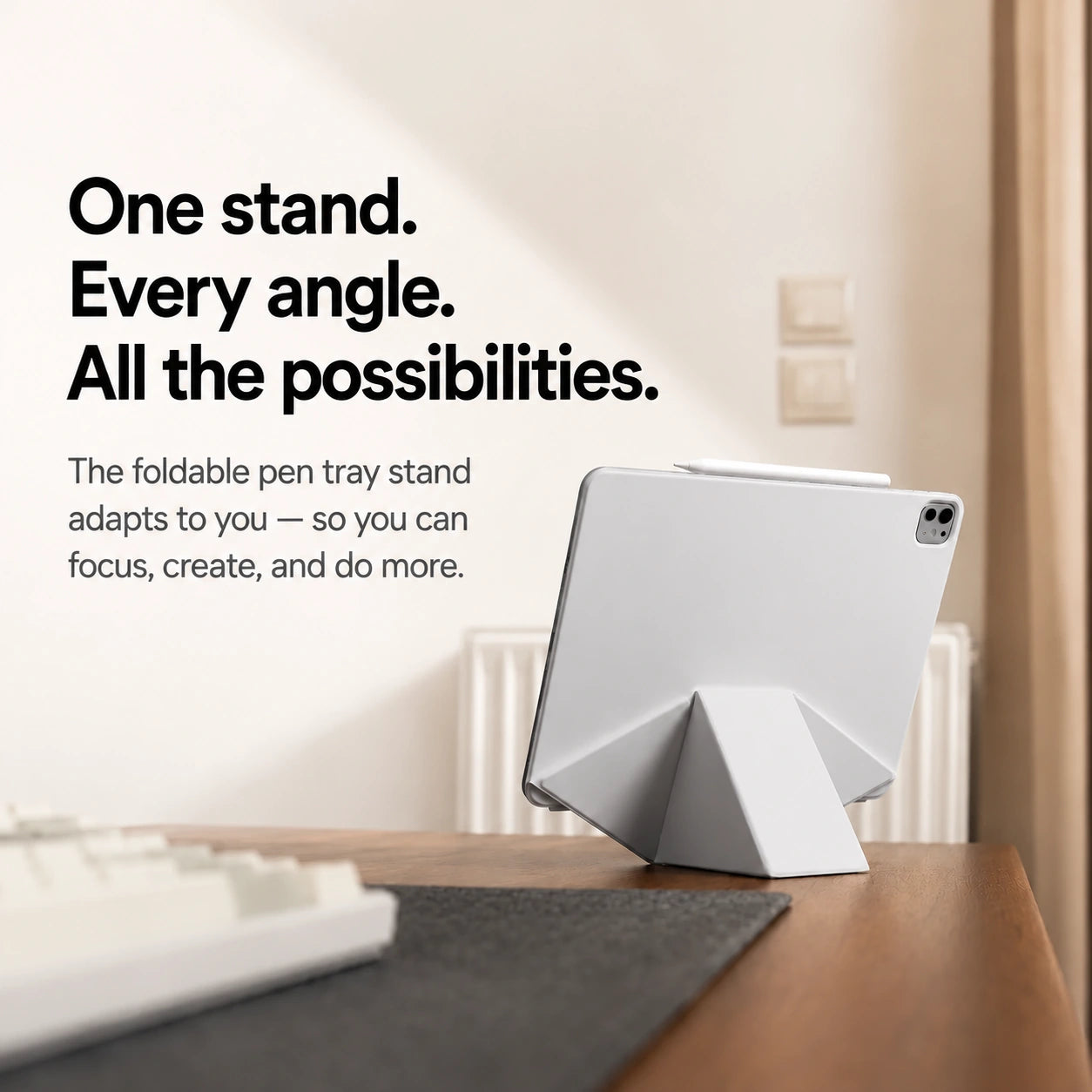
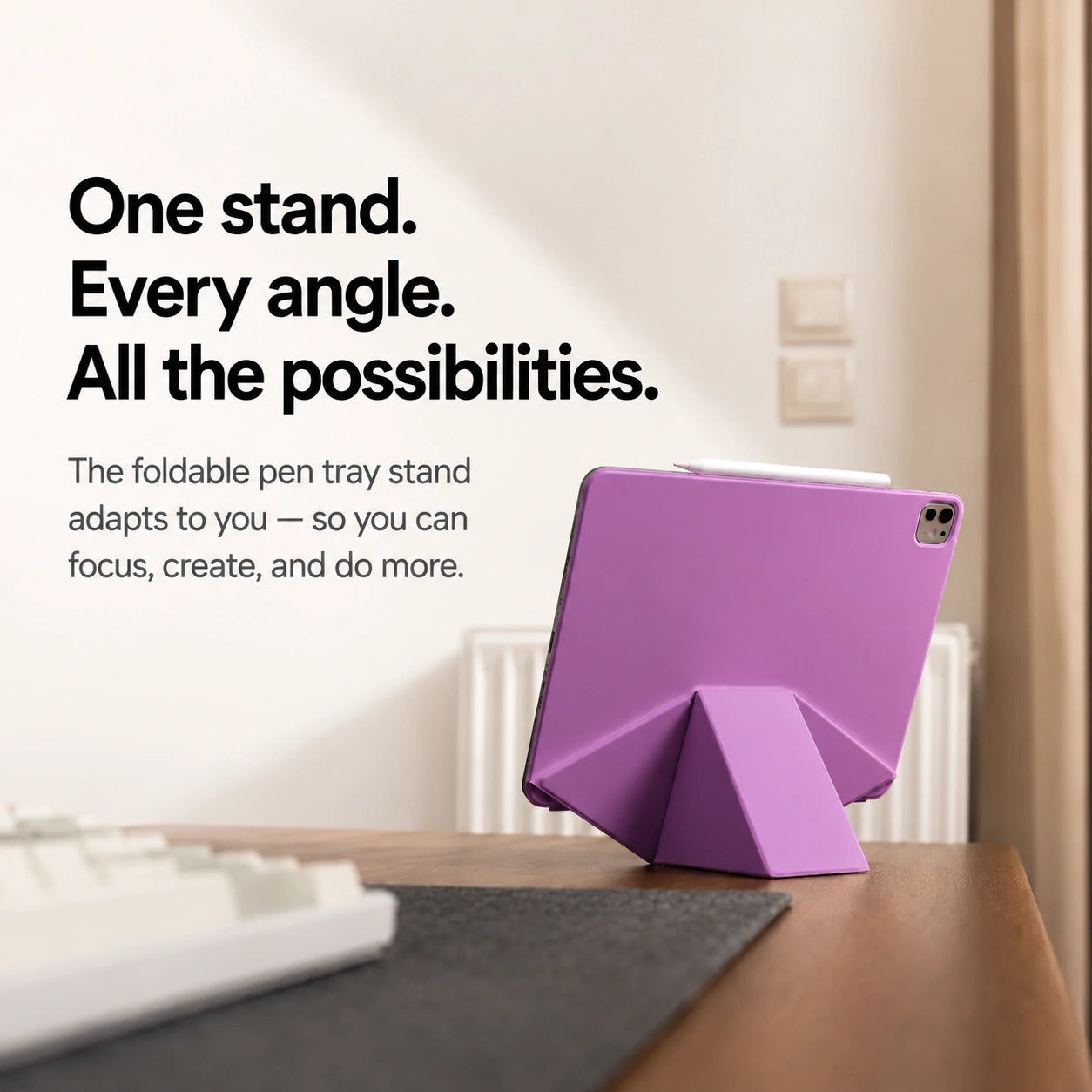
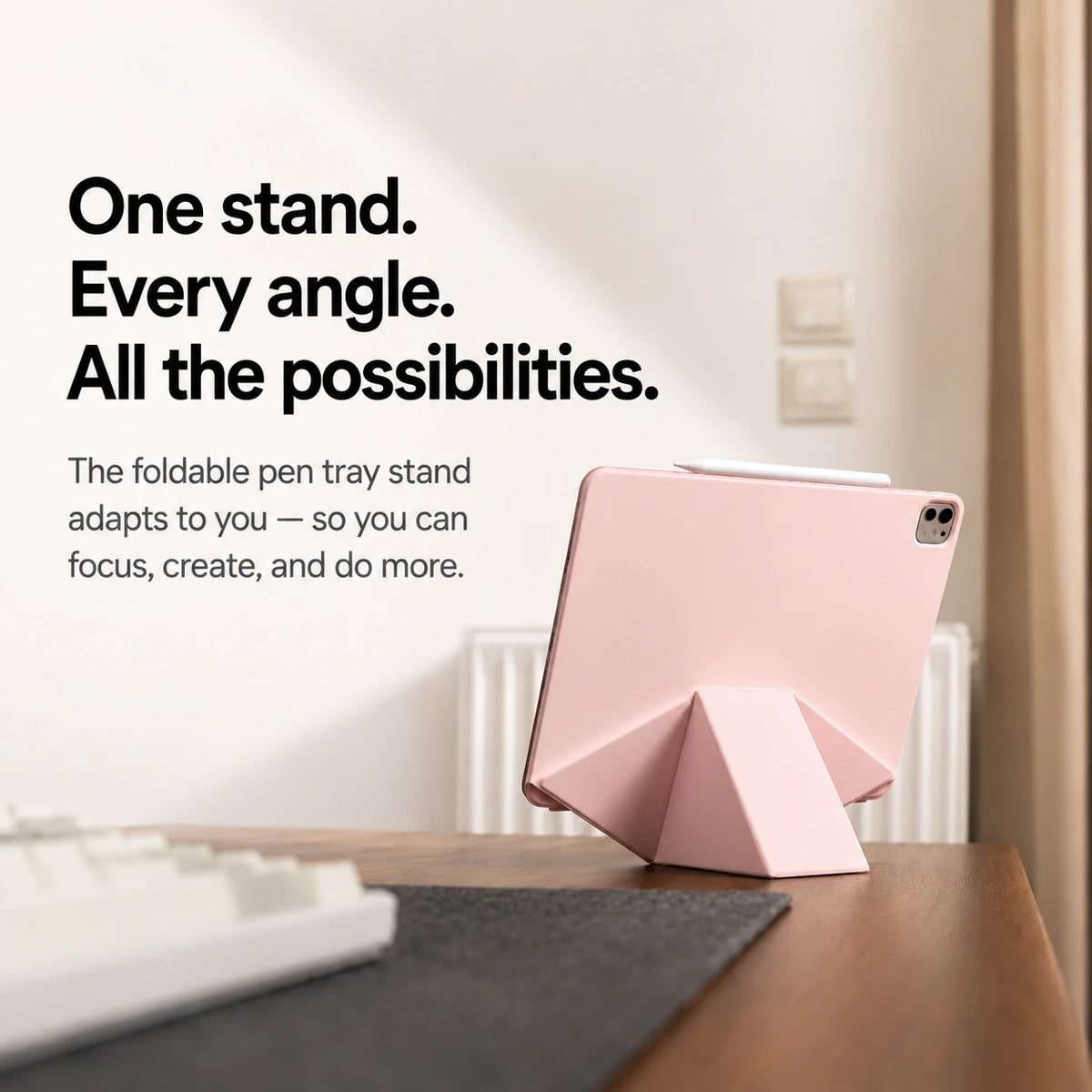

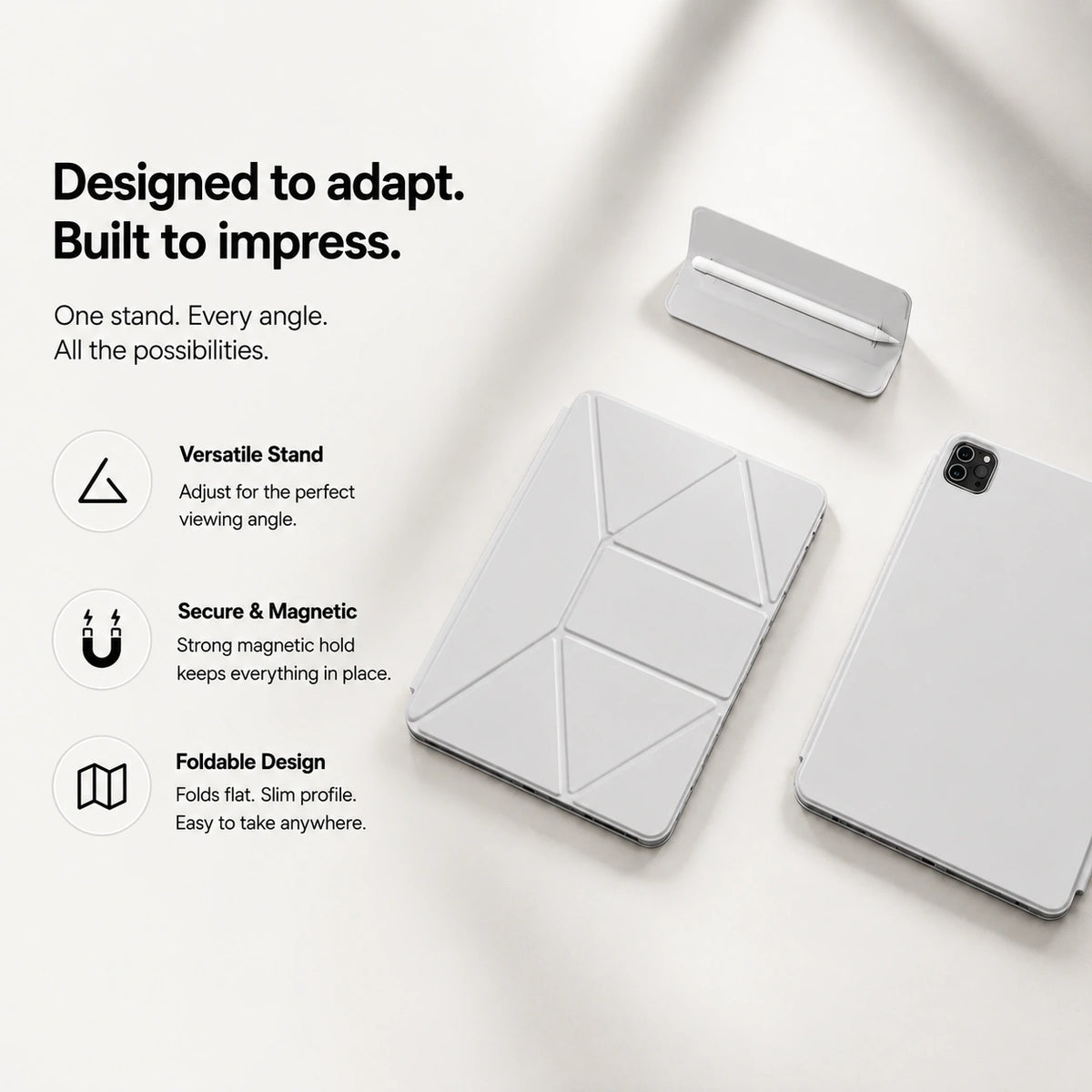

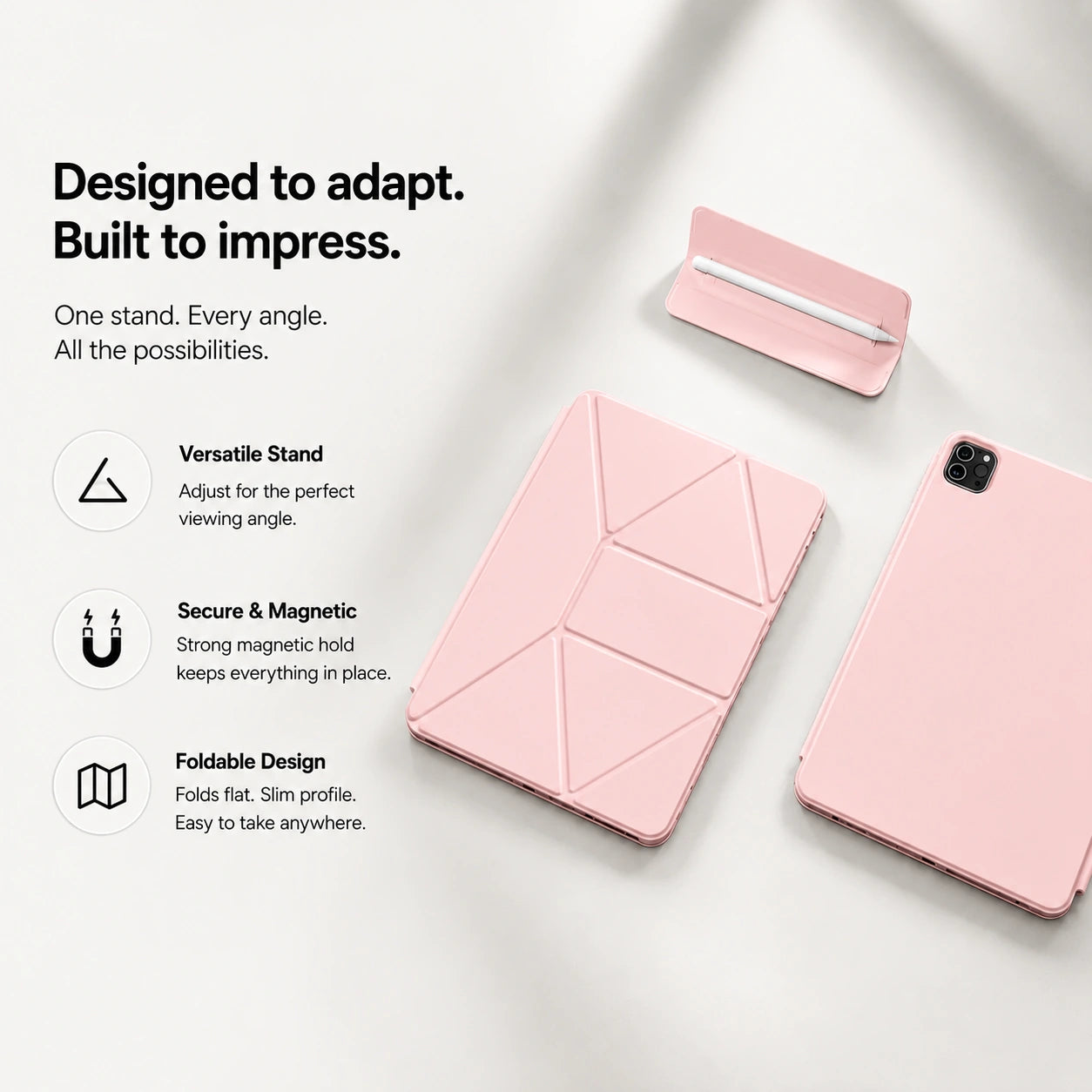


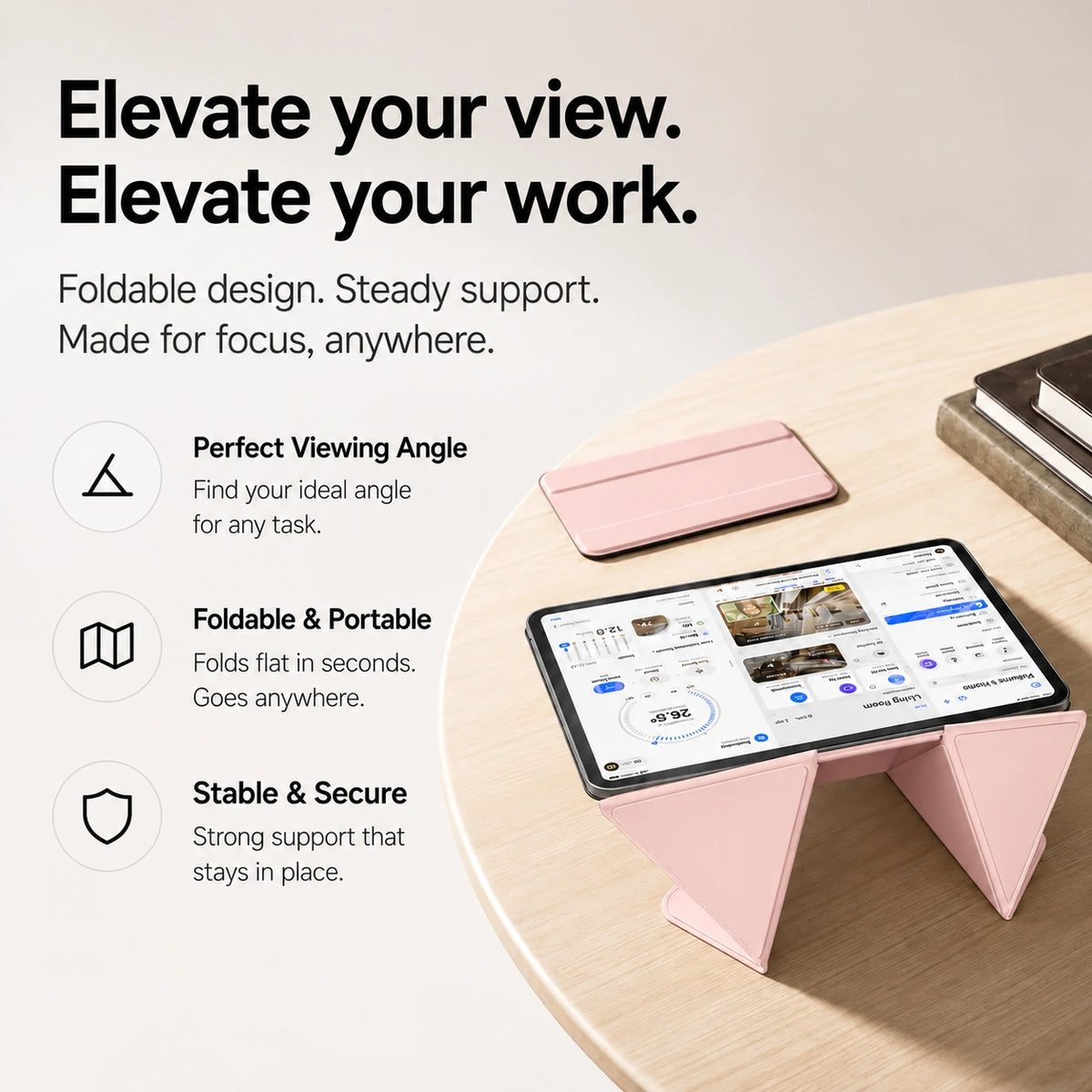
Built for anything you do
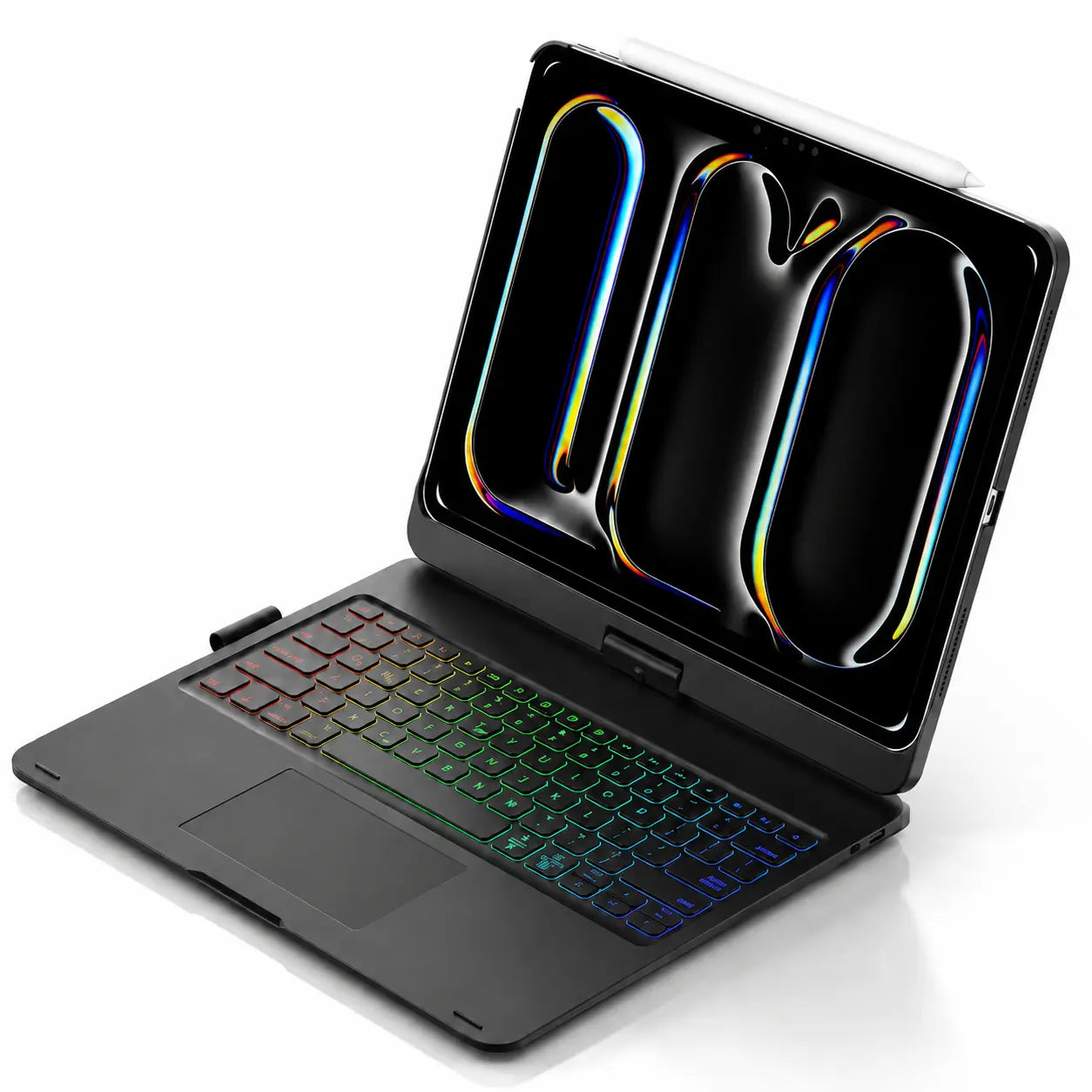
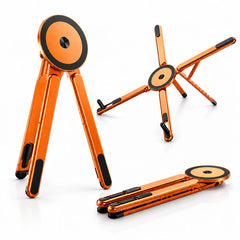
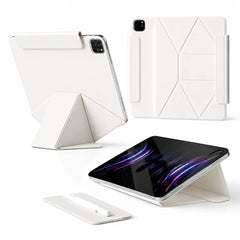
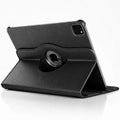
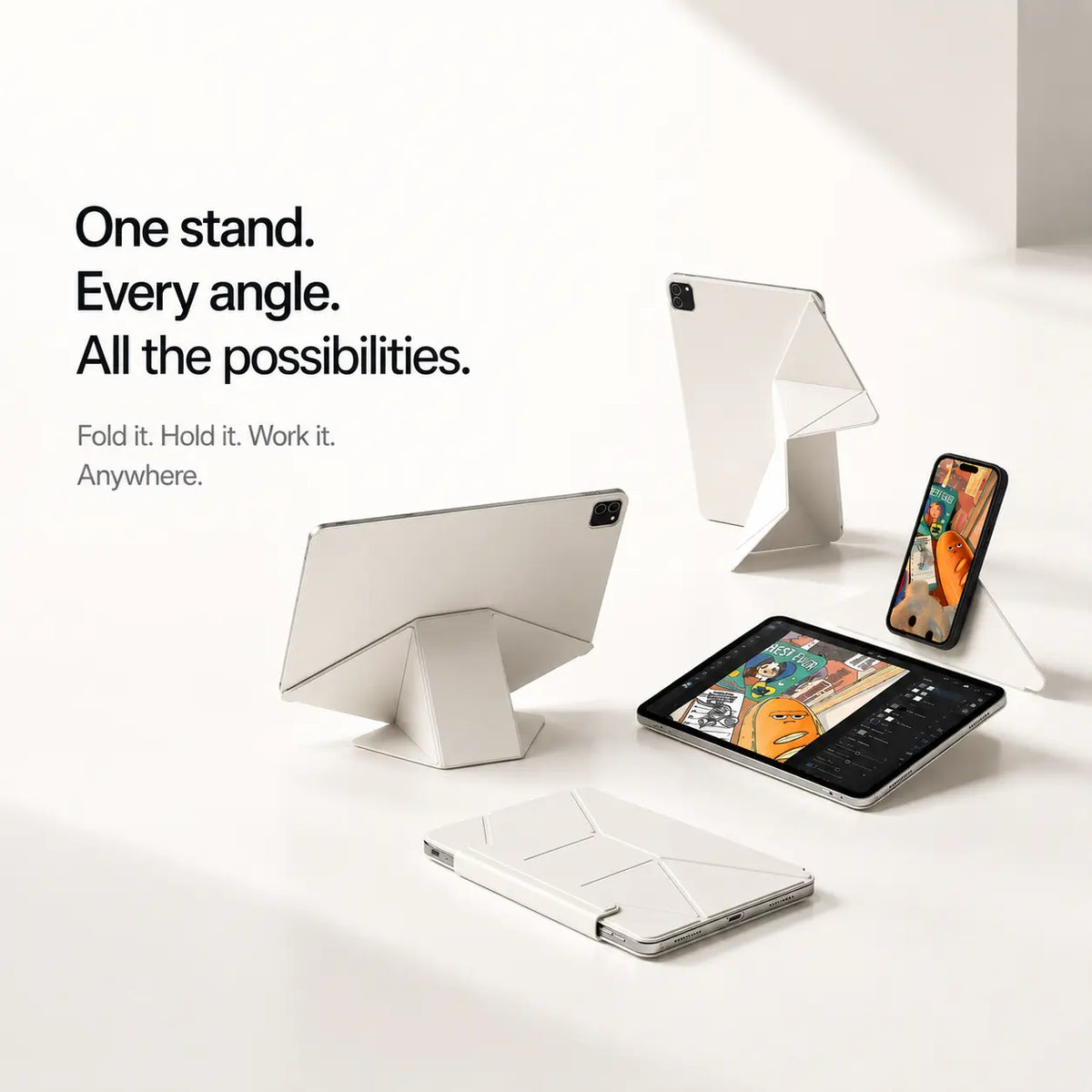
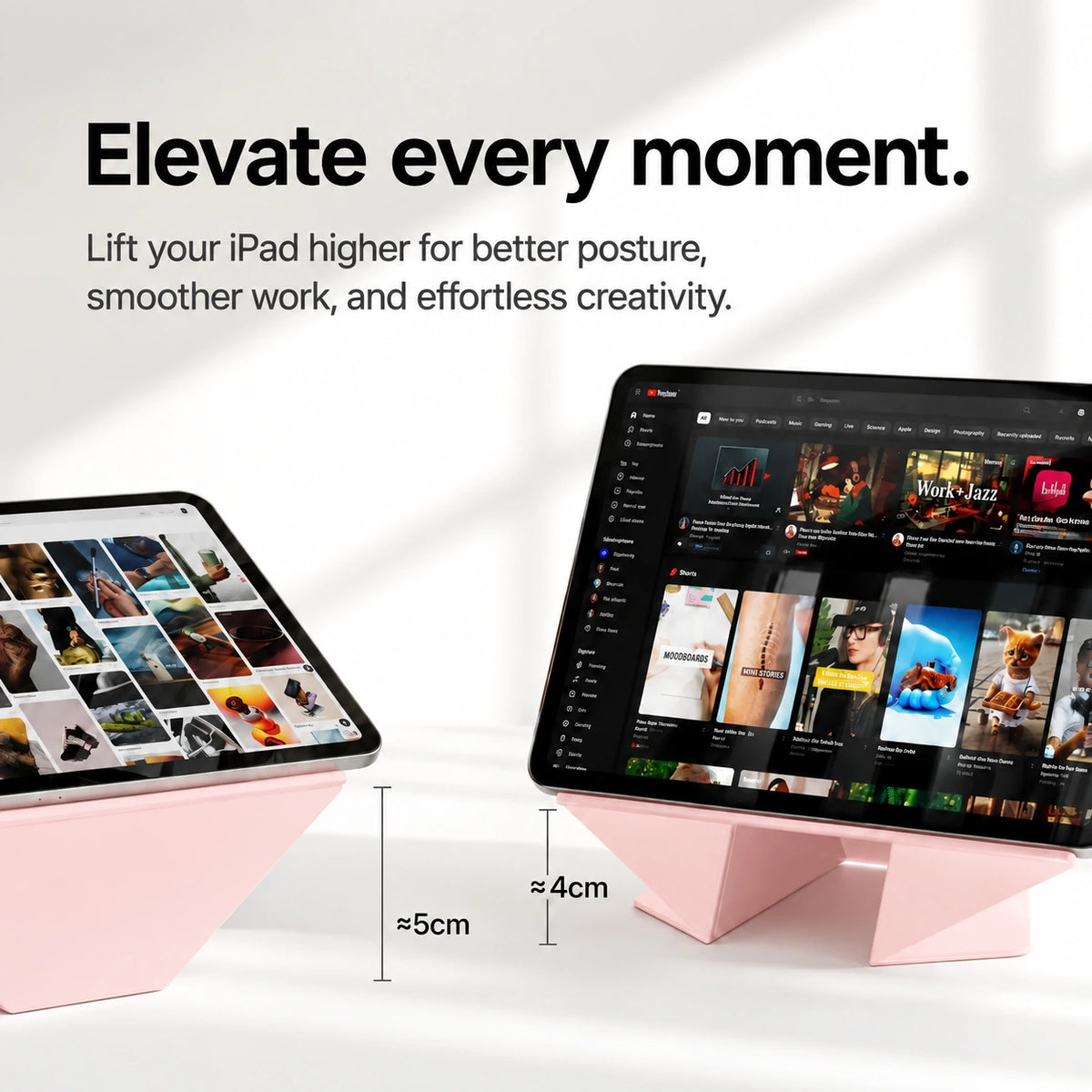
Set your iPad at a comfortable angle for sketching, streaming or work. Fold it away when you’re done.
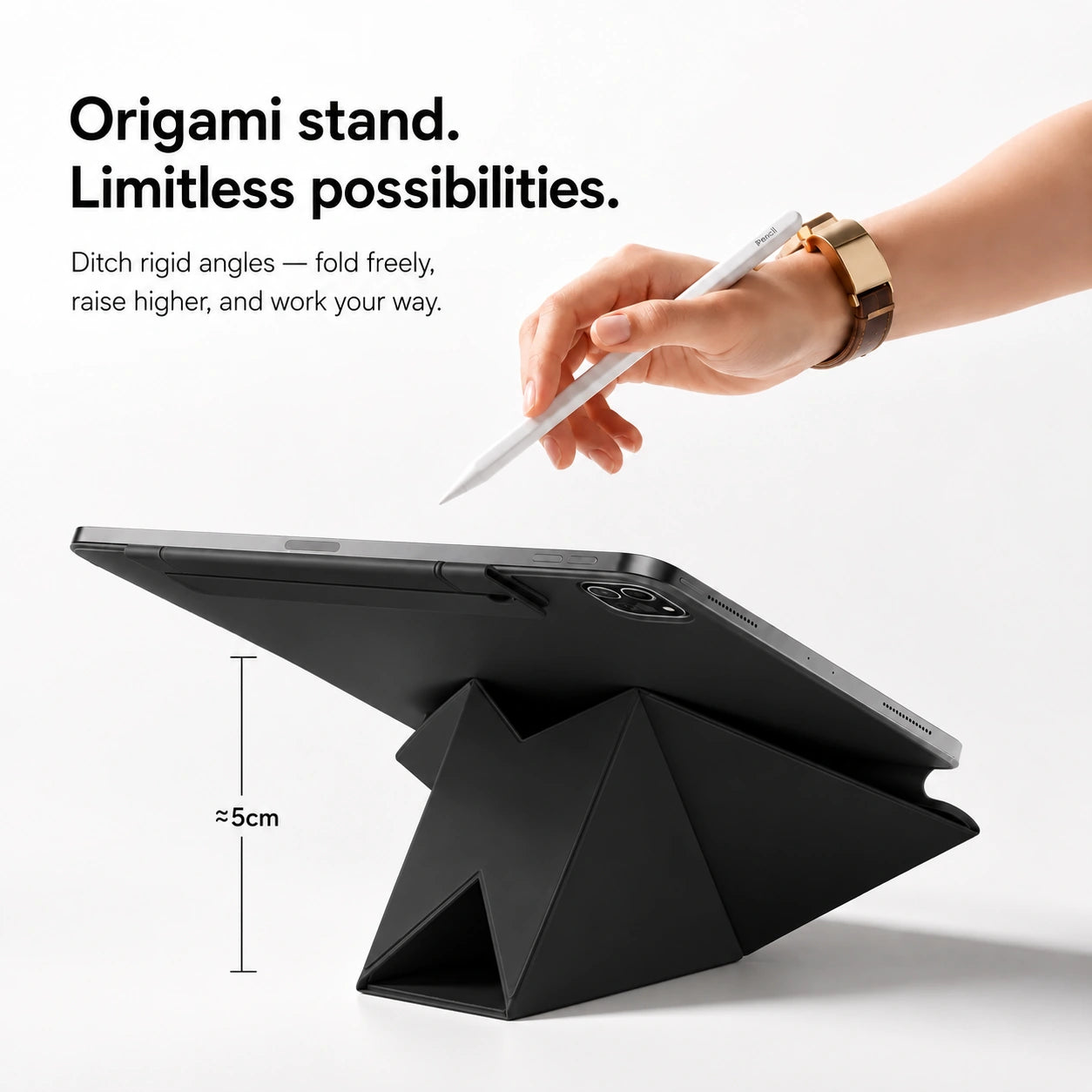
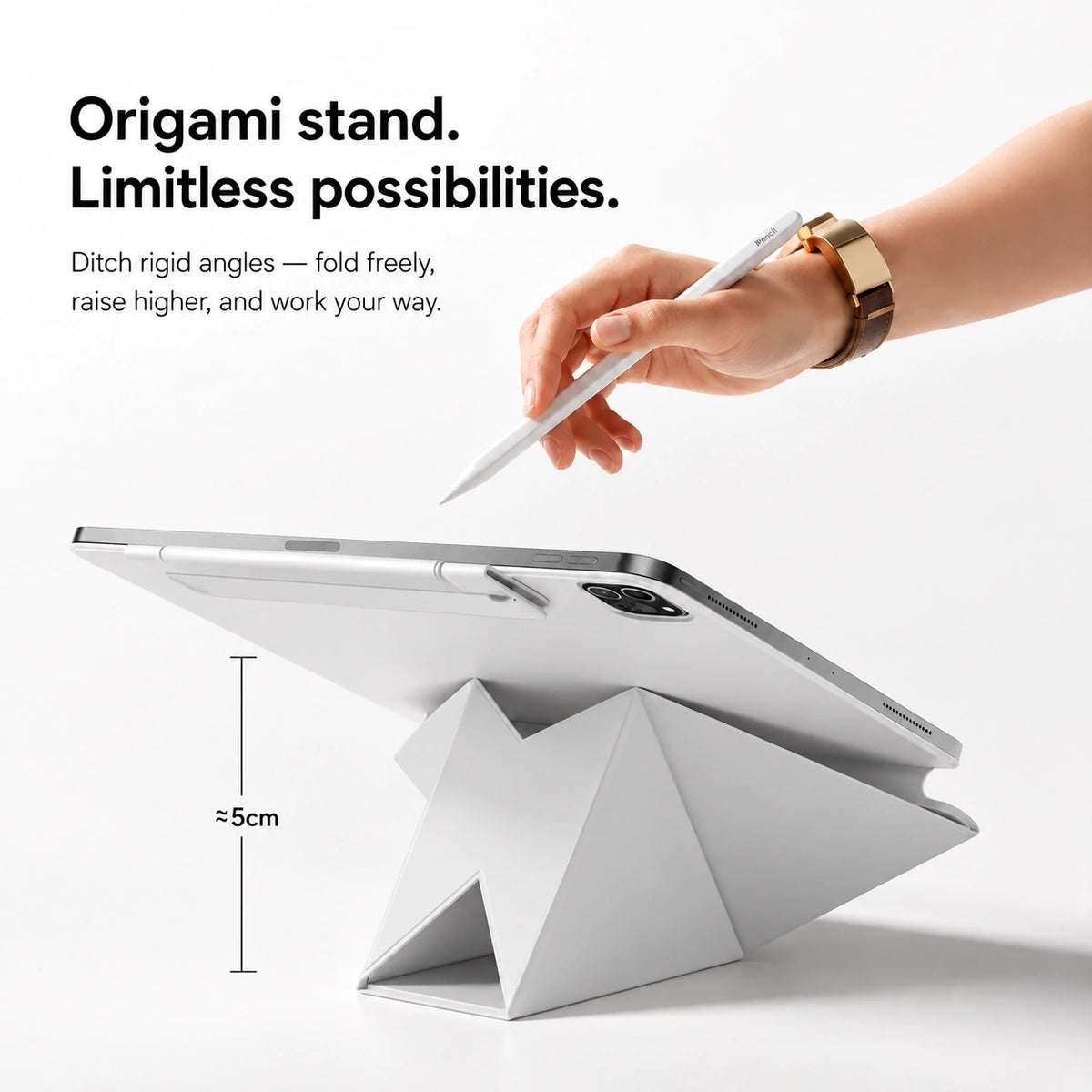
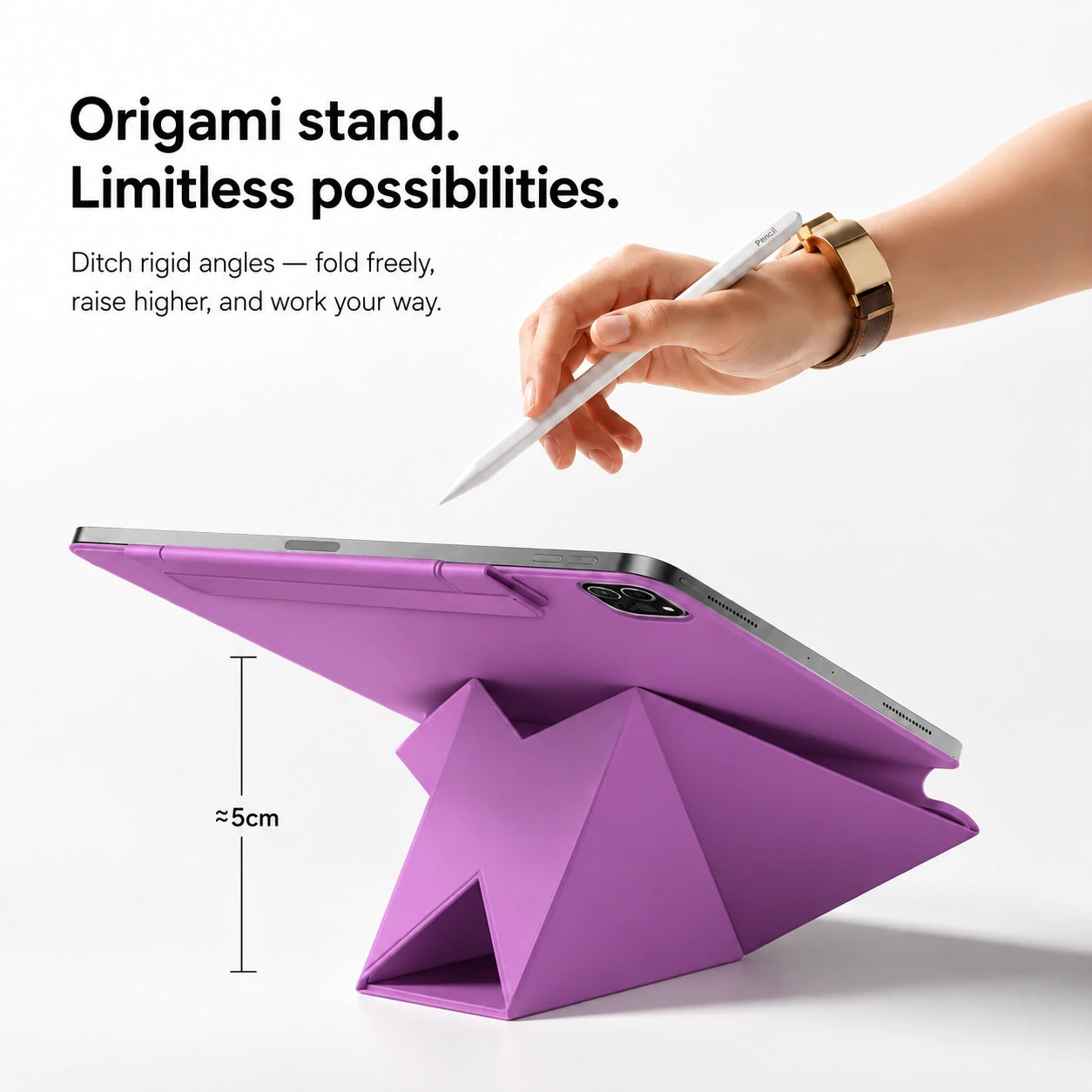
Stand your iPad comfortably
Magnetic support keeps your iPad positioned for work or viewing.
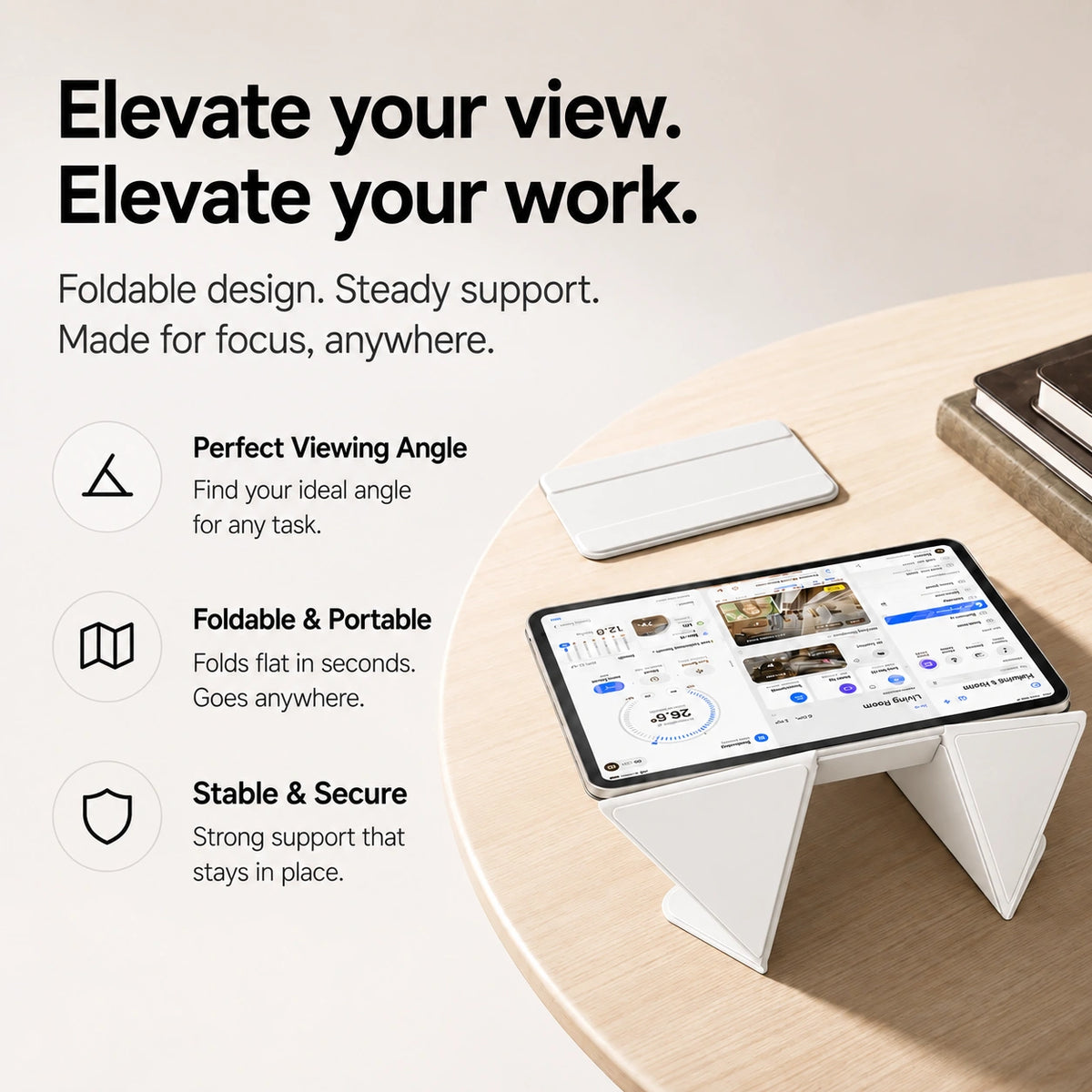
Change the angle, change the task
Adjust the stand for watching, reading, or working.
Find your comfortable setup
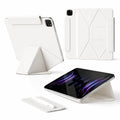
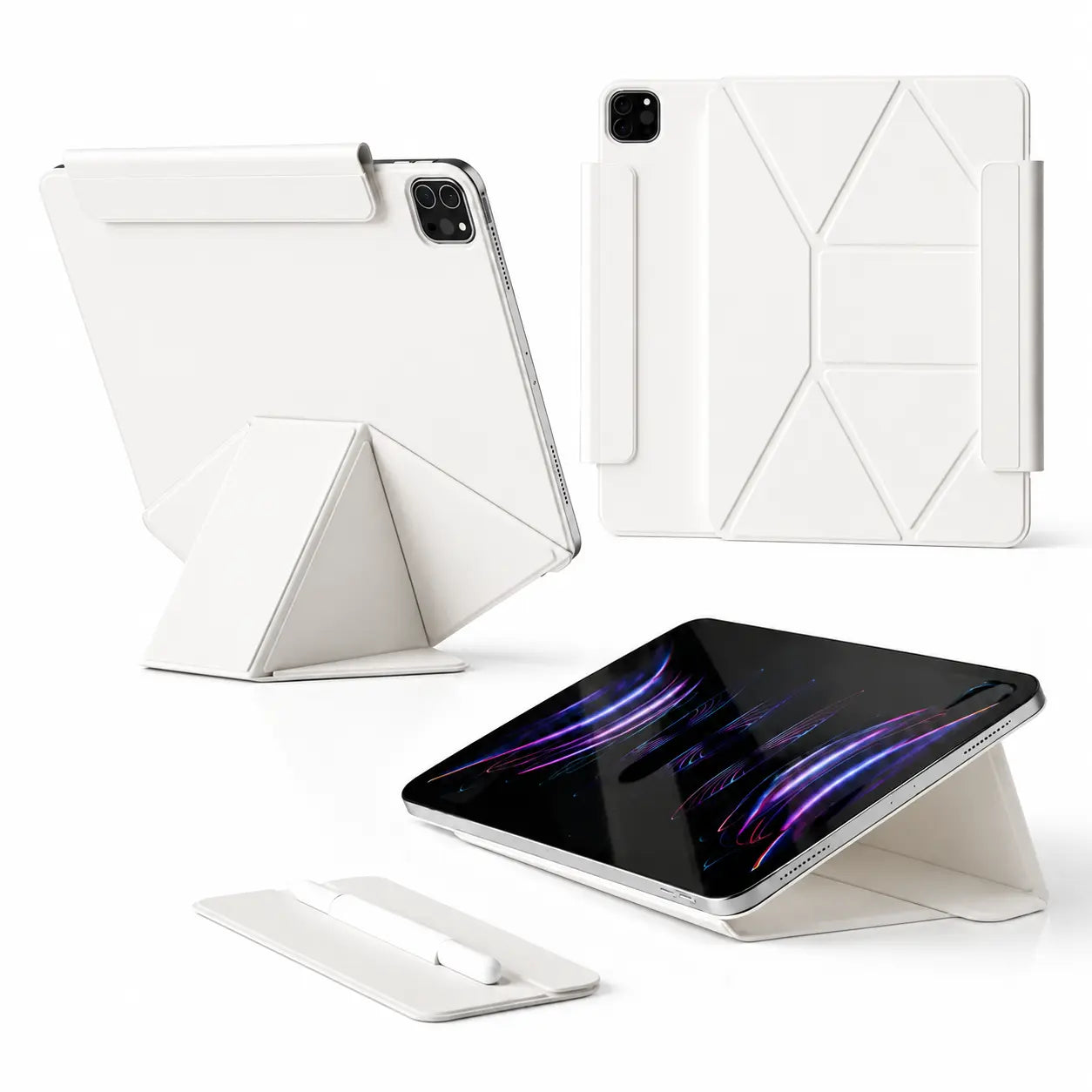
Fold the case to support your iPad where you use it.
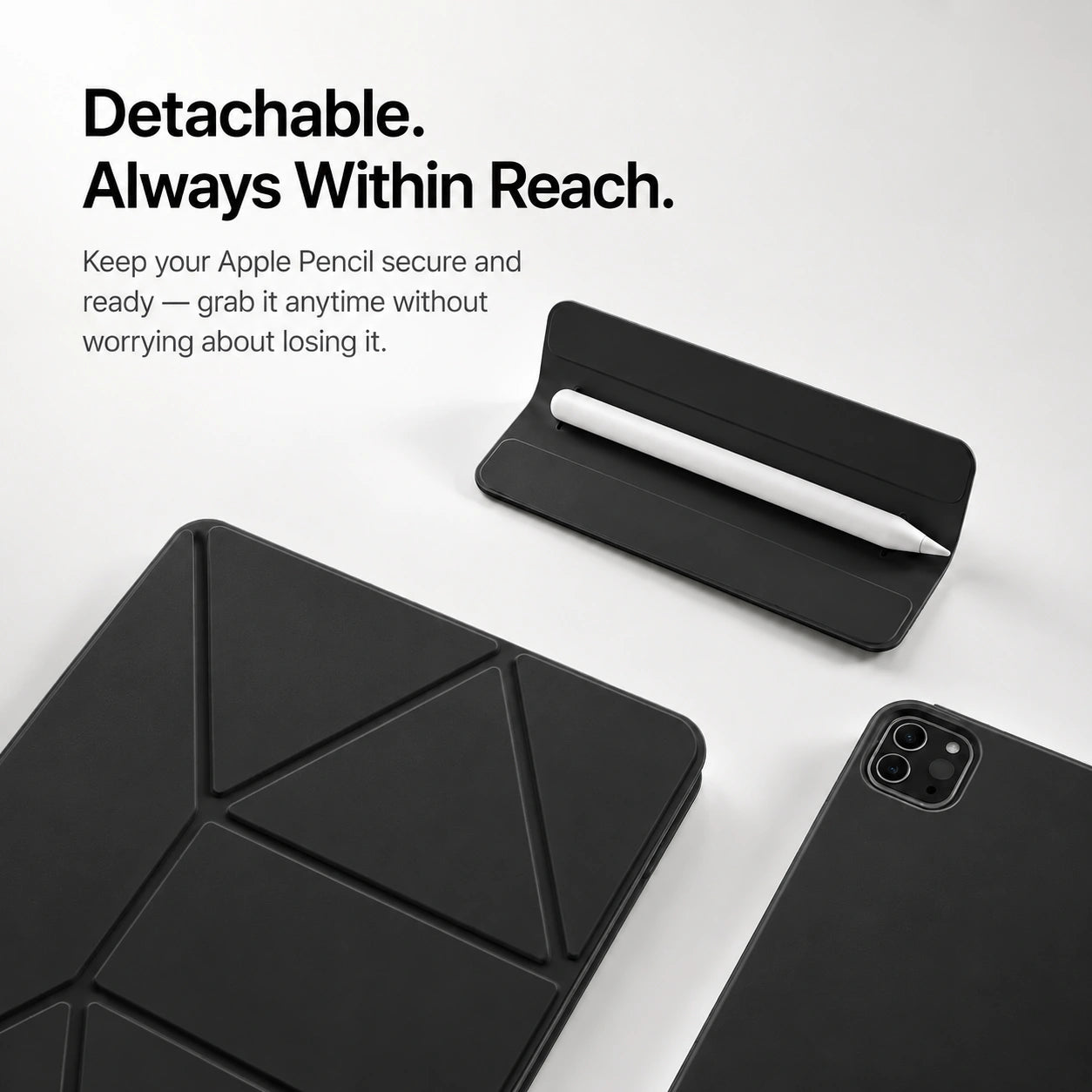
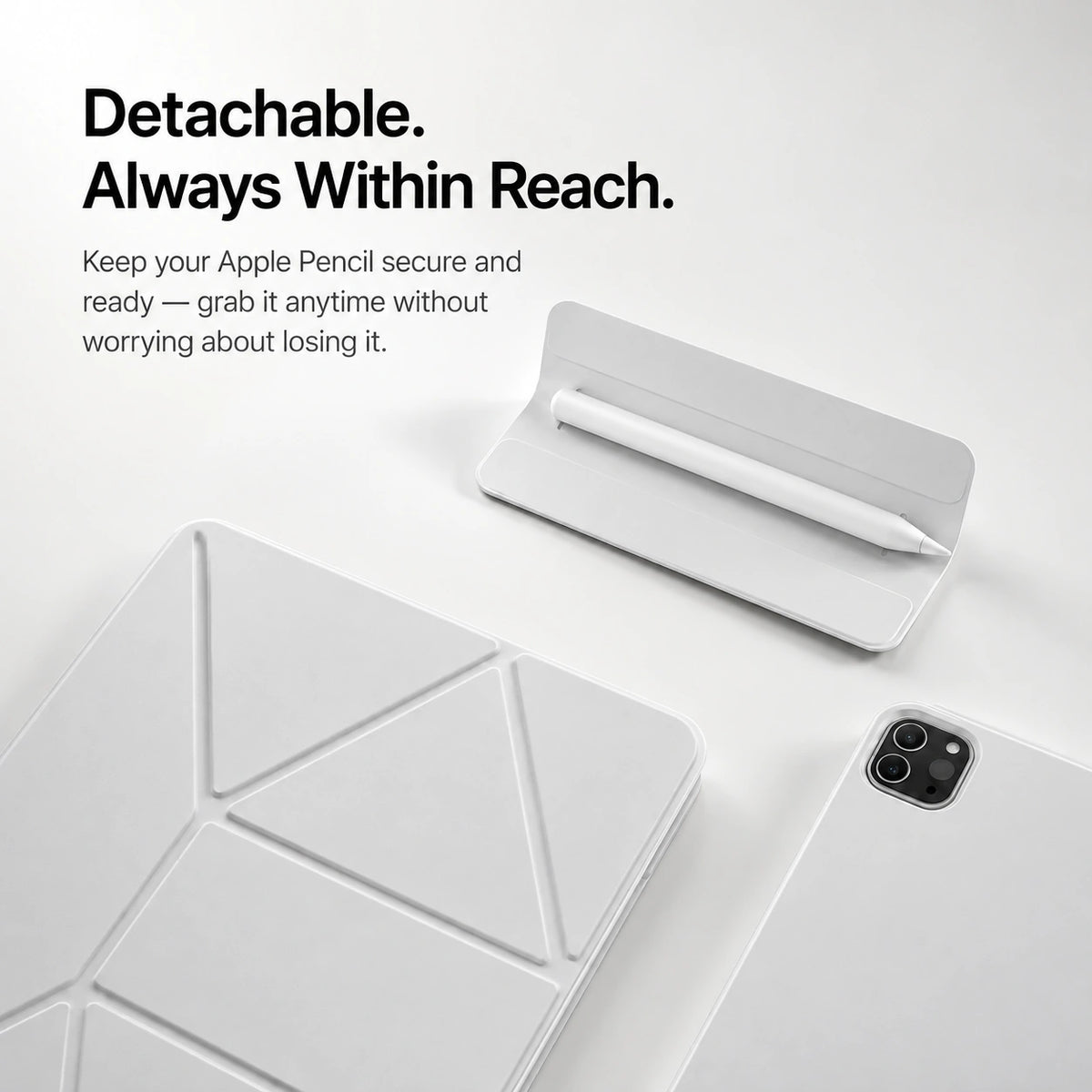
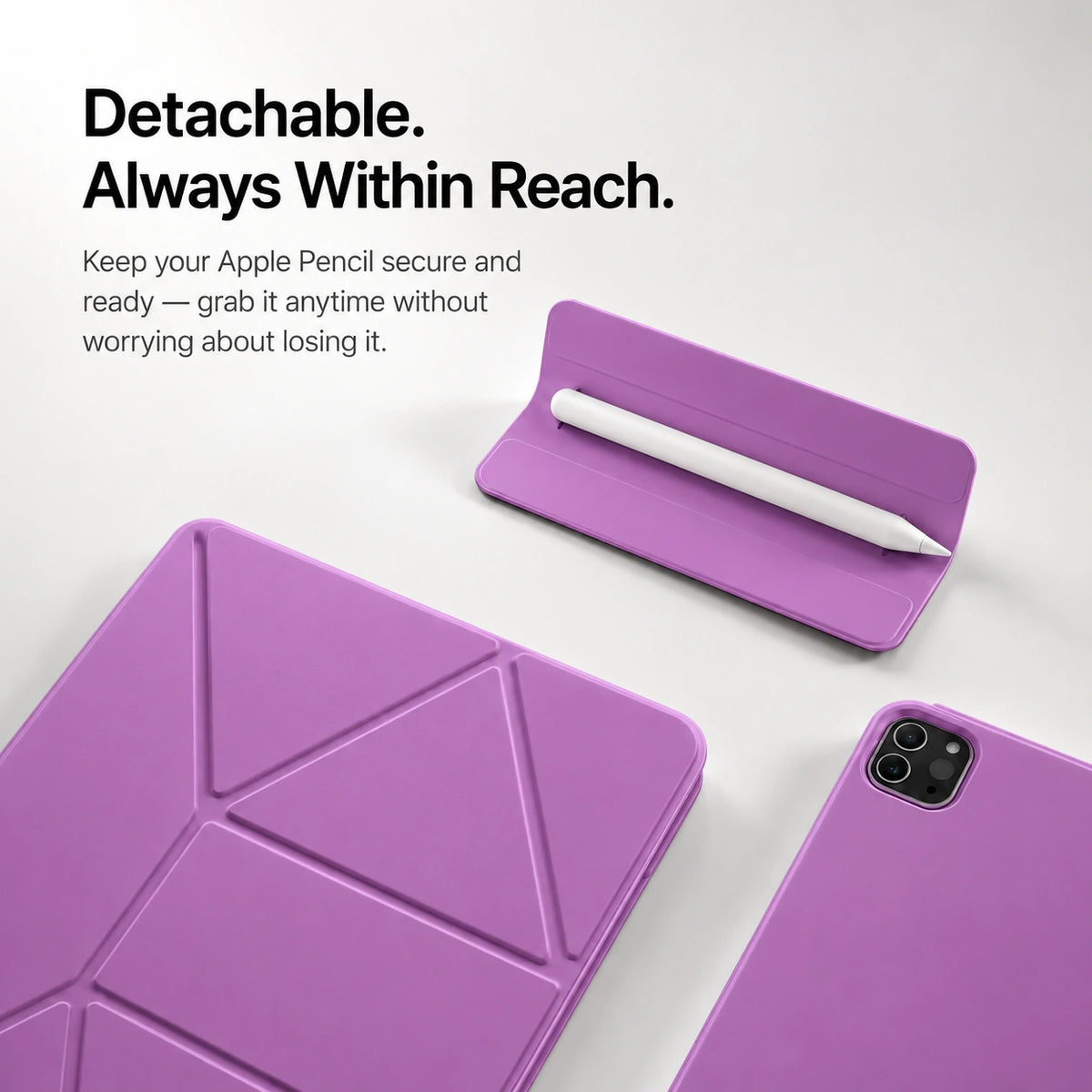
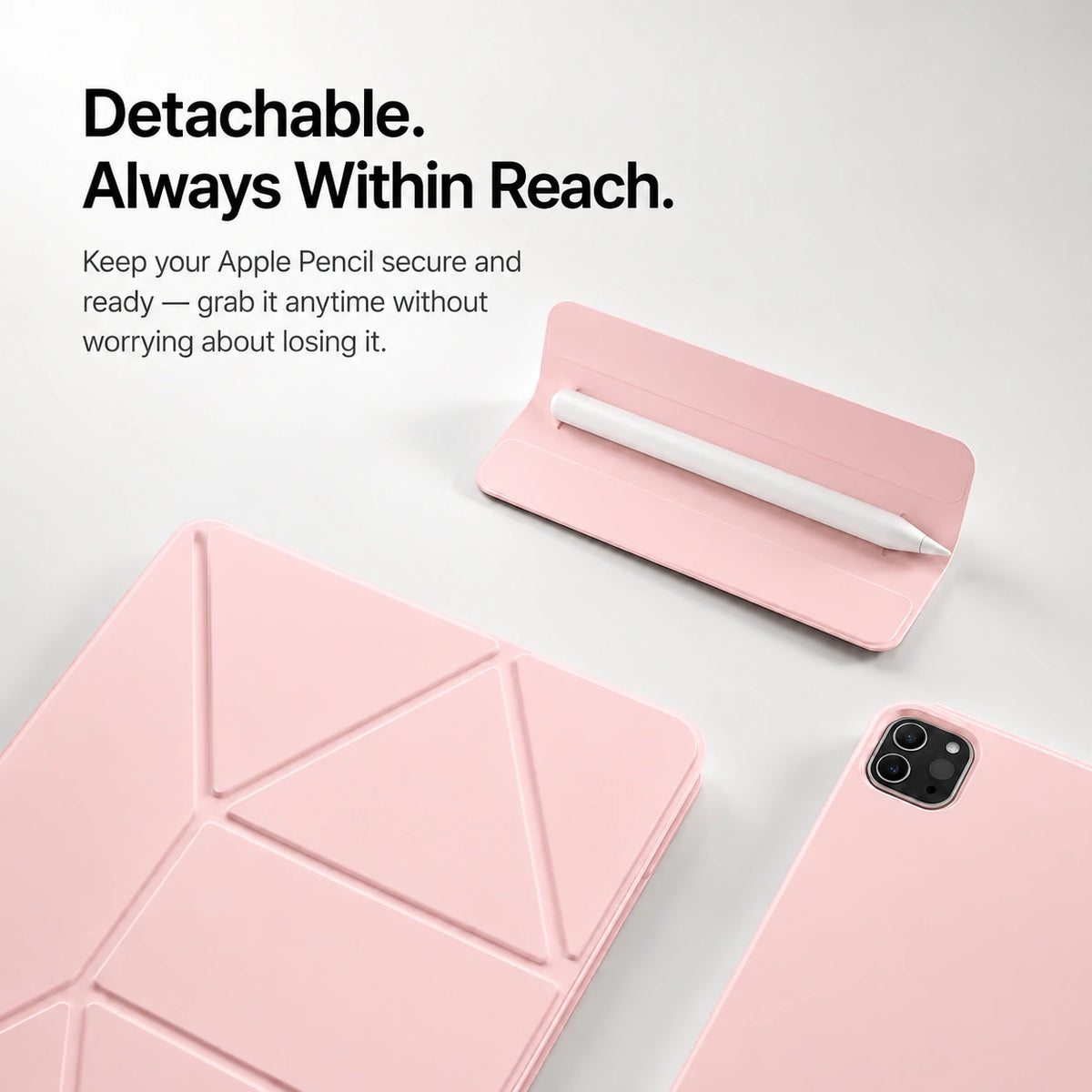
Keep your pencil close
The built-in holder gives your supported Apple Pencil a place to stay.
Set up a comfortable position for everyday tablet use.

Choose a lower angle for sketching and touch input.
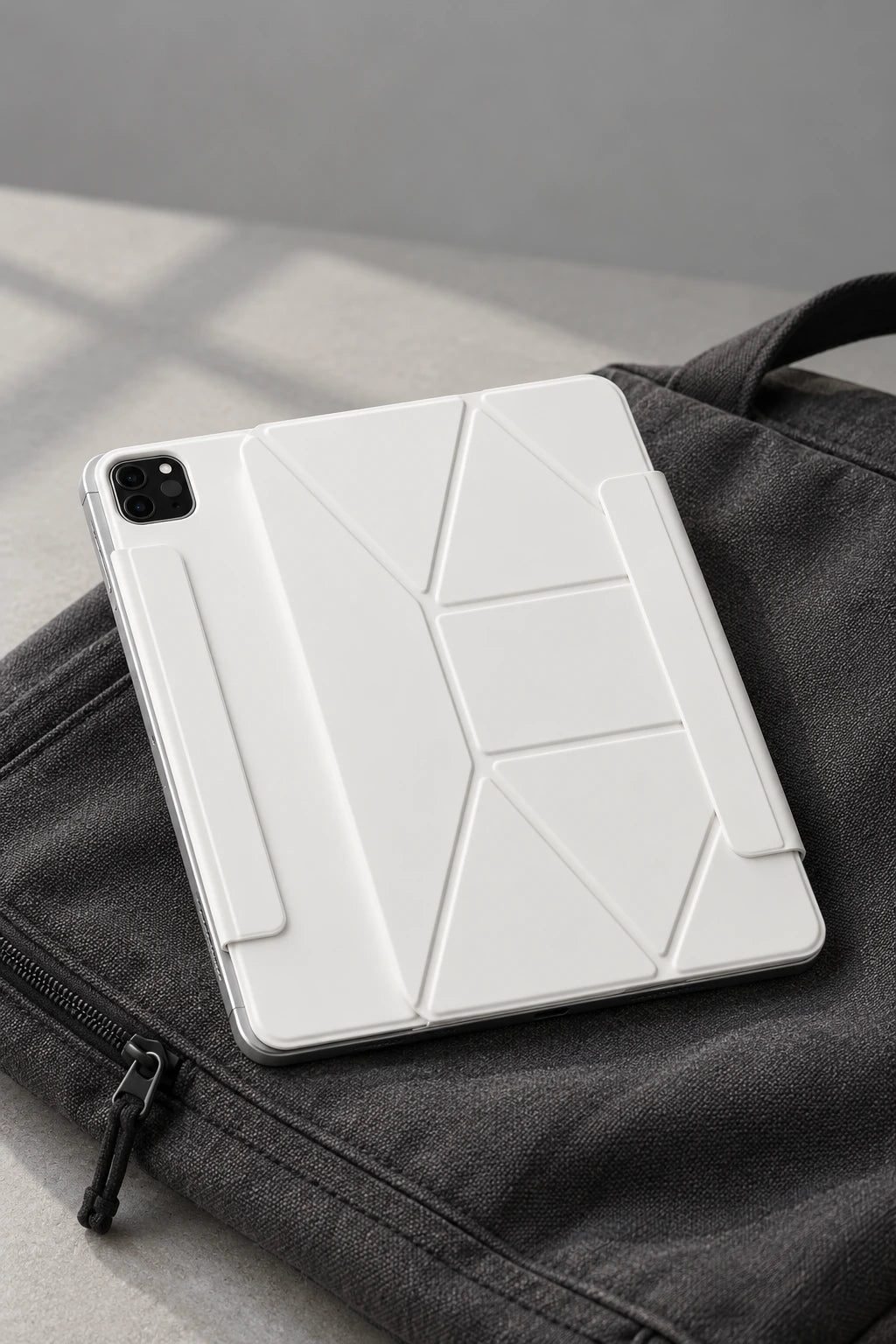
Fold the stand down for a slim setup in your bag.
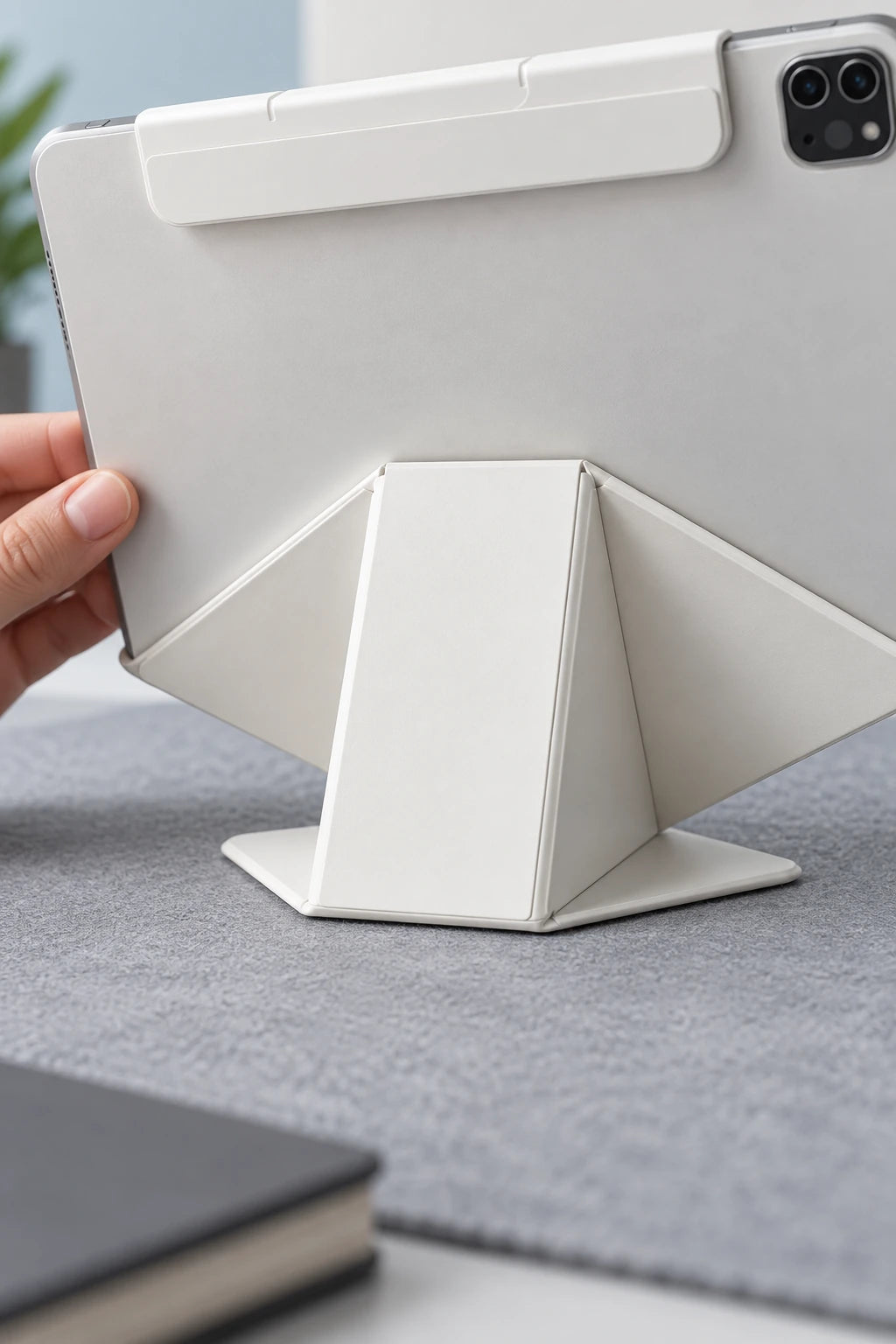
A magnetic connection keeps the tablet positioned on its stand.
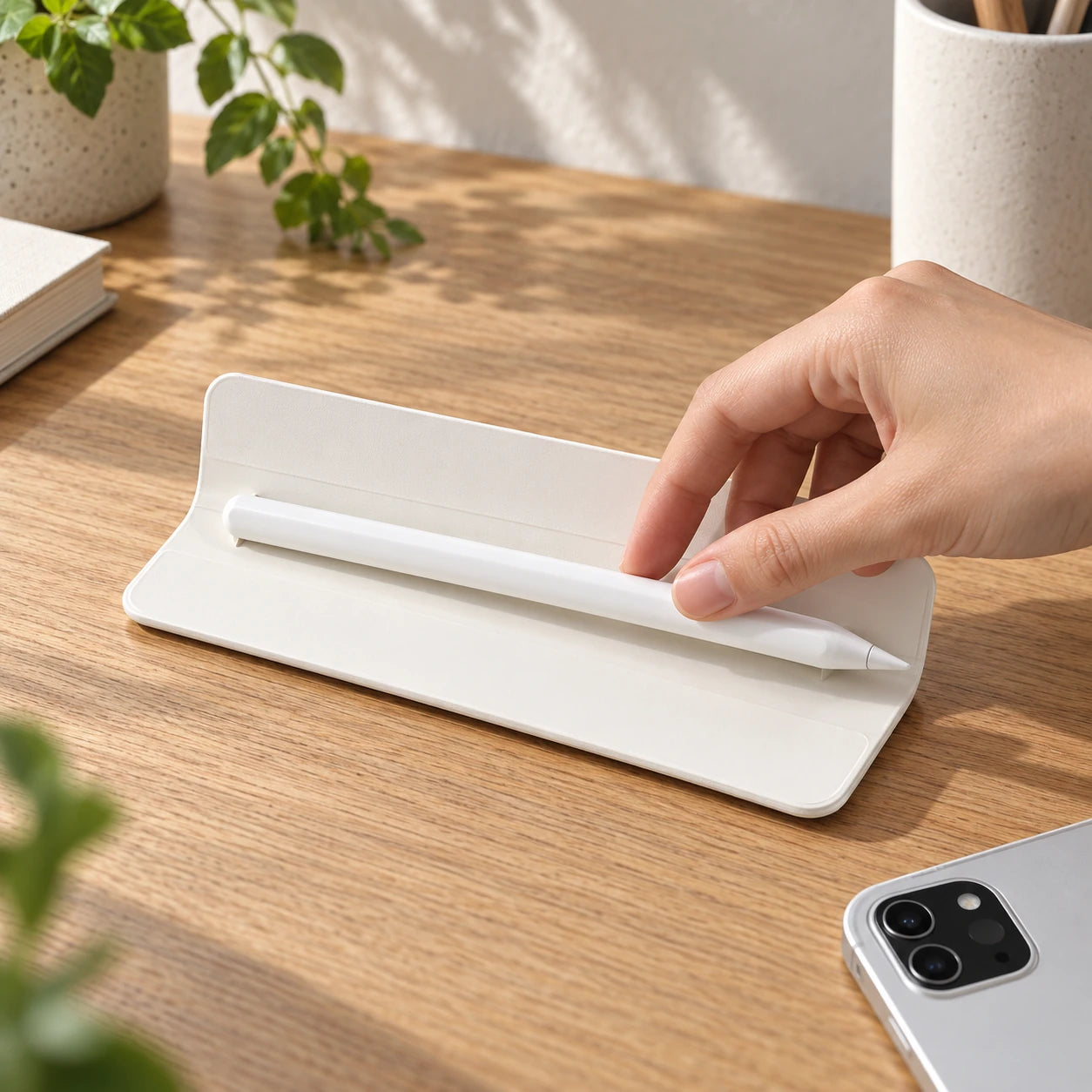
Keep your stylus close in the detachable holder.
| Stand | Magnetic folding stand with multiple viewing angles |
|---|---|
| Apple Pencil | Magnetic side mount with charging and storage support |
| Materials | Faux leather exterior, microfiber interior |
| Weight | Approx. 1.1 lb (500 g) |
| Features | Auto sleep/wake, shock-resistant, anti-dust, anti-slip |
Check Settings → General → About. Tap Model Number to see the A-number. Match the exact model before ordering.
No matching option is listed for this product. Check your model before ordering.
Choose your exact model in the device selector before adding to cart.
Magnetic iPad case with folding stand
Charging & storage support
Setup & compatibility
Available for selected iPad Air and iPad Pro models. Choose your exact model and size before checkout.
Yes. The magnetic back cover detaches easily for a lighter, more flexible setup.
Yes. Compatible Apple Pencil models can charge magnetically while stored on the side.
Yes. Your iPad automatically wakes when opened and sleeps when closed.
Wipe gently with a soft, damp cloth. Avoid harsh cleaning products.
On your iPad, open Settings → General → About. Match the Model Name to the selector above. If you need the A-number, tap Model Number, then look it up under Compatibility before choosing your exact model.
Overall rating: 4.8 / 5 from 12 reviews.

Exactly what I was looking for! I am now able to use my iPad in multiple positions, which all feel very sturdy. I'm happy with my purchase.

Good Case! Versatile Enough. The upright desktop like view is great. There are two ways fold for a flatter version which works great for artists. The extra magnetic flap to hold the pencil in place is a nice touch and very secure. I got the full version so it comes with a plastic mag safe case to protect the edges of my iPad. Easy to take off the iPad and back onto the magnetic film case. The texture of the material is great.

I can set my iPad at different angles for reading or drawing, and it always feels stable. The case also looks really clean and professional.

This case feels premium and well-made.

I use my iPad mostly for work, and this case makes typing and video calls so much more comfortable. It’s lightweight and folds exactly how I need it to.

Bought this for travel and it’s perfect. The stand adjusts easily on airplane trays or hotel desks, and the texture feels really nice to hold.
Truly amazing. From the photos it looks like it comes with a flat case cover which I did not receive. The case in the middle. I was expecting that too and with it it would have been perfect. https://evolvedchargers.com/cdn/shop/files/magnetic-ipad-case-folding-stand-slim-smart-cover-pen-holder-new_1.jpg?v=1765366854&width=1000
Love the simple folding stand. very solid and firm
It was 😌 great.
.
I prepared this as a birthday gift for my daughter, and I am very satisfied. The quality is excellent, which makes me even happier. Thank you.
Great item, fast shipping too
Useful additions for home, work and wherever you go.